About this app
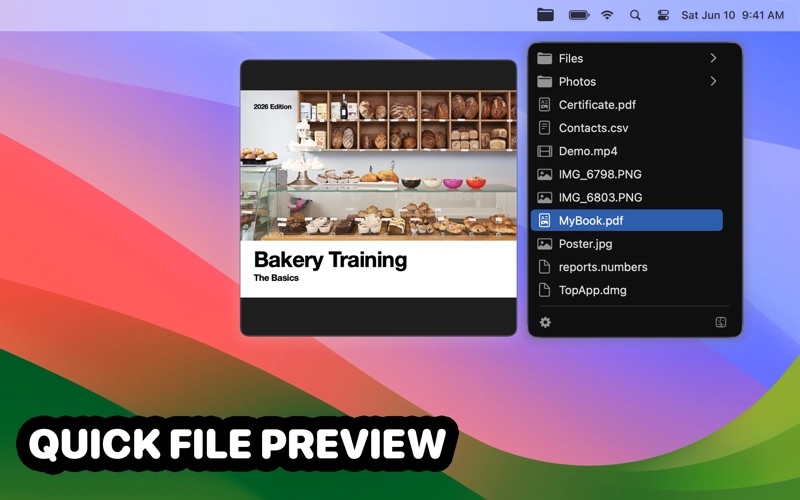
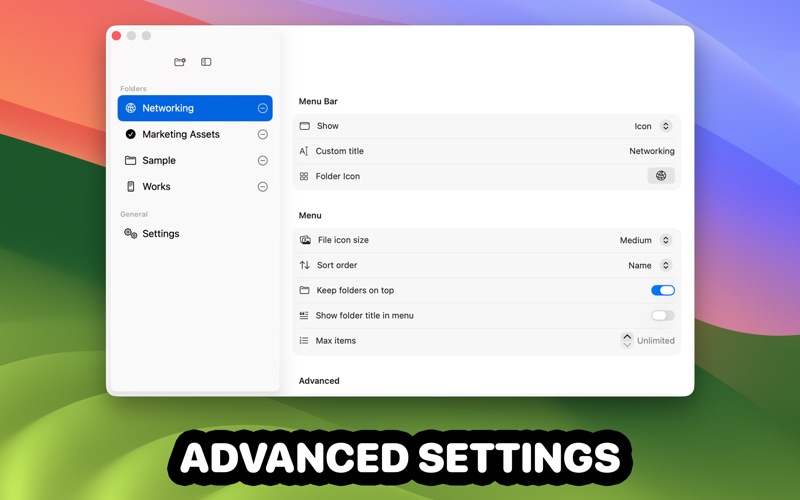
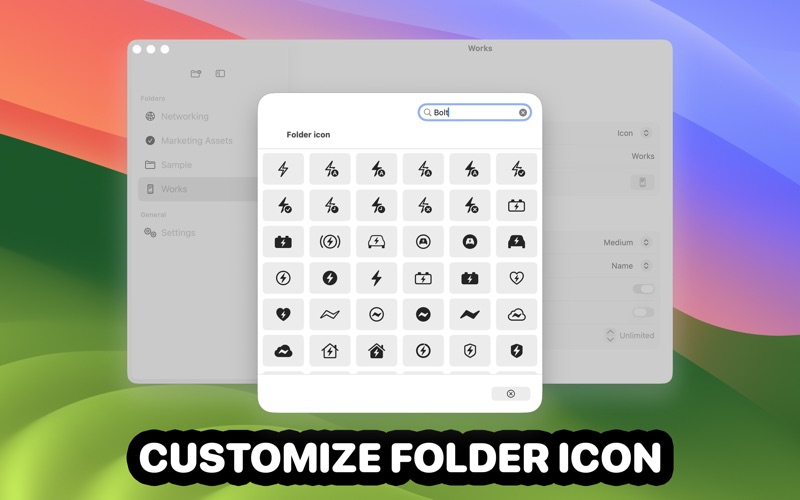
TopShelf is a lightweight menu bar app that keeps your important folders one click away. Add one or more folders to the menu bar. Open a folder menu to quickly browse subfolders and files, then open items instantly—or choose to reveal them in Finder instead. Customize each folder’s icon and title, control how items are sorted, and keep folders pinned to the top for faster navigation. Key features • Multiple folders in the menu bar: Add as many folders as you like. • Fast browsing: Navigate subfolders and open files directly from the menu. • Per-folder customization: Icon, title, or icon + title. • Sorting controls: Name, kind, size, date created, date modified. • Keep folders on top: Cleaner menus for mixed content. • Item limit: Set a max number of items per folder (or unlimited). • Keyboard shortcuts: Assign a shortcut per folder; optionally open at the pointer. • Quick Look: Preview files and use Open or Show in Finder. • Open at Login option.
Latest release
What’s New
- Folder Stack: Combine all folders into a single stacked menu item for a cleaner, easier overview. - Display Mode: Filter your pinned folder by files, folders, or both, so you can find what you need faster. - Clickable Folders: When you click a folder icon, it opens directly in Finder.
Audience growth
Ratings growth
Baseline captured. Growth appears after the crawler observes a changed rating count.
Momentum comes from crawler snapshots for the tracked storefront. “Viral growth signal” means unusually fast recent rating gains; it is an indicator, not download data.
Price tracking
Price intelligence
First snapshot captured. The trend line starts after the next crawler price observation.
- First observed Aug 23, 2026 · 6:43 PM $4.99
Screenshots