About this app
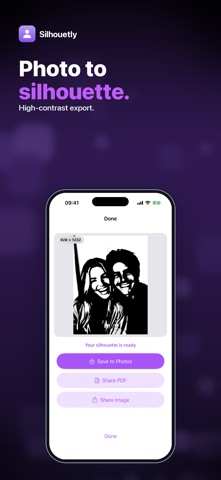
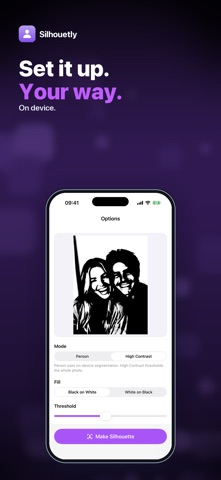
Want a clean silhouette of someone from a photo — for a craft project, a poster or a keepsake? Silhouetly turns a photo into a solid, high-contrast silhouette image, right on your iPhone. Pick a photo, choose a mode and fill, and watch the live preview update as you adjust. Then save the silhouette as a PNG image or a print-ready PDF. • PERSON MODE — on-device person detection fills the shape of the people in your photo and blanks out the background. • HIGH CONTRAST MODE — turns the whole photo into two tones, for objects, pets, logos or anything that isn't a person. A threshold slider sets how much gets filled. • BLACK ON WHITE OR WHITE ON BLACK — pick the fill that suits your print, cut or design. • EDGE SMOOTH — go from crisp to soft outlines. • PNG AND PDF — a high-resolution PNG (up to 3000 px) plus a PDF with the silhouette centered on an A4 or Letter page, ready to print or trace. • BATCH — with the unlock, pick up to 50 photos at once and get a silhouette for each with the same settings. Save to Photos, share the image or the PDF, or save to Files. The output is a solid two-color image, not a transparent cutout of the original photo, and person detection works best when the person stands out clearly from the background. Everything is processed on your device; your photos are never uploaded. Your first 3 silhouettes are free. A one-time $4.99 unlock gives you unlimited silhouettes and batch processing. No subscription, no ads. Questions: overlapmarr@gmail.com
Latest release
What’s New
Updated App Store listing. No changes to how the app works.
Audience growth
Ratings growth
Baseline captured. Growth appears after the crawler observes a changed rating count.
Momentum comes from crawler snapshots for the tracked storefront. “Viral growth signal” means unusually fast recent rating gains; it is an indicator, not download data.
Price tracking
Price intelligence
- First observed Aug 19, 2026 · 7:09 AM Free
Screenshots