About this app
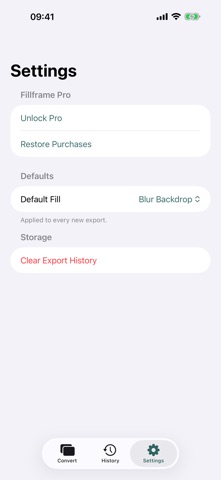
Fillframe converts any video to the exact aspect ratio your platform needs — vertical 9:16 for Reels, TikTok, and Stories, square 1:1 for feed posts, or widescreen 16:9 for YouTube — without cropping your shot or adding ugly black bars. Most converters force a choice: crop and lose part of your frame, or letterbox and waste screen space. Fillframe extends the frame instead. Pick from four fill strategies — a softly blurred backdrop, a matched solid color, mirrored edge pixels, or a smooth gradient — and preview each one live before you export. Drop in a video, tap a platform preset, swipe through fill previews, and export. Every preset locks in the correct pixel dimensions and a safe-zone guide so captions and on-platform UI never collide with your subject. Convert one video or several at once — apply a single configuration across a whole batch and let it process in the background. Every export is saved to a private, on-device history so you can find, re-export, or share it again later. Fillframe works entirely on your device. No account, no sign-in, no uploads — your videos never leave your phone.
Audience growth
Ratings growth
Baseline captured. Growth appears after the crawler observes a changed rating count.
Momentum comes from crawler snapshots for the tracked storefront. “Viral growth signal” means unusually fast recent rating gains; it is an indicator, not download data.
Price tracking
Price intelligence
First snapshot captured. The trend line starts after the next crawler price observation.
- First observed Aug 24, 2026 · 2:57 PM Free
Screenshots