About this app
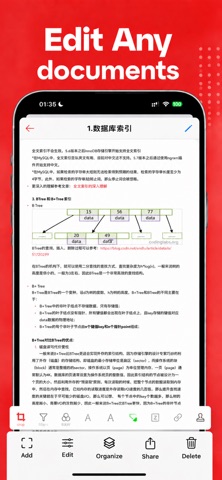
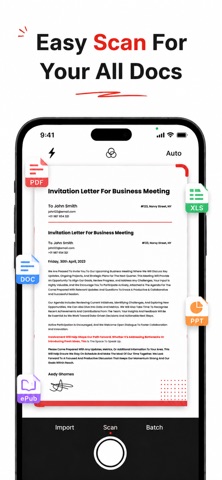
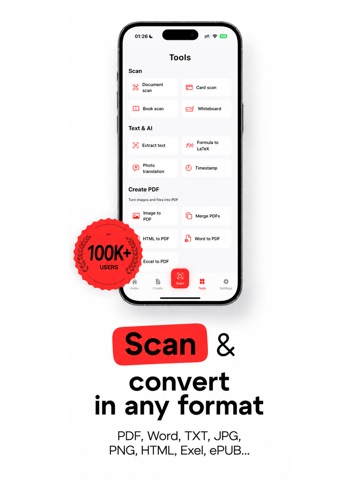
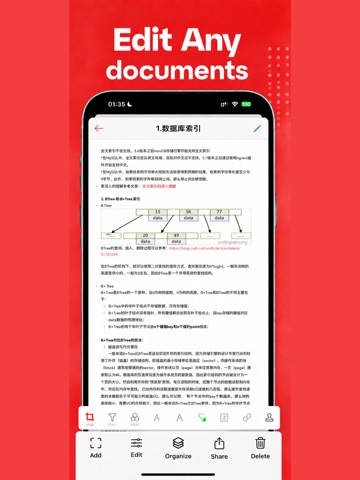
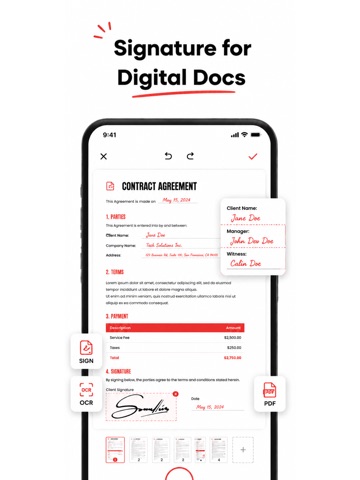
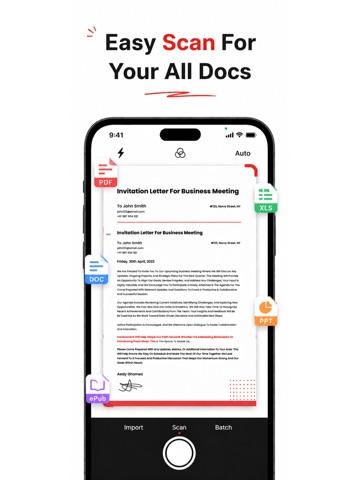
Everything you need for PDF work in one powerful, easy-to-use app. Convert, edit, scan, sign, annotate, and translate documents right from your iPhone or iPad. Whether you're a student, business professional, freelancer, or teacher, this all-in-one PDF toolkit saves you time and keeps your paperwork organized wherever you go. KEY FEATURES PDF Converter - Convert PDF to Word, Excel, PowerPoint, and images - Turn photos, Word, and other files into PDF - Merge, split, compress, and reorder pages PDF Editor - Edit text, images, and links directly in your PDF - Add, delete, rotate, and rearrange pages - Fill out forms quickly and easily Document Scanner - Scan paper documents, receipts, and IDs with your camera - Auto edge detection and crop for clean, sharp scans - Save multi-page scans as a single PDF OCR & Translation - Extract text from scanned pages and images - Recognize text in multiple languages - Translate documents into the language you need Sign & Annotate - Create and add your electronic signature - Handwrite notes and draw directly on pages - Highlight, underline, add comments and sticky notes - Add watermarks, stamps, and dates WHY YOU'LL LOVE IT - Clean, intuitive design that's simple to navigate - Fast performance, even with large files - Keep all your documents neatly organized - Share and export in just a few taps PERFECT FOR - Signing contracts and business agreements - Scanning receipts and expense reports - Marking up study materials and lecture notes - Filling out and returning forms - Converting files for work or school Manage your documents smarter. Download now and take control of every PDF. Privacy Policy: https://scan.aonovel.com/privacy.html Terms of Use: https://scan.aonovel.com/terms.html Support: yomtaaa998@gmail.com
Latest release
What’s New
Version Update: - Improved stability for continuous multi-page scanning and reduced memory usage. - Added save and restore for scan drafts, so you can resume scanning after unexpected interruptions. - Support multi-select, select all and batch sharing of files. - Added ZIP package sharing to send multiple PDFs at once. - Optimized bottom navigation layout and refined multilingual texts.
Audience growth
Ratings growth
Momentum comes from crawler snapshots for the tracked storefront. “Viral growth signal” means unusually fast recent rating gains; it is an indicator, not download data.
Price tracking
Price intelligence
- First observed Aug 27, 2026 · 7:42 PM Free
Screenshots