About this app
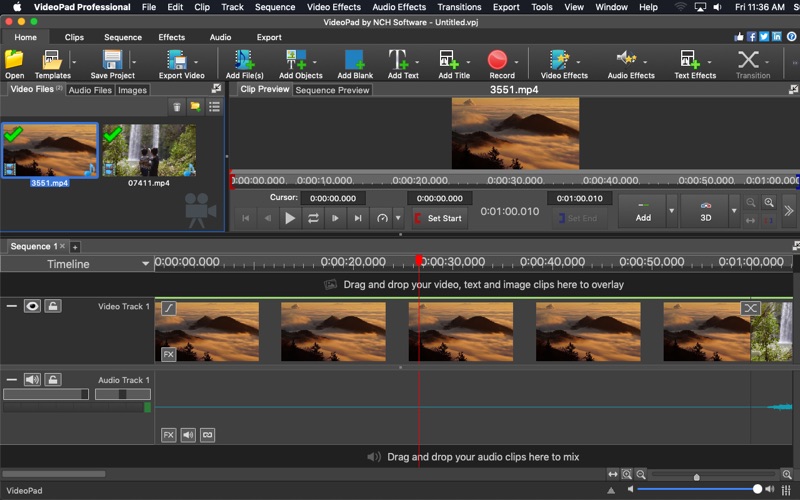
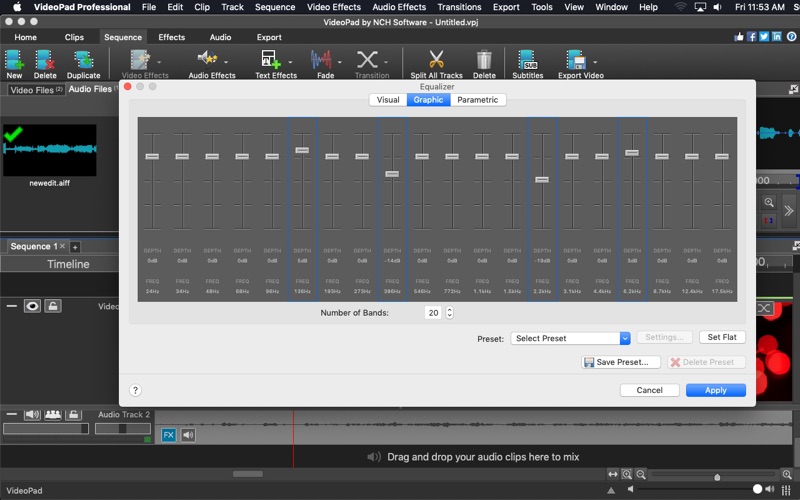
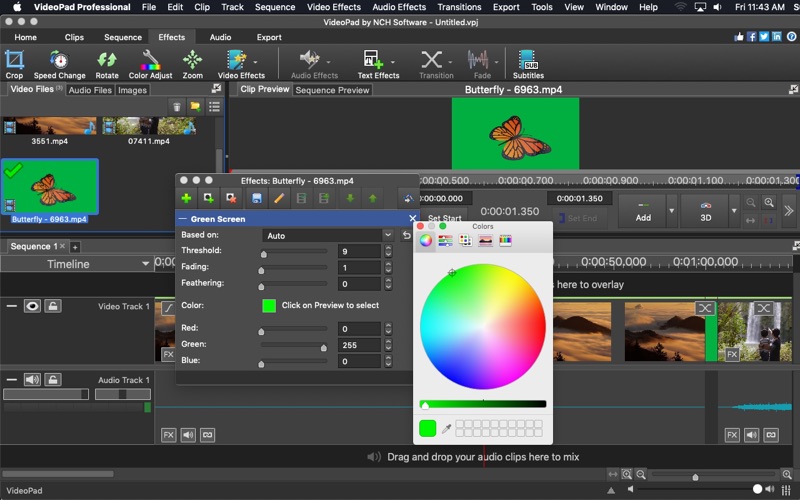
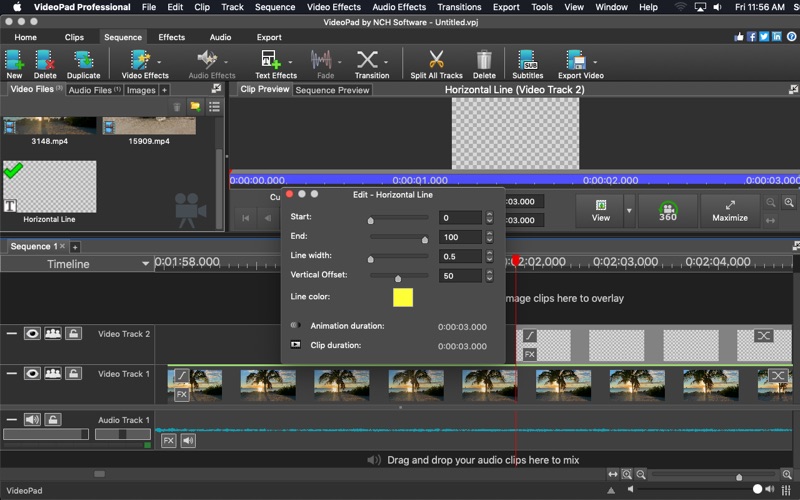
VideoPad Professional **This is a Paid Trial Subscription App** Quick and easy-to-use, VideoPad Professional is the perfect way to create stunning movies in minutes! Simply drag and drop your video and audio files into the timeline or record your own audio and video directly on VideoPad from scratch. Edit your project using editing tools, such as cut, copy, paste, duplicate and split. Then, customize your project by applying fun transitions or by using one or more interesting effects, like: dream, fisheye, raindrops, dots, or diffuse. Take advantage of the VirtualDub plugin to add thousands upon the already many effects that are available. Add a title card and chose from templates with various animated effects. Edit from many different video formats and even edit your 360 videos. Adjust audio by using audio effects, including: chorus, compression, and distortion. Once your movie is perfectly made, share it! You can enjoy the convenience of sharing your movie directly online on Facebook, YouTube, Dropbox, GoogleDrive, and Flickr. Also, make a hard copy by burning it directly to DVD, or a portable device. VideoPad Video Editor is a one-stop-shop for making memorable videos for the new or pro movie maker! Supported file formats include: avi, mpeg, wmv, divX, Xvid, APGN, mp4, mov, vob, H.264, ogm, gif, jpg, png, bmp, tif, wav, mp3, m4a, mid, aiff, ogg, raw, dvf, and more.
Latest release
What’s New
Minor improvements, including bug fixes and support for existing paying users
Audience growth
Ratings growth
Baseline captured. Growth appears after the crawler observes a changed rating count.
Momentum comes from crawler snapshots for the tracked storefront. “Viral growth signal” means unusually fast recent rating gains; it is an indicator, not download data.
Price tracking
Price intelligence
First snapshot captured. The trend line starts after the next crawler price observation.
- First observed Sep 2, 2026 · 9:06 PM Free
Screenshots