About this app
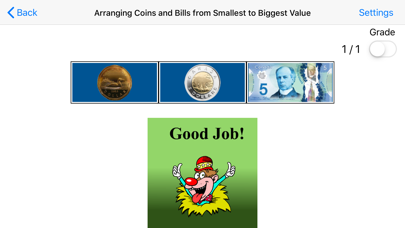
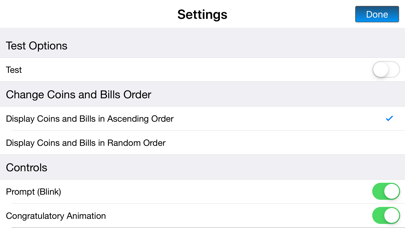
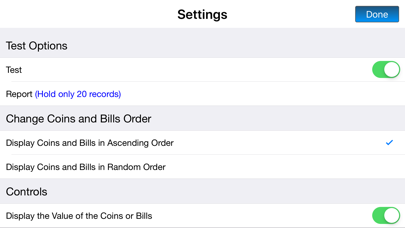
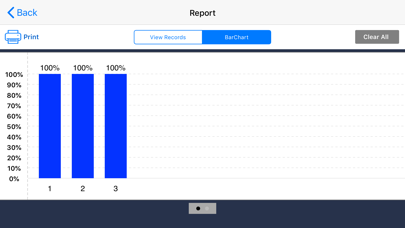
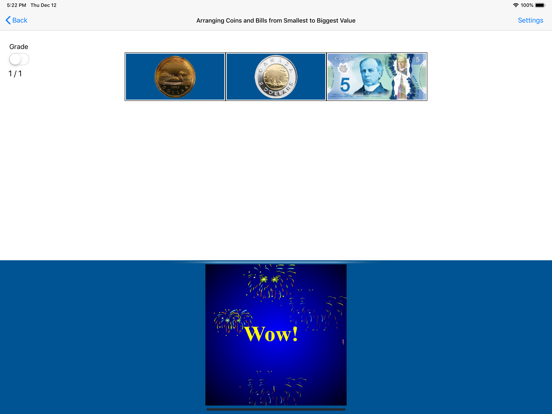
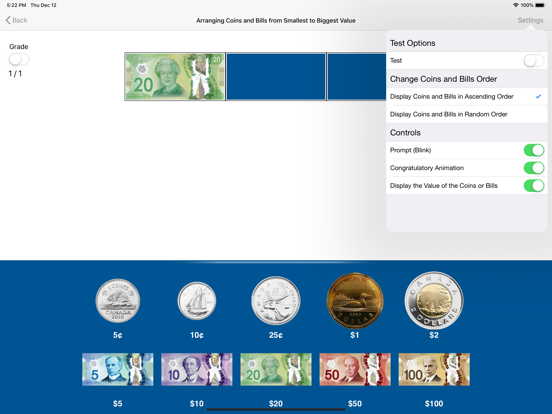
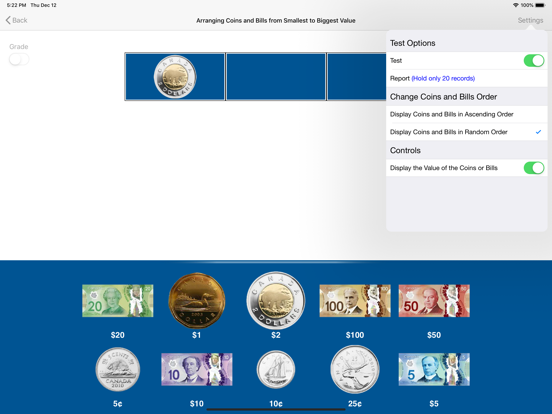
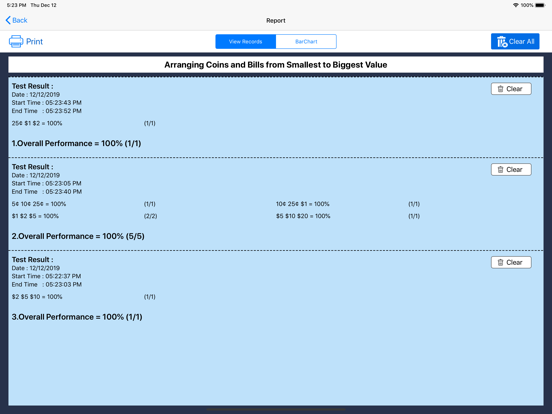
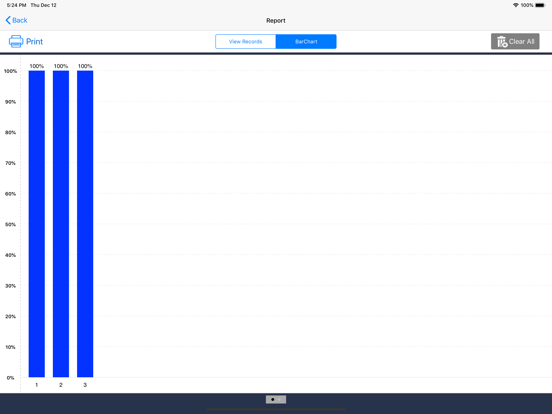
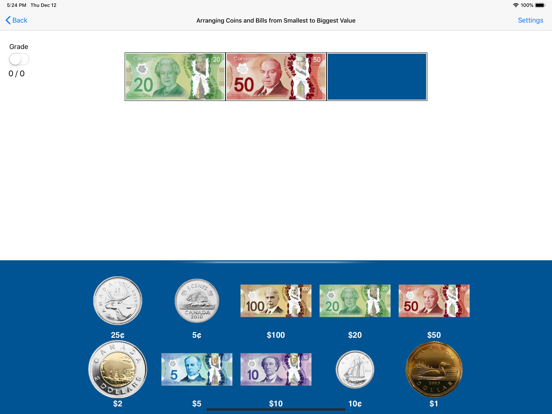
Arranging Coins and Bills from Smallest to Biggest Value – Teach currency and ordering skills with confidence This interactive program helps students identify Canadian coins and bills while learning to place them in ascending order based on value. With simple controls, supportive prompts, and engaging visuals, it builds confidence and skills in money recognition and logical sequencing. Students begin by clicking “Enter” to start the activity. A coin or bill is shown in the first box, and the student must click the next two coins or bills that come next in increasing value. This intuitive setup trains students to compare, sequence, and understand Canadian currency values in real-life contexts. Flexible Learning Modes Training Mode (default): Offers step-by-step guidance with visual aids, prompts, and animations to support learning. Test Mode: Turns off help features and tracks results. Ideal for self-assessment and reviewing student progress. Settings Overview Located at the bottom left corner of the screen, the Settings menu allows teachers, therapists, or parents to tailor the experience. Currency Options: - Coins and Bills (default): Uses both for practice. - Coins Only: Focuses on coin value comparison. - Bills Only: Ideal for paper money sequencing. Prompt (Blink): If the student does not respond within 10 seconds, the correct coin or bill blinks. Enabled in Training Mode by default. Numerical Labels: - With Label: Displays values under coins and bills (e.g., “25¢”, “$1”, “$5”). - No Label: Hides the values to increase challenge. Display Order Options At the bottom of the screen, coins and bills can appear: - In Ascending Order: Ordered by value (default). - In Random Order: Shuffled to increase difficulty. Toggle between modes to match the student’s progress level. Positive Reinforcement Congratulatory Animation (default): When a student selects the correct ascending sequence, a fun animation plays to celebrate success. This runs for 10 seconds and can be stopped anytime by clicking or pressing the space bar. You can turn it off in Settings for distraction-free learning. Progress Monitoring In Test Mode, the program records student performance, which can be reviewed in the Report section. This helps educators and parents assess mastery and adjust instruction as needed. Navigation Made Simple - Enter: Starts the activity. - Done: Exits and returns to the main program. Why This Program Works - Strengthens Canadian money recognition and comparison skills - Builds logical thinking by practicing value sequencing - Supports differentiated instruction through customizable settings - Great for classrooms, therapy, homeschooling, or independent practice - Encourages confidence with animations and positive feedback - Supports learners with visual labels, prompts, and flexible levels of challenge Arranging Coins and Bills from Smallest to Biggest Value is the perfect tool to help students of all learning levels build foundational money skills in a fun, supportive, and structured environment.
Latest release
What’s New
The current app version updated with the new age rating.
Audience growth
Ratings growth
Baseline captured. Growth appears after the crawler observes a changed rating count.
Momentum comes from crawler snapshots for the tracked storefront. “Viral growth signal” means unusually fast recent rating gains; it is an indicator, not download data.
Price tracking
Price intelligence
First snapshot captured. The trend line starts after the next crawler price observation.
- First observed Aug 27, 2026 · 9:14 AM Free
Screenshots