About this app
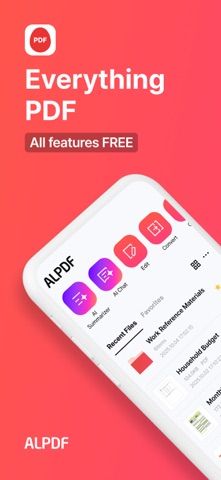
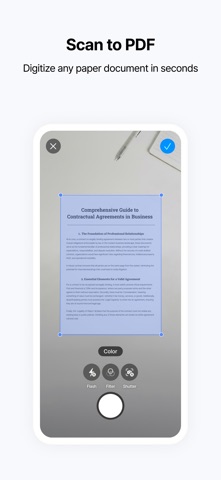
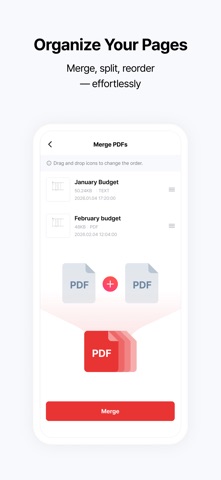
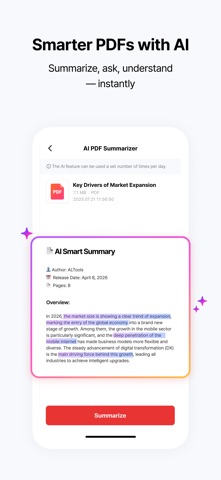
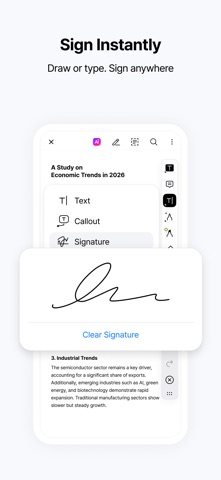
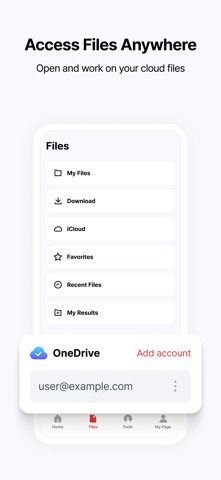
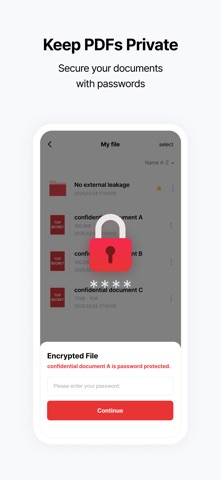
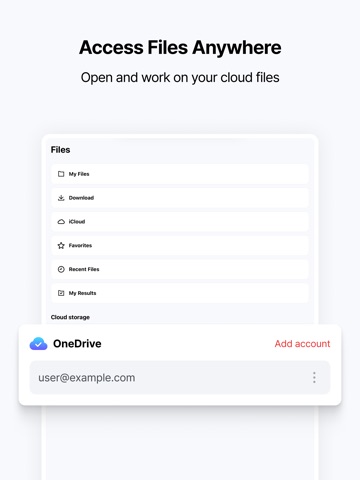
ALPDF makes it easy to view, edit, convert, scan, compress, sign, and manage PDF documents on your iPhone or iPad. Get free PDF tools for editing, conversion, scanning, AI summaries, and more. · Essential PDF tools: View, edit, convert, scan, compress, split, merge, sign, lock, and organize documents · AI & cloud features: Summarize and chat with PDFs using AI, and access files through OneDrive · Apple device support: iPhone, iPad, and compatible Mac devices - ● Key Features [PDF Editing - View, Edit, Merge, and Split] Use ALPDF as a free PDF editor on iPhone or iPad. · PDF viewer: Quickly open and read PDF files on iPhone and iPad · Edit PDFs: Edit text and add notes, annotations, callouts, lines, links, stamps, underlines, and multimedia · Merge PDFs: Combine multiple documents into a single PDF · Split PDFs: Separate, delete, or extract selected pages into individual PDF files · Create PDFs: Create new documents with custom page size, color, and page count · Rotate pages: Rotate PDF pages to your preferred orientation · Compress PDFs: Reduce large PDF file sizes for easier sharing · Scan documents: Use your iPhone or iPad camera to scan paper documents and save them as PDF or image files · Add page numbers: Customize the position, size, and font of page numbers [PDF Conversion - Word, Excel, PPT, Images, and More] Use the free PDF converter for PDFs, Office documents, and images. · PDF to JPG, Word, PPT, Excel, and TXT · JPG and PNG to PDF · Word, PPT, and Excel to PDF · Convert photos into PDF documents · HWP viewing and HWP to PDF conversion supported [AI PDF - Summary and Chat] Understand long reports, research papers, and foreign-language documents faster with AI. · AI PDF Summary: Get the key points from long PDF documents · AI PDF Chat: Ask questions and get answers based on the content of your document ※ Subscribe to an ALTools AI plan on the official ALTools website for higher AI usage limits. [Cloud Integration - OneDrive] Connect your OneDrive account to access and edit documents stored in the cloud. · Open and edit OneDrive documents directly in ALPDF · Connect two or more OneDrive accounts at the same time [PDF Security - Lock, Watermark, and eSign] Keep important documents protected and organized. · Password protection: Add or remove passwords from PDF files · Watermark: Add text or images to help protect document ownership · eSign: Add your signature to PDF documents for convenient electronic signing · Organize pages: Reorder, delete, or add PDF pages - ● Recommended for Professionals who need to edit documents on the go → Review and edit contracts, reports, and other PDF files directly on iPhone or iPad Anyone looking for a free PDF app for everyday document tasks → View, edit, convert, scan, compress, merge, split, and sign PDFs in one place Anyone who needs to scan paper documents → Use your iPhone or iPad camera to scan documents and save them as PDFs Students working with research papers and study materials → Summarize PDFs with AI, add annotations, and convert documents for easier study Anyone managing forms, tax documents, or important files → Merge, split, compress, password-protect, and eSign documents in one place Anyone who needs to convert between PDF and other file formats → Convert PDFs to Word, Excel, PPT, JPG, and TXT, or create PDFs from Office files and images Anyone who works across Apple devices → View and manage PDF documents on iPhone and iPad, with availability on compatible Mac devices - [App Permissions] Optional Permissions · Camera: Add photos while editing PDFs · Microphone: Add voice notes to PDFs · Tracking: Provide personalized ads and offers ※ You can use the app without granting optional permissions, but features that require them may be limited until permission is granted. - [Customer Support] Email: altools@estsoft.com Terms of Use: https://www.apple.com/legal/internet-services/itunes/dev/stdeula/
Latest release
What’s New
- Added an HWP file viewer and HWP → PDF conversion. - Dark mode is now supported.
Audience growth
Ratings growth
Baseline captured. Growth appears after the crawler observes a changed rating count.
Momentum comes from crawler snapshots for the tracked storefront. “Viral growth signal” means unusually fast recent rating gains; it is an indicator, not download data.
Price tracking
Price intelligence
- First observed Aug 7, 2026 · 1:29 AM Free
Screenshots