About this app
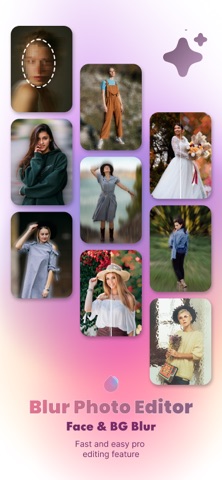
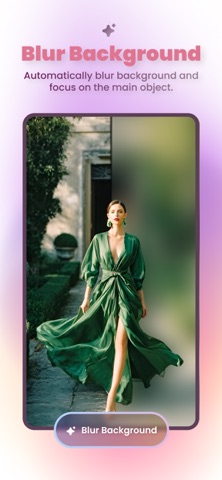
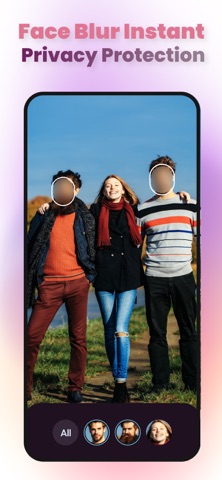
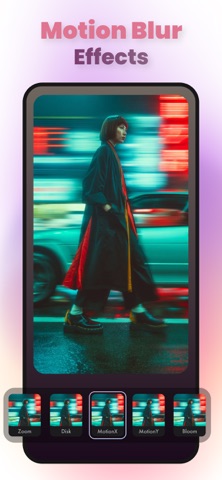
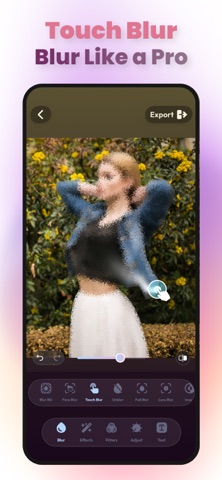
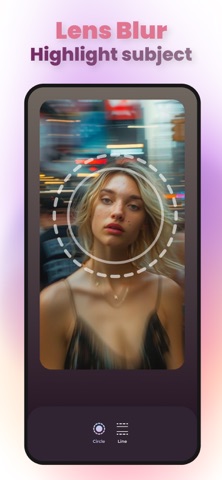
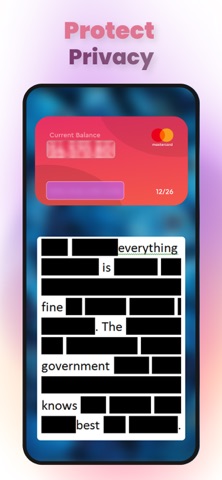
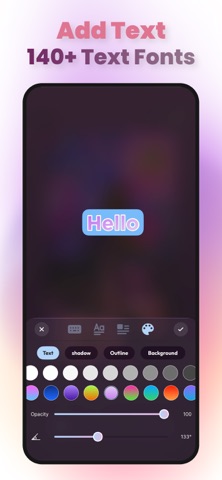
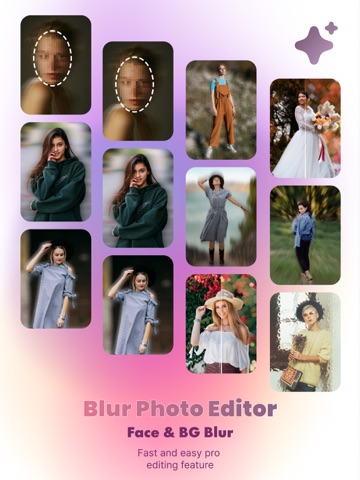
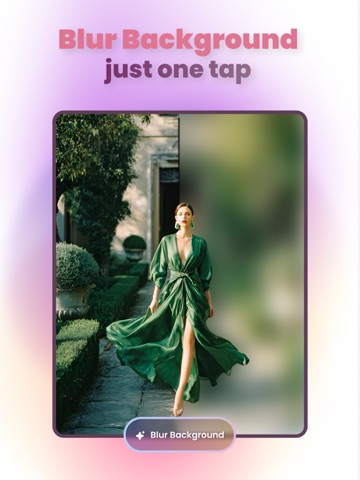
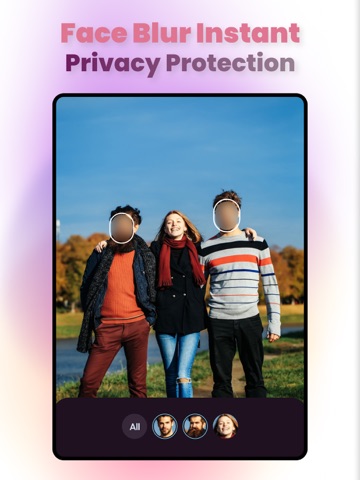
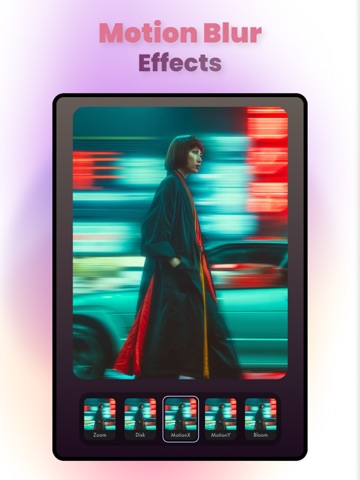
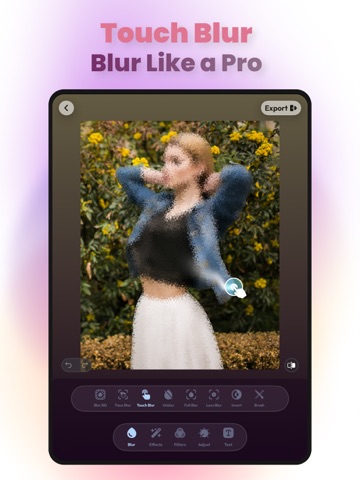
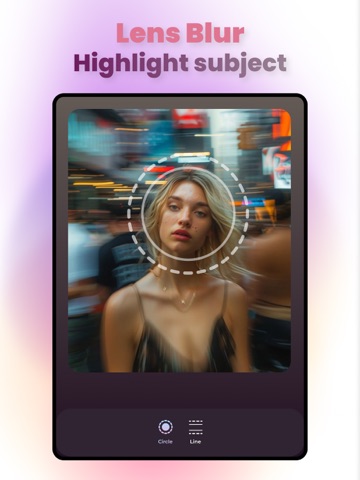
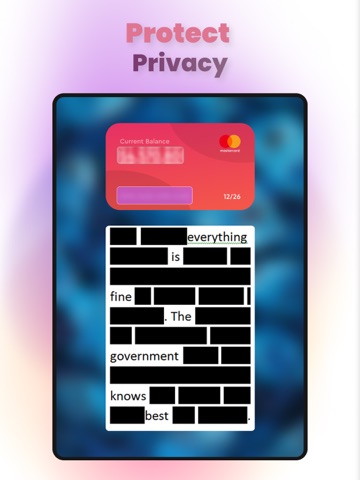
Blur Photo Editor: Face & BG Transform your everyday photos into stunning, professional-quality visuals with Blur Photo Editor: Face & BG. Designed for both beginners and advanced users, this app combines powerful blur tools with creative editing features to help you create eye-catching images in seconds. Whether you want to highlight your subject, protect privacy, or add artistic effects, Blur gives you full control over your photos. Smart Blur Tools Easily blur backgrounds and specific areas with precision. The app automatically detects faces and subjects to make editing faster and more accurate. * Face Blur: Detect and blur one or multiple faces instantly * Background Blur: Create DSLR-style depth effects * Selective Blur: Focus attention on important areas * Unblur Tool: Restore clarity to specific parts of your image Powerful Blur Effects Choose from a wide range of blur styles to achieve the perfect look: * Gaussian Blur * Bokeh Effects * Mosaic Blur * Motion & Distortion Effects * Glass & Water Effects Customize intensity and style to match your creative vision. 100+ Photo Filters & Effects Enhance your photos with a rich collection of filters and effects: * Vintage, retro, and classic styles * Artistic and modern looks * Color enhancement tools * Unique distortion effects Create visually stunning images with just a few taps. Advanced Editing Tools Take full control of your editing process with easy-to-use tools: * Crop and resize images * Adjust brightness, contrast, and saturation * Fine-tune specific areas with precision * Magnifying tool for detailed editing * Add text and creative overlays Easy & Efficient Workflow * Drafts: Automatically save your work in progress * Fast Editing: Smooth and responsive performance * User-Friendly Interface: Simple and intuitive design Share Anywhere Save and share your edited photos instantly on your favorite social media platforms and messaging apps. Support Have questions or feedback? Contact us at: aiphotoblur@gmail.com Legal Privacy Policy: https://photoblur-ios.web.app/privacy.html Terms & Conditions: https://photoblur-ios.web.app/terms.html
Latest release
What’s New
- UI update - Bug fixes
Audience growth
Ratings growth
Baseline captured. Growth appears after the crawler observes a changed rating count.
Momentum comes from crawler snapshots for the tracked storefront. “Viral growth signal” means unusually fast recent rating gains; it is an indicator, not download data.
Price tracking
Price intelligence
First snapshot captured. The trend line starts after the next crawler price observation.
- First observed Oct 8, 2026 · 7:48 PM Free
Screenshots