About this app
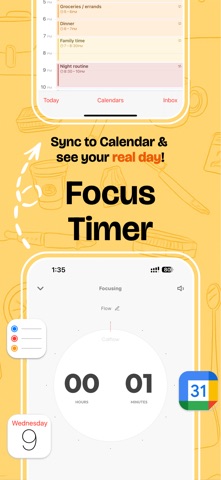
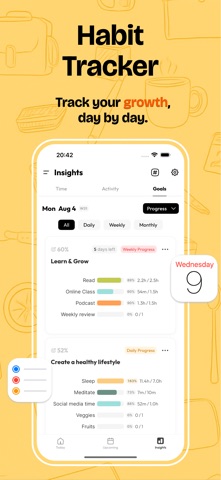
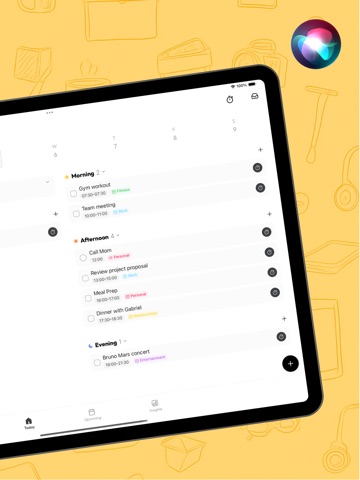
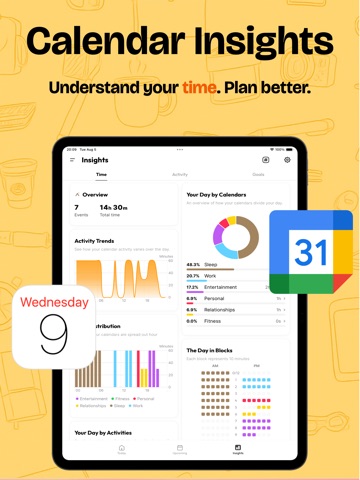
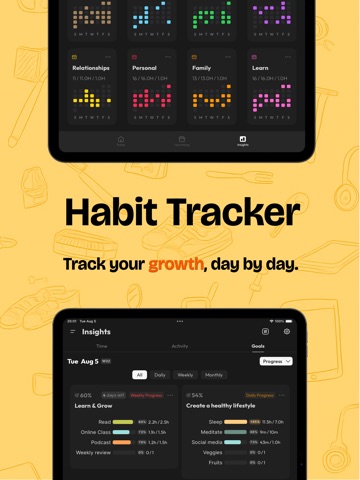
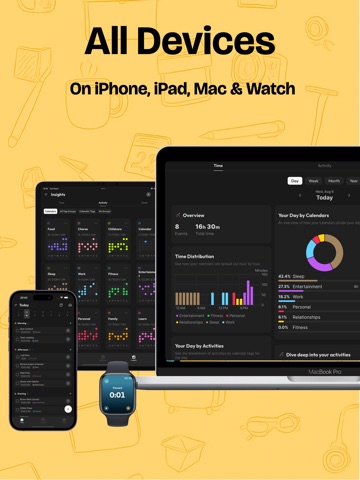
If you’re using Apple Reminders and iOS Calendar/ Google Calendar in your workflow, and you wonder how you spend your time, tasks, daily activities, etc, it’s for you. Calflow is a powerful time-tracking planner based on iOS Reminders & Calendar, helping you keep track of your day and stay productive within the Apple ecosystem. Daily & Weekly Planner ◆ 2-way sync with iOS Reminders & Calendar (Free) ◆ Use Spaces to separate personal and work tasks, helping you declutter your schedule and stay focused Streamline Time-tracking into your Apple Workflow ◆ Track how much time you spend on your Reminders & events: - Reminders: Auto-populate time entries in Apple Calendar - Events: Auto-update your planned event details in Apple Calendar Apple Calendar Time Insights ◆ Also supports Google Calendar ◆ Track your time distribution across day/week/month/year Powerful Tag System ◆ Create smart tags to filter your calendar event entries, and learn about their activity across day/week/month/year ◆ Create groups to analyze time from multiple perspectives Goals, Habits Tracking ◆ Track goals, habits based on your iOS Reminders & Calendars to help ensure your time align with your goals Track anything and sync them to iOS Calendar ◆ Apple Health sync (mindful minutes, sleep time, workout time) ◆ App usage time tracking (via Shortcuts) ◆ Daily activities (via tracker widgets) Need help or have ideas to share? We’re always here: contact@calflow.app Terms of Use(EULA): https://www.apple.com/legal/internet-services/itunes/dev/stdeula/ Privacy Policy: https://calflow.app/privacypolicy/
Latest release
What’s New
Bug Fixes & Improvements: - Fixed missing autocorrect when typing in English - Fixed an issue where the color picker page could appear cut off - Fixed custom colors not saving properly - Improved icon and emoji display in widgets to reduce blurry text when using transparent mode - Fixed sleep data crossing midnight being assigned to the wrong date in Month View (Insights) - Fixed floating keyboard issues that could affect adding new reminders - Improved cross-day schedule display in Upcoming: start and end days now show times, while middle days no longer repeat them - Improved Quick Track widget shortcuts with grouped selection support - Fixed display issues for cross-day and cross-month events in Insights - Fixed an occasional crash in Insights Recent Highlights: Calflow is now on Mac! - Mac version officially launched - Mac widgets (if they get stuck, try restarting your Mac) - Today view: you can now switch between yesterday, tomorrow, and other days Thanks so much for all your feedback — we’re still working on more improvements and surprises to come. Questions or feedback? Reach us anytime at contact@calflow.app
Audience growth
Ratings growth
Baseline captured. Growth appears after the crawler observes a changed rating count.
Momentum comes from crawler snapshots for the tracked storefront. “Viral growth signal” means unusually fast recent rating gains; it is an indicator, not download data.
Price tracking
Price intelligence
- First observed Aug 27, 2026 · 6:50 PM Free
Screenshots