About this app
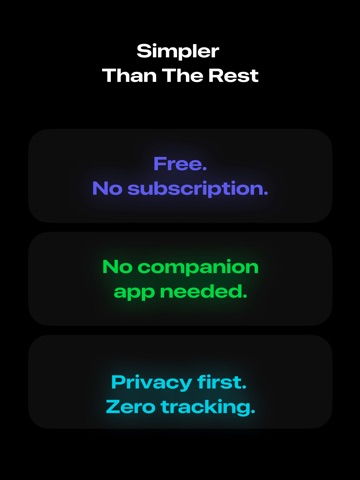
The simplest and fastest way to control media playback, volume, and more on your Mac. Control connects directly over your local network, so you never have to install or run a companion app. 【NEW】Control any app, video, or website with Keyboard controls. Re-arrange your keypad and add the commands (and shortcuts!) that are useful to you. Additionally, Control always supports system-level volume controls and *direct* playback controls for the following apps: • TV.app • Music.app • QuickTime Player • VLC • IINA • mpv • Spotify • Safari (experimental) No subscriptions, no payments, no ads, no tracking. Control is privacy-first and doesn't collect any data. It connects directly across your local network, so your information never even touches the internet. Need more Control? Send a request anytime. I'd love to make the app as useful as possible. Note: Control’s connection to your Mac is managed via built-in macOS permissions. Once accepted, Control will work forever with no additional setup. It requires being on the same network and enabling Remote Access. Some VPN clients may interfere, depending on settings. Powered by AppleScript.
Latest release
What’s New
Control any app or website on your Mac. (Finally.) • Adds a new keyboard control pane that lets you send key commands to any app. • Keyboard controls are customizable. Re-arrange the keypad and add the keys that you need. Shortcuts, too. • Improved guidance on macOS permissions issues. • Improved guidance on how to find your macOS username.
Audience growth
Ratings growth
Baseline captured. Growth appears after the crawler observes a changed rating count.
Momentum comes from crawler snapshots for the tracked storefront. “Viral growth signal” means unusually fast recent rating gains; it is an indicator, not download data.
Price tracking
Price intelligence
First snapshot captured. The trend line starts after the next crawler price observation.
- First observed Oct 2, 2026 · 11:38 AM Free
Screenshots