About this app
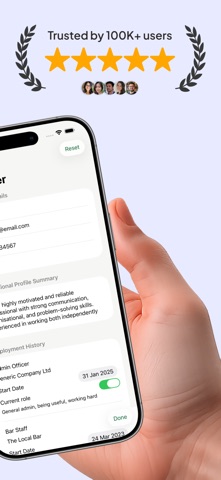
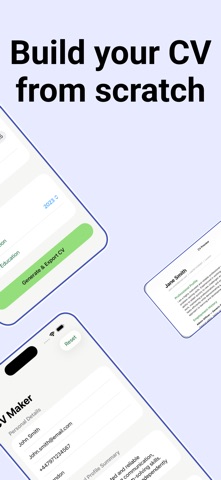
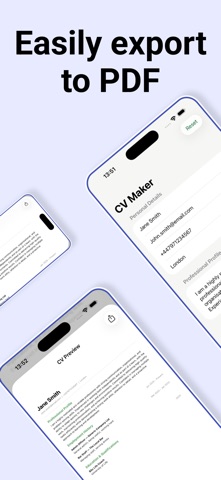
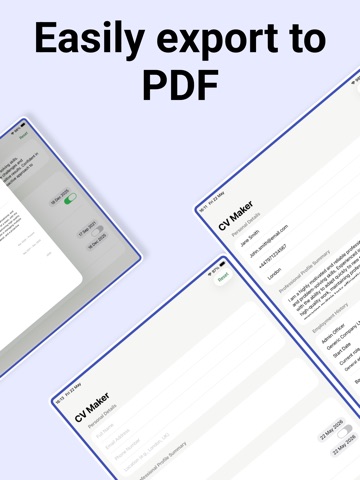
CV Maker: Write & Generate Create a professional CV in minutes with CV Maker, the simple CV builder designed for job seekers. Whether you're applying for your first role or returning to the market after a career break, CV Maker helps you write, build, and generate a polished CV ready to share with employers — straight from your device. BUILD YOUR CV IN MINUTES Our clean, guided form makes it easy to write every section of your CV: - Personal details and contact information - Professional profile summary - Full employment history with job titles, employers, and responsibilities - Education and qualifications Add as many roles and qualifications as you need, with date pickers ensuring your work history is always formatted correctly. GENERATE & EXPORT AS PDF When you're ready, tap Generate to instantly produce a professionally formatted PDF. Preview your CV before sharing, then send it directly to employers, save it to Files, or share it however you choose — all without leaving the app. YOUR CV, SAVED AUTOMATICALLY CV Maker saves your progress automatically as you type. Come back to refine a job description, add a new role, or update your profile at any time. Your CV library is always ready when you need it. CLEAN, PROFESSIONAL FORMAT Every CV generated follows a clear, professional layout suited to UK employers — no fuss, no unnecessary design. Just a well-structured document that lets your experience speak for itself. UK CV Maker is the straightforward CV maker and resume maker for anyone who wants a great-looking CV without the complexity.
Latest release
What’s New
Thanks for choosing CV Maker: Write & Generate! This update includes: - UI improvements. - Bug fixes.
Audience growth
Ratings growth
Baseline captured. Growth appears after the crawler observes a changed rating count.
Momentum comes from crawler snapshots for the tracked storefront. “Viral growth signal” means unusually fast recent rating gains; it is an indicator, not download data.
Price tracking
Price intelligence
First snapshot captured. The trend line starts after the next crawler price observation.
- First observed Aug 26, 2026 · 10:25 PM Free
Screenshots