About this app
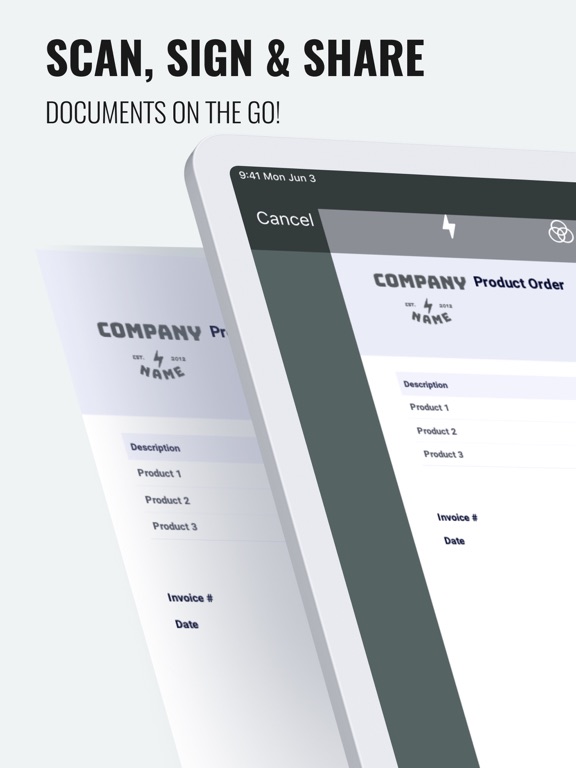
You can also use this app as a Pdf Maker / Pdf Viewer & Editor. FEATURE HIGHLIGHTS - Your privacy, our first concern, we don't use any of the cloud or server storage. - No SignUp/registration to use this app - Easily Add, Create e-Signatures to PDFs. - Create a Digital Signature - Add Text, e-Signature to documents - Scan your document with an auto-crop feature. - Page edges are detected automatically. - Share PDFs - Print scanned doc directly from the app - Import images from gallery - Import documents from files & iCloud - Add custom Text & Add Signature to IMAGES. - NEW: Wirelessly Transfer Media from iPhone to Computer without using iTunes. Just Drag & Drop your documents! The digital signature app can be used for many purposes such as signing a digital document and document signer. This digital signature app is the requirement of this this digital globe for digital sign and sign signature requirements. This e-signature works like sign easy for document sign and as a creator of e-signature. * Current DocSign Pro subscription price starts at $0.99/life * If you choose to purchase DocSign Pro, payment will be charged to your iTunes account, and your account will be charged for renewal within 24 hours prior to the end of the current period. * Subscriptions may be managed by the user and auto-renewal may be turned off by going to the user’s Account Settings after purchase. * Prices are in US dollars, may vary in countries other than the US, and are subject to change without notice. * Any unused portion of a free trial period, if offered, will be forfeited when the user purchases a subscription to that publication. * If you don’t choose to purchase DocSign Pro, you can simply continue using DocSign for free. Have any feedback or comments? We’d love to hear from you at https://docsignapp.wordpress.com/contact/
Latest release
What’s New
- Small fixes and improvements - Updated Purchase screen - dark mode.
Audience growth
Ratings growth
Baseline captured. Growth appears after the crawler observes a changed rating count.
Momentum comes from crawler snapshots for the tracked storefront. “Viral growth signal” means unusually fast recent rating gains; it is an indicator, not download data.
Price tracking
Price intelligence
First snapshot captured. The trend line starts after the next crawler price observation.
- First observed Sep 18, 2026 · 4:40 AM Free
Screenshots