About this app
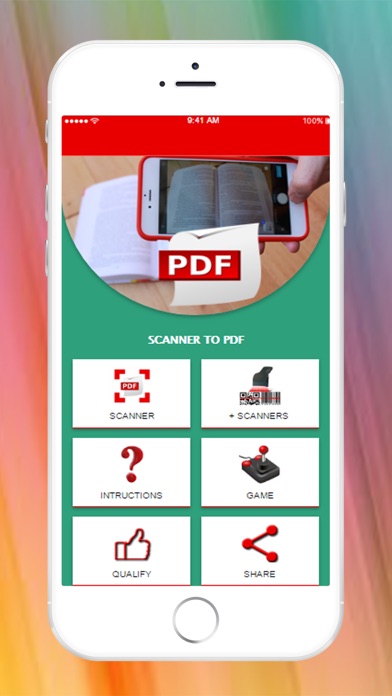
DO YOU NEED TO SCAN DOCUMENTS EASY, FAST AND SAFE? Document Scanner and Converter to PDF is the best solution! There are many applications of document scanner, however, this application offers quick and easy, scanning of documents, qr codes and barcodes, to share or store them quickly. With this PDF document scanner application you can scan documents, photos, drawings, receipts, reports or anything. This pdf document scanner application is fast and designed for the phone and the tablet. INSTRUCTIONS 1. Prepare the documents to be scanned 2. Open the document scanner 3- Take the "take picture" 4. Take a photo of the document 5. Check that the capture looks good, you can now: - Cancel capture from "CANCEL" - If necessary, you can adjust the blue grid to crop the document and give "CROP" to crop it. - When the capture is as you want, give "SAVE" 6. Repeat steps 3 through 5 for each page of the document. 7. Since you scan 1 page there are 3 vertical points in the right corner, there you will find 3 options: 1- Delete a page (Delete), you can use this option to delete one of the scanned pages. 2- Delete all pages, you can use this option to delete all the scanned pages. 3- Generate a pdf (Generate PDF) you can use this option to create a PDF with all the scanned pages, after generating the PDF will activate the option of sharing so you can send it to your mail or other means.
Audience growth
Ratings growth
Baseline captured. Growth appears after the crawler observes a changed rating count.
Momentum comes from crawler snapshots for the tracked storefront. “Viral growth signal” means unusually fast recent rating gains; it is an indicator, not download data.
Price tracking
Price intelligence
First snapshot captured. The trend line starts after the next crawler price observation.
- First observed Sep 2, 2026 · 10:53 AM Free
Screenshots