About this app
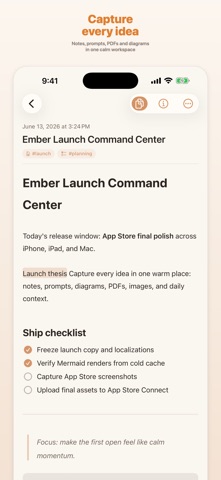
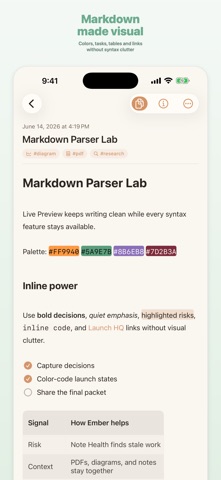
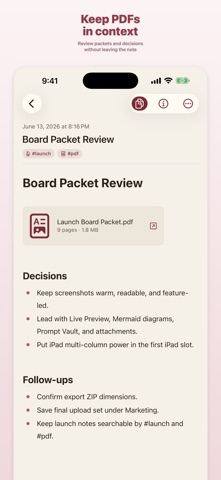
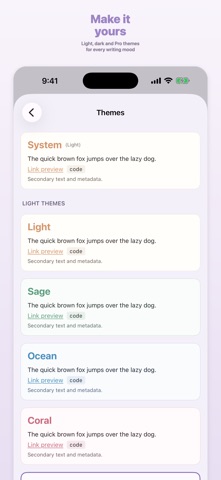
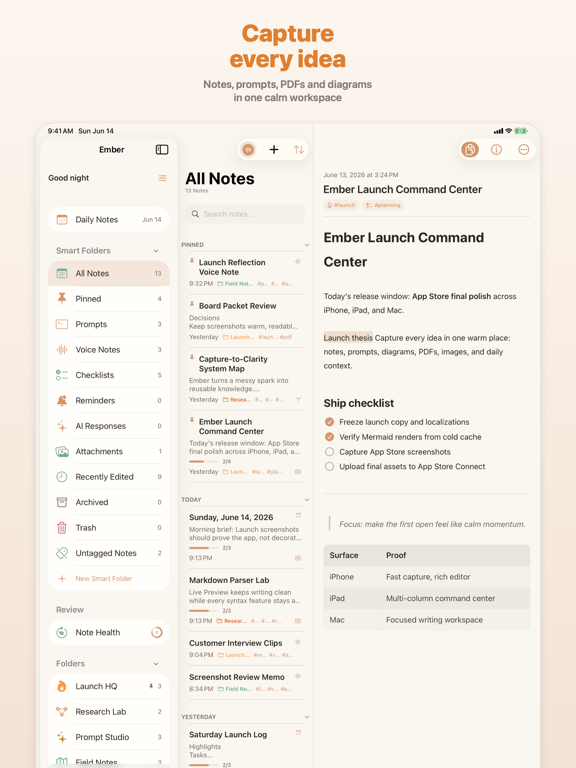
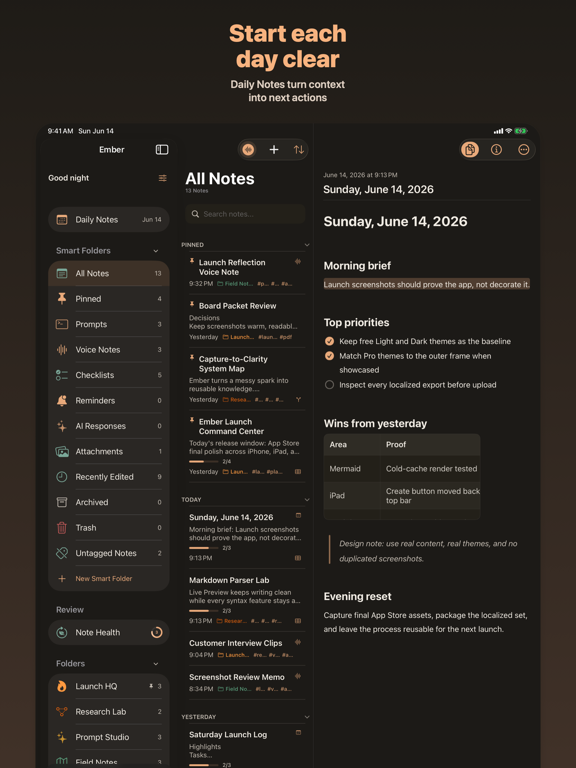
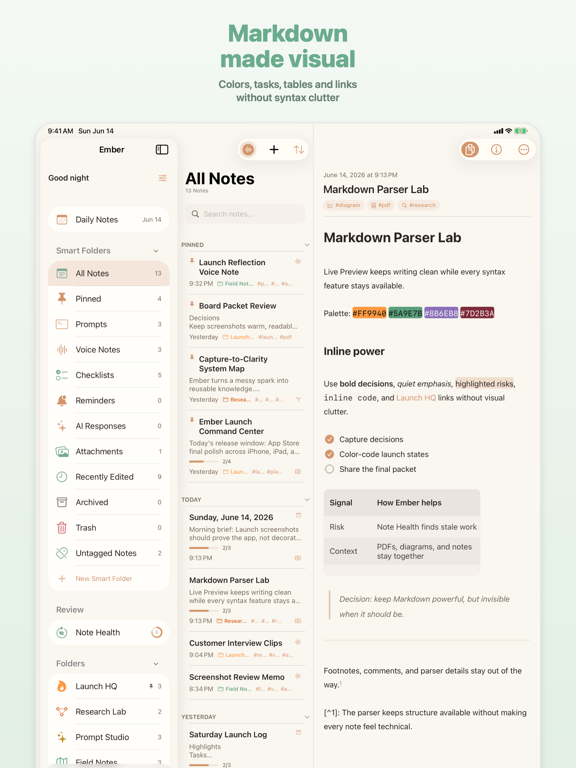
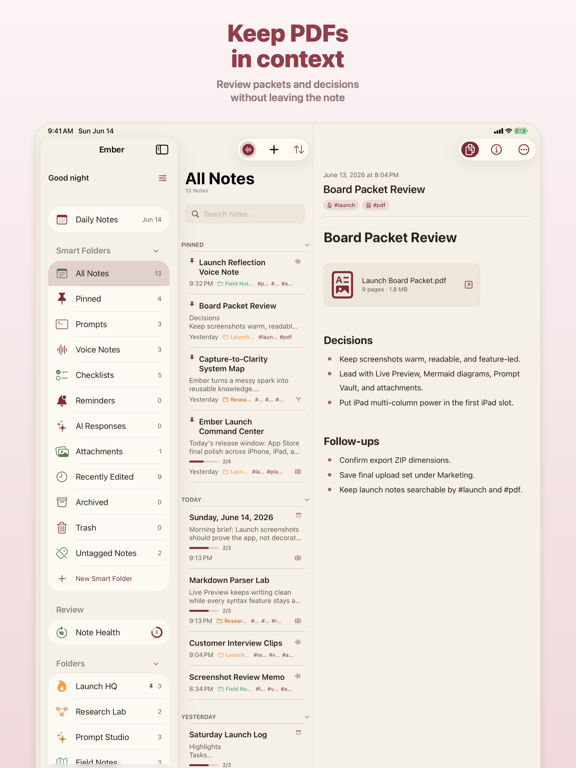
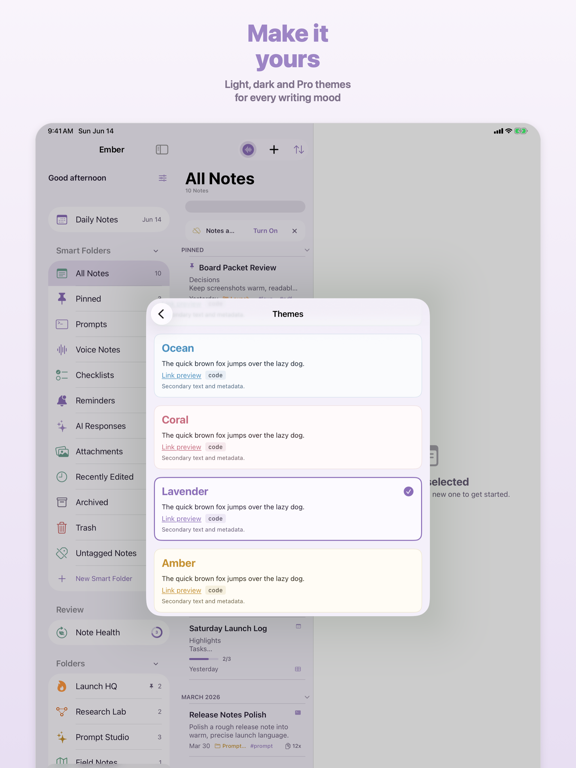
Your notes should feel like home. Ember is a warm, fast place to think — Markdown notes, PDFs, diagrams, voice memos, and a vault of reusable prompts, all in one calm workspace that syncs across iPhone, iPad, and Mac. WRITE IN RICH MARKDOWN A live editor with real formatting: headings, tables, task lists, links, highlights, footnotes, and code — rendered as you type, never in your way. Bullets, numbers, and checkboxes feel native and effortless. MORE THAN TEXT Drop PDFs, images, diagrams, and voice notes right inline. Your references live beside your writing, so everything about a thought stays in one place. A VAULT FOR YOUR PROMPTS Keep the prompts you reuse for writing, research, and planning in a dedicated Prompt Vault — organized, searchable, and a tap away when you need them. STAY ORGANIZED, STAY FAST Daily notes, folders, tags, smart filters, and pinned notes keep things tidy, and instant search finds anything the moment you look for it. YOURS EVERYWHERE Ember runs natively on iPhone, iPad, and Mac, with optional private iCloud sync, widgets, and a Share Extension for capturing from anywhere. FREE TO START Capture notes, PDFs, prompts, and attachments with the full editor — free, no account required. EMBER PRO Unlock advanced themes and alternate icons, premium writing and organization workflows, and deeper Prompt Vault tools, as a subscription or a one-time lifetime purchase. PRIVATE BY DESIGN No accounts. No ads. No selling your words. Your notes stay on your device and your own iCloud. Make a home for your thinking. Download Ember Notes. TERMS & PRIVACY Terms of Use (EULA): https://www.apple.com/legal/internet-services/itunes/dev/stdeula/ Privacy Policy: https://embernotes.app/privacy
Latest release
What’s New
What’s New in Ember 1.0.3 - A redesigned Note Health experience makes it faster and easier to review, revive, archive, or remove stale notes. - New line-spacing options and improved spacing between headings, lists, callouts, and rich content make notes more comfortable to read and write. - Prompt Vault is now a prominent destination in the sidebar, directly beneath Daily Notes. - Mermaid diagrams are easier to copy, paste, edit, and share, with more reliable instant rendering. - Improved editing for tables, checklists, images, PDFs, code blocks, links, and other rich content. - Simplified note creation with a polished, one-tap compose button optimized for every iPhone size. - Smoother navigation when opening and closing notes, including a fix for an occasional blank-screen transition. - Numerous crash fixes, performance improvements, and refinements to undo, paste, archived notes, locked notes, menus, and sidebar counts.
Audience growth
Ratings growth
Baseline captured. Growth appears after the crawler observes a changed rating count.
Momentum comes from crawler snapshots for the tracked storefront. “Viral growth signal” means unusually fast recent rating gains; it is an indicator, not download data.
Price tracking
Price intelligence
First snapshot captured. The trend line starts after the next crawler price observation.
- First observed Sep 14, 2026 · 6:49 AM Free
Screenshots