About this app
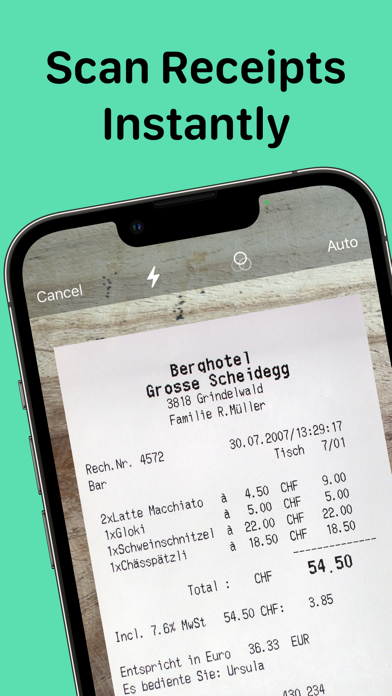
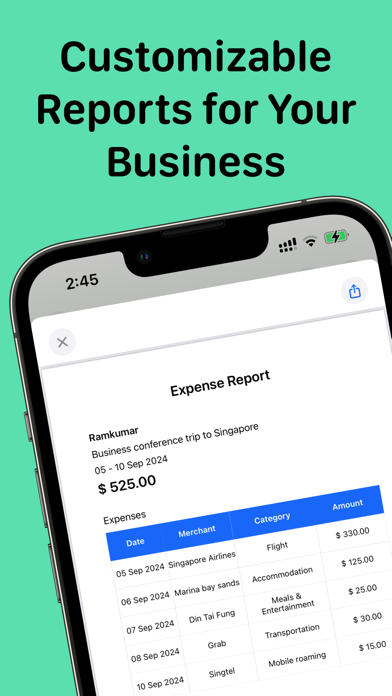
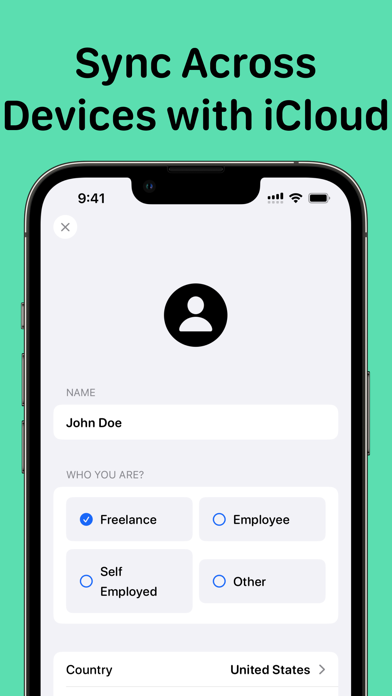
Track every dollar. Scan every receipt. Never lose a business expense again. Expense Report is the fastest receipt scanner and business expense tracker for professionals, freelancers, and small business owners. Snap a photo and our OCR instantly captures vendor, amount, date — no manual entry needed. Key Features: • Receipt Scanner — Auto-scan and digitize receipts in seconds with precision OCR • Receipt Organizer — Sort and categorize expenses by project, client, or category • Tags — Label receipts by client, project, or trip and filter your expenses instantly • Receipt Tracker — View your full spend history at a glance, filtered by date or category • Finance Tracker — Monitor budgets, totals, and trends across all your expenses • Business Receipts — Store, tag, and retrieve any receipt instantly for tax time • Export Reports — Generate polished PDF expense reports from a clean, professional template for your team or accountant • Multi-Currency — Track expenses in any currency with live conversion • iCloud Sync — Seamlessly access your data across all your Apple devices Built for Every Use Case: Business Travelers — Log hotel, flight, meals, and transport on the go. Submit reimbursement reports the moment you land. Freelancers & Contractors — Track client project expenses separately. Export a clean report at invoice time — no spreadsheets needed. Employees & Teams — Snap receipts from team lunches, office supplies, or client dinners. Get reimbursed faster with organized, itemized reports. Tax Season — Stop scrambling at year-end. Every receipt is stored, categorized, and ready to hand to your accountant or upload to your tax return. Small Business Owners — Monitor operational costs, supplier invoices, and petty cash. Keep your books clean without an accountant on call. Contractors & Tradespeople — Track materials, tools, and fuel costs per job site. Know your true project costs before you invoice. Download Expense Report and take control of your business finances today. Expense Report Pro unlocks unlimited scans and advanced reporting. Payment charged to your Apple ID at purchase. Subscriptions auto-renew unless canceled at least 24 hours before the renewal date. Manage subscriptions in your App Store account settings. Support: support@reku.dev Privacy Policy: https://reku-indie.notion.site/Privacy-Policy-4229f33de5a147fcb6b904ec1a6cb4eb?pvs=4 Terms & Conditions: https://reku-indie.notion.site/Terms-and-Conditions-8d1f076cc68743169e83eb750a1914e3?pvs=4
Latest release
What’s New
What's New in Expense Report • New PDF report template — a cleaner, more professional expense report layout that's ready to send straight to your accountant or finance team • Tags — label receipts by client, project, or trip and filter your expenses instantly • Refreshed interface — smoother navigation, clearer expense cards, and a faster, more polished feel throughout Enjoying the app? Please leave a review — it really helps!
Audience growth
Ratings growth
Baseline captured. Growth appears after the crawler observes a changed rating count.
Momentum comes from crawler snapshots for the tracked storefront. “Viral growth signal” means unusually fast recent rating gains; it is an indicator, not download data.
Price tracking
Price intelligence
First snapshot captured. The trend line starts after the next crawler price observation.
- First observed Aug 26, 2026 · 10:41 PM Free
Screenshots