About this app
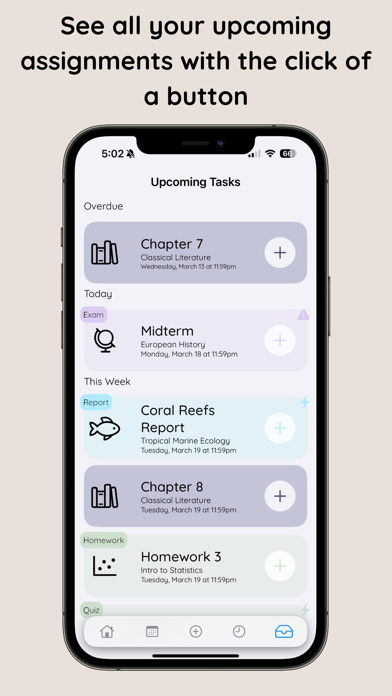
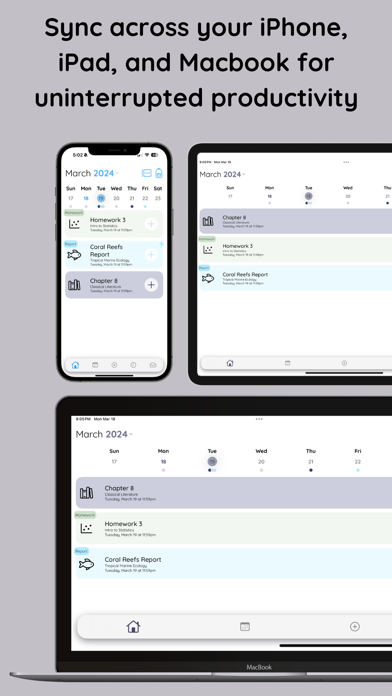
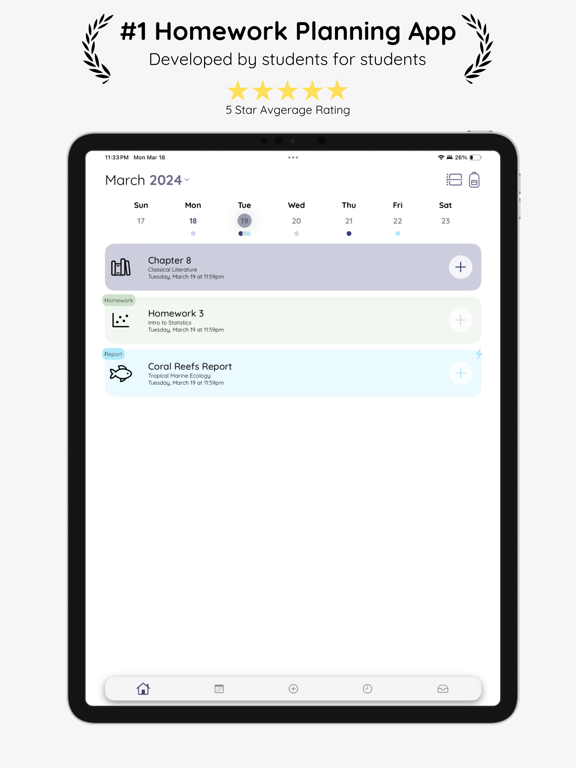
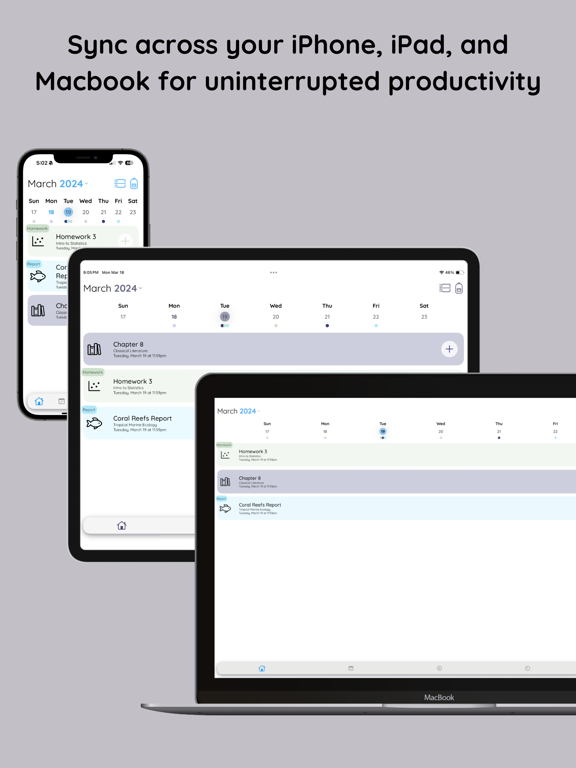
Recitation is your all-in-one school planner and task manager. The day view allows you to see your schedule at a glance, displaying calendar events and to-dos in order of their due dates. Color-coded for each class or category, you can quickly assess your plans for the day. The week view enhances your planning capabilities, enabling you to manage even your busiest weeks. Easily switch to upcoming tasks to see exactly what needs to be done in descending order. Adding tasks takes only seconds: - Match each task with a class or category, complete with a custom icon and background color - View your week clearly and scroll through tasks effortlessly - Integrated reminders notify you about to-dos only when you want - Set recurring tasks to minimize overhead - Import your calendars and convert them into manageable tasks - Assign tags to each task - Display your class schedule and focus timer in the Dynamic Island or on your lock screen Recitation Pro is available as a monthly or annual subscription, or as a single lifetime purchase. Terms of Use: https://www.apple.com/legal/internet-services/itunes/dev/stdeula/ Privacy Policy: https://www.recitation-app.com/privacy-policy
Latest release
What’s New
Recitation 4.0 is our biggest update yet. • Rotating schedules — A/B days, Day 1–6, Week A/Week B, whatever your school calls it. Set it up once, rename the days to match, and Recitation tracks where you are. Snow day? Adjust it in two taps. • Terms — group classes into semesters, quarters or trimesters, and see your stats for each one separately. • A new focus timer — pause and resume without losing your session, and browse your full focus history. • Attachments anywhere — add files, photos or scanned documents to a task while you're creating it, or attach them to a whole class. • Better repeating tasks — daily, weekly, monthly or yearly, every N weeks, ending on a date or after a set number. And you can finally edit a repeat rule after you've made it, without losing anything. • Subtasks while you add a task, instead of only afterwards. • Your whole week at a glance — a new schedule view that shows every class laid out, and warns you when a new one clashes. • A rebuilt Report Card with more insight into how you actually work. • Backups now include everything, automatically, to iCloud. • Everything scrolls faster. The day, week and month views were rebuilt from scratch and are dramatically smoother. (Plus a lot of bug fixes)
Audience growth
Ratings growth
Baseline captured. Growth appears after the crawler observes a changed rating count.
Momentum comes from crawler snapshots for the tracked storefront. “Viral growth signal” means unusually fast recent rating gains; it is an indicator, not download data.
Price tracking
Price intelligence
First snapshot captured. The trend line starts after the next crawler price observation.
- First observed Sep 11, 2026 · 7:01 AM Free
Screenshots