About this app
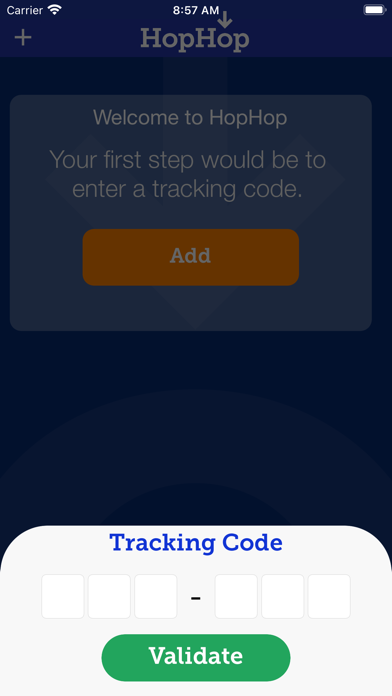
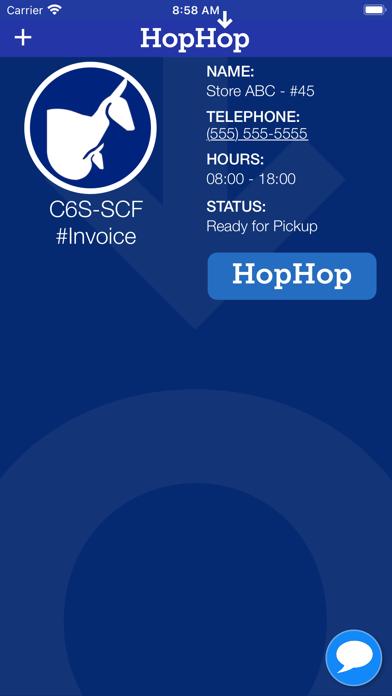
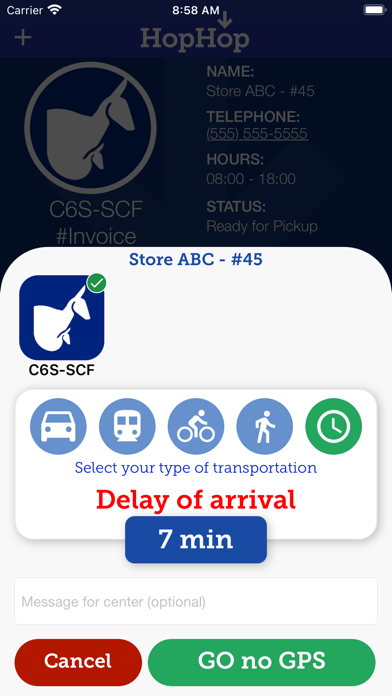
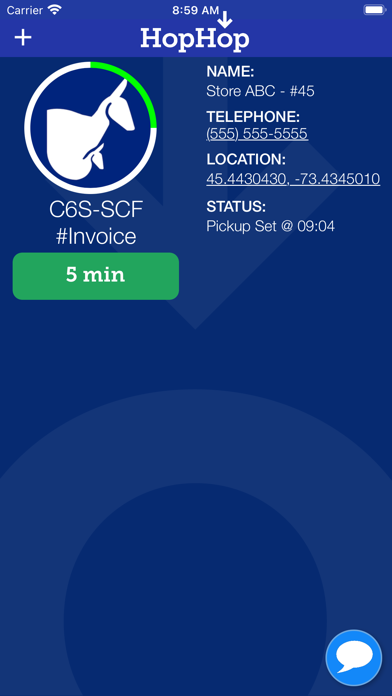
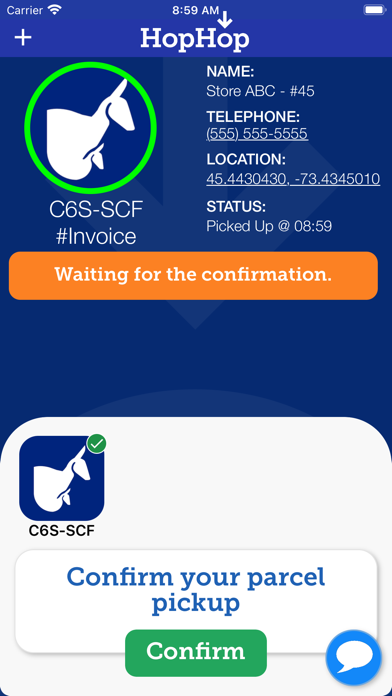
Perform your pickup in a few simple steps: 1- Receive an email from the merchant with the tracking number of your package. 2-Follow the link to open the application and see your package ready to be picked up. 3- Press the "HopHop" button when you leave for pickup. 4- You can enter a fixed time or use GPS to help you determine when and where to pick up the package. 5- The merchant is informed of your arrival at the pickup location upon your arrival.
Audience growth
Ratings growth
Baseline captured. Growth appears after the crawler observes a changed rating count.
Momentum comes from crawler snapshots for the tracked storefront. “Viral growth signal” means unusually fast recent rating gains; it is an indicator, not download data.
Price tracking
Price intelligence
First snapshot captured. The trend line starts after the next crawler price observation.
- First observed Aug 27, 2026 · 4:16 AM Free
Screenshots