About this app
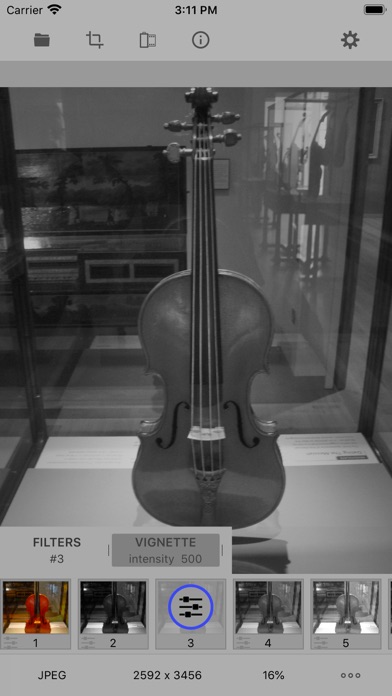
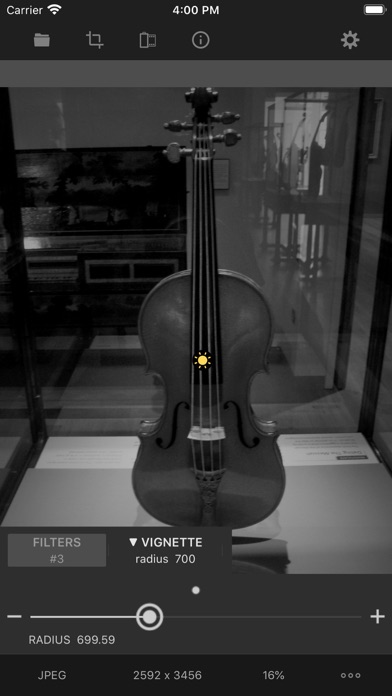
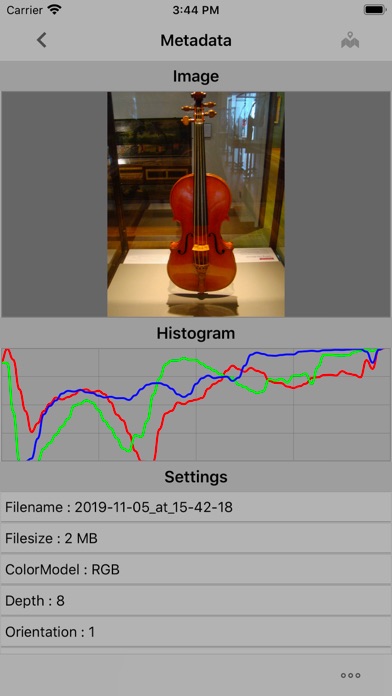
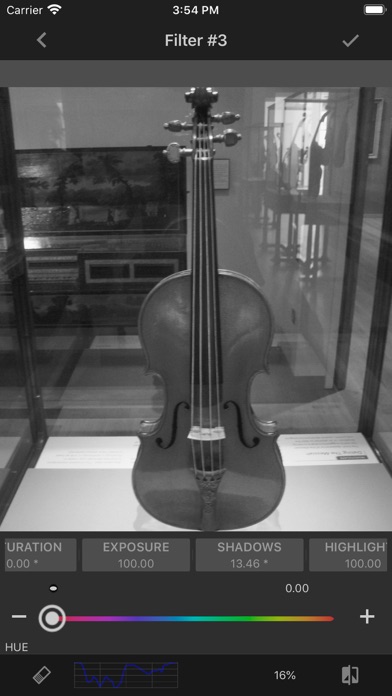
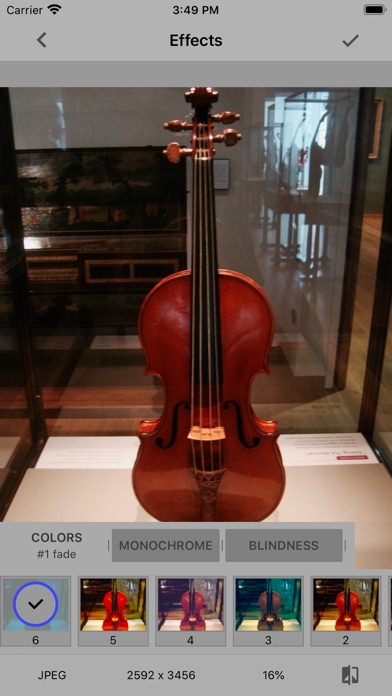
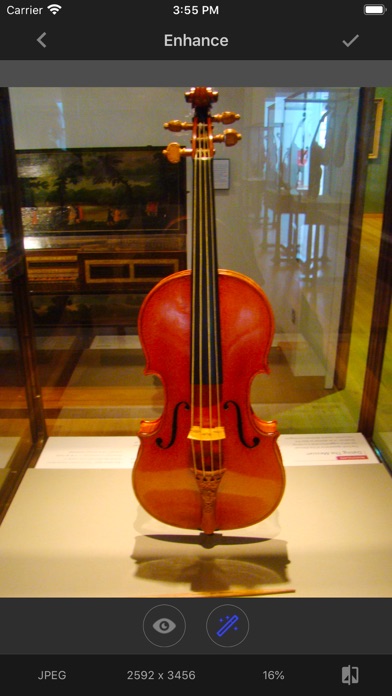
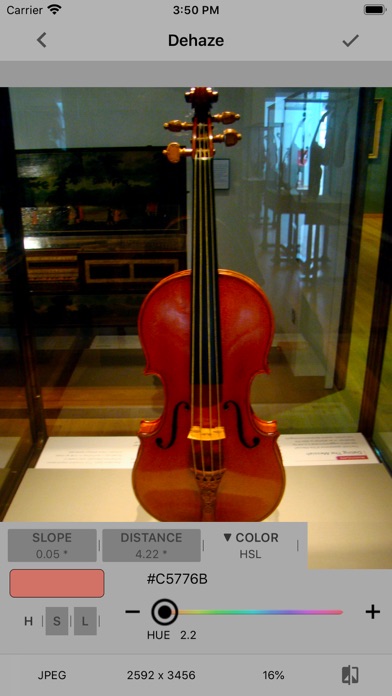
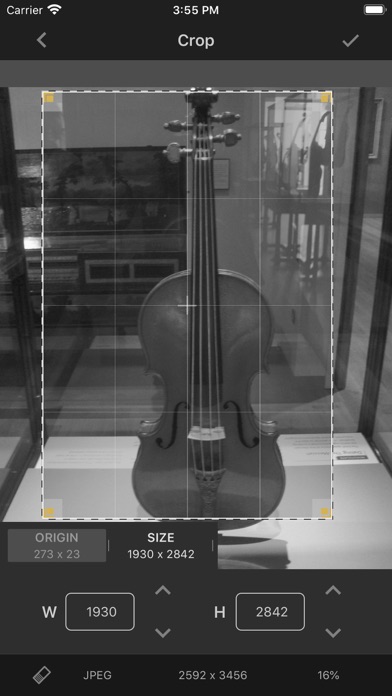
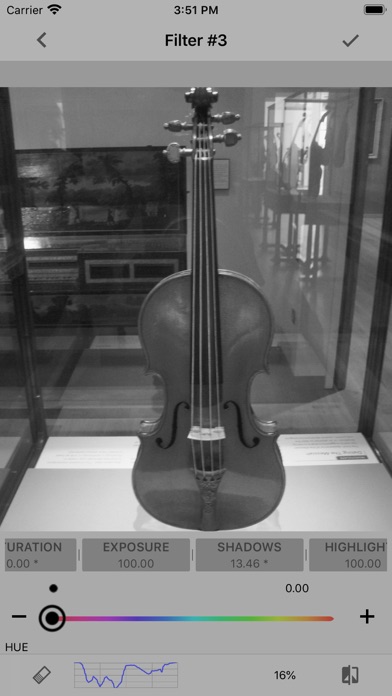
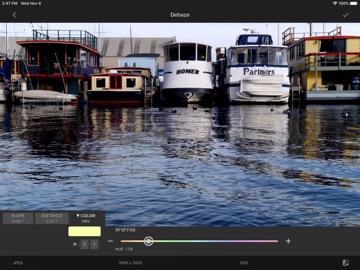
This app is a lightweight photo editor and viewer for greyscale ( monochrome ) raw photos. Modern black and white photography at it's best is art, and many photographers regard it as the purest form of photography. Some features are locked and can be available only in full version. Lite version limitations: photo enhance, red eye remover, haze reduction, noise reduction, effects and adjust of grayscale presets are disabled •• Core Features •• * 20 predefined grayscale presets (hue, brightness, saturation, contrast, exposure, shadows, highlights, gamma, sharpen, sketch). * High speed grayscale filters, so you don't have to wait constantly (live filters, real-time display). * Adjustable vignette effect. * Photo noise reduction tool. * Photo haze reduction tool. * View photo details (EXIF viewer) incl location. Copy to clipboard. * Depth map viewer. * Option to export image without GPS metadata. * Option to select an output image format JPG, PNG, TIFF or HEIC (the last one for A10 and over processors). * Rotate, flip, zoom, resize and crop image. * One click photo enhance with red eye removal option. * 20+ different effects (transfer, tonal, noir, photo negative filter, color blindness simulation, etc). * Monochrome camera * Save directly to your photo album. * Universal clipboard support (copy and paste image) * Well-designed user interface. Thanks for taking the time to look at LineEngraver Photo Editor Lite. If you have any feature requests, feedback or questions; please don’t hesitate to get in touch.
Latest release
What’s New
- fixed some deprecations, removed unused libraries
Audience growth
Ratings growth
Baseline captured. Growth appears after the crawler observes a changed rating count.
Momentum comes from crawler snapshots for the tracked storefront. “Viral growth signal” means unusually fast recent rating gains; it is an indicator, not download data.
Price tracking
Price intelligence
First snapshot captured. The trend line starts after the next crawler price observation.
- First observed Aug 25, 2026 · 6:24 PM Free
Screenshots