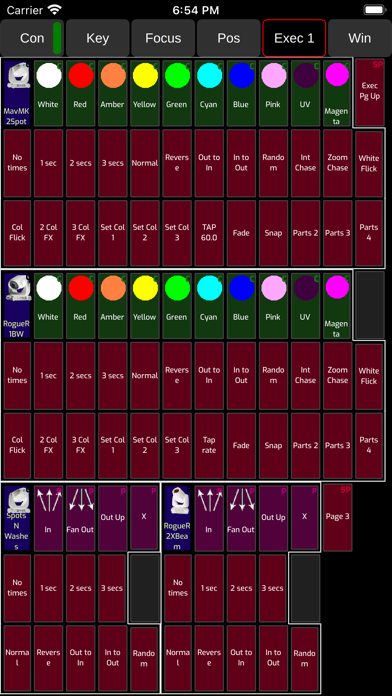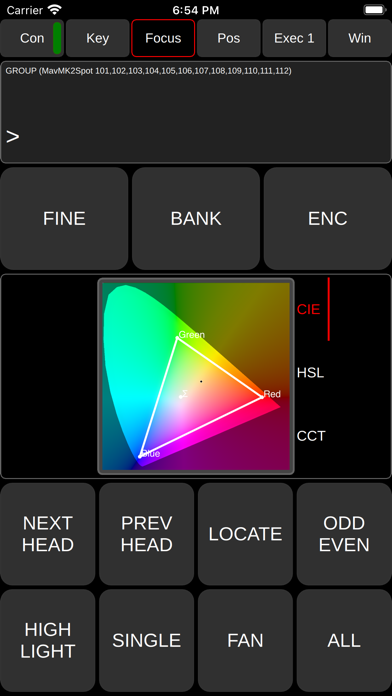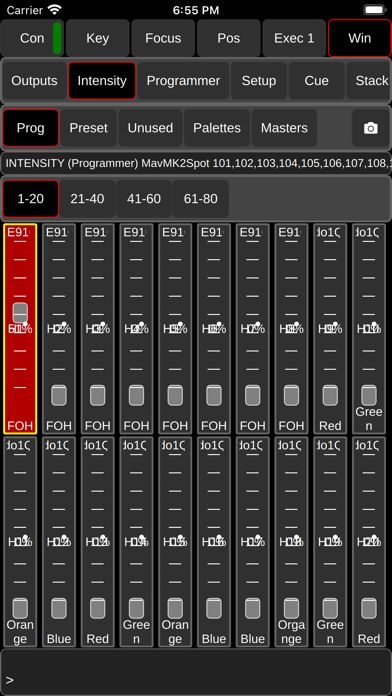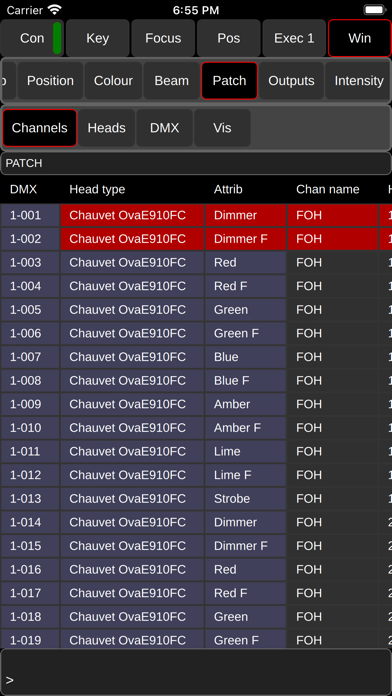
About this app
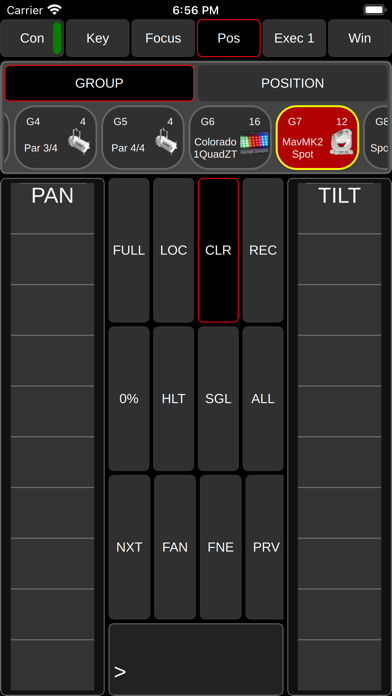
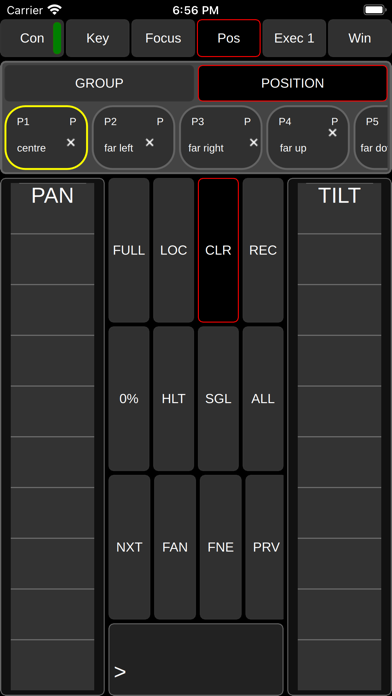
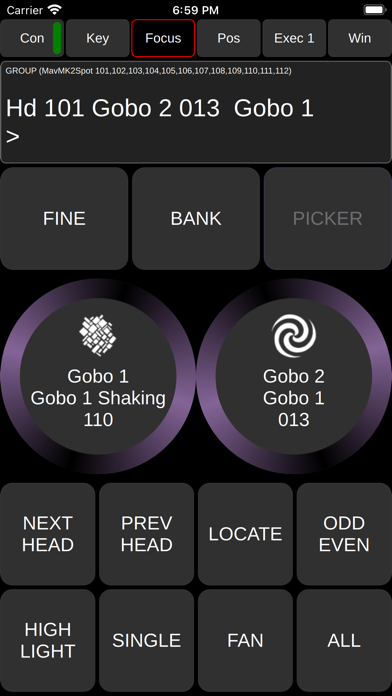
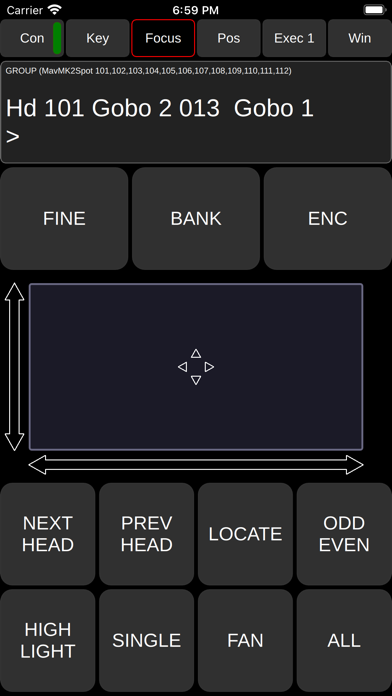
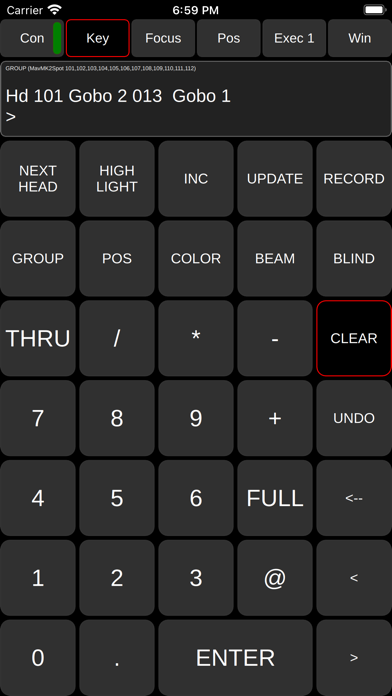
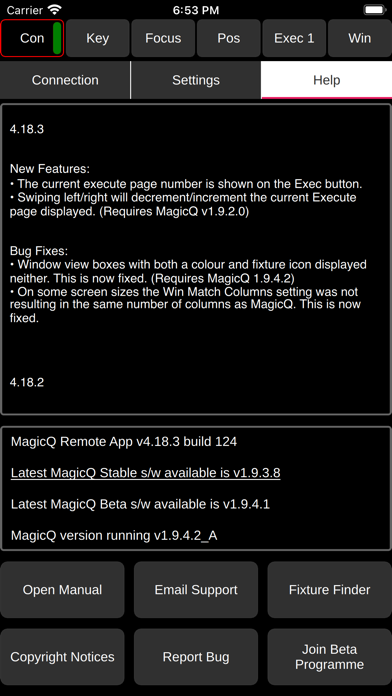
ChamSys Ltd MagicQ Remote Control ChamSys MagicQ systems provide leading edge control of stage lighting, LED pixelmapping and media systems. The MagicQ Remote enables remote control of MagicQ systems including MagicQ consoles and MagicQ PC Wing solutions. MagicQ Remote supports focusing with pan and tilt controls, colour adjustment using the rainbow colour picker and rig testing through the unique MagicQ Execute Window. Palettes, Groups and Cues can be edited and updated. ChamSys MagicQ software supports up to 102,400 channels (200 DMX universes) and is available to download and use for free from ChamSys website www.chamsys.co.uk. For instructions please use the in app link to the manual; go to Connection, Help and tap the Open Manual button. For bug reports, please submit them to our bugtracker: https://secure.chamsys.co.uk/bugtracker/
Latest release
What’s New
A crash occurred entering spreadsheet Windows such as Patch and Outputs on iOS18. This has been fixed. #0042786
Audience growth
Ratings growth
Baseline captured. Growth appears after the crawler observes a changed rating count.
Momentum comes from crawler snapshots for the tracked storefront. “Viral growth signal” means unusually fast recent rating gains; it is an indicator, not download data.
Price tracking
Price intelligence
First snapshot captured. The trend line starts after the next crawler price observation.
- First observed Sep 15, 2026 · 12:41 AM Free
Screenshots