About this app
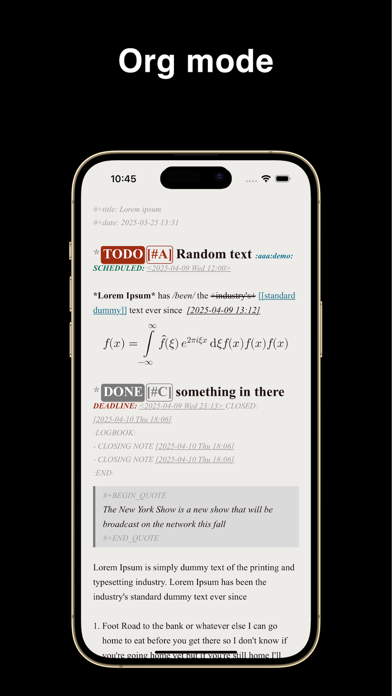
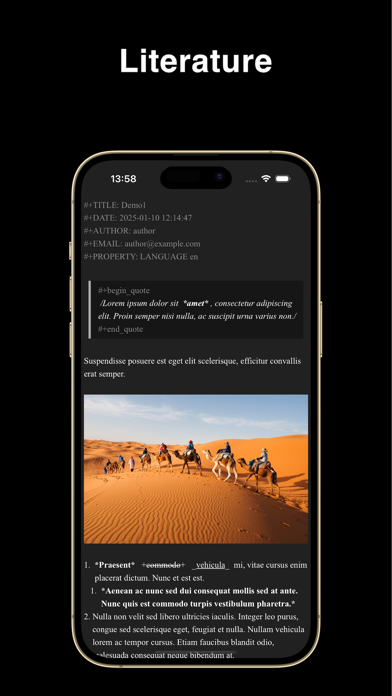
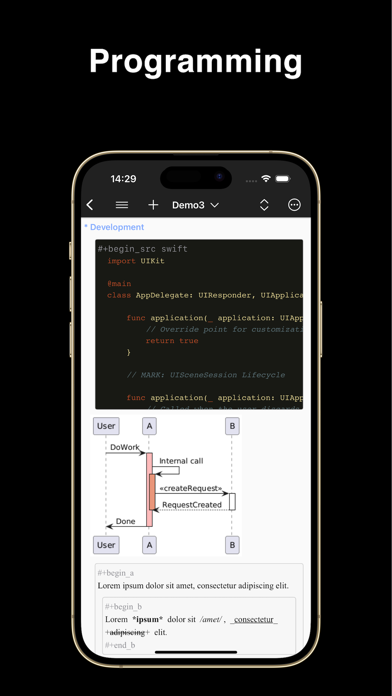
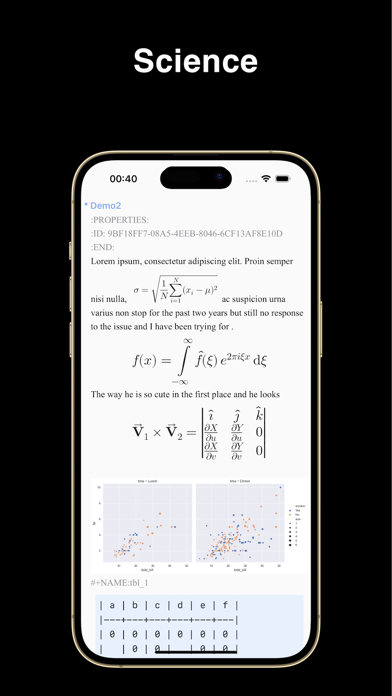
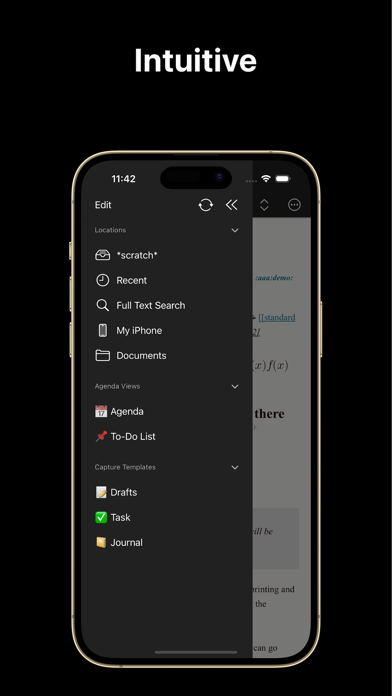
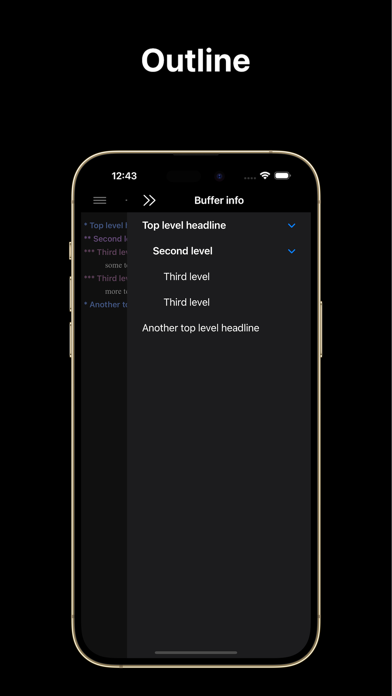
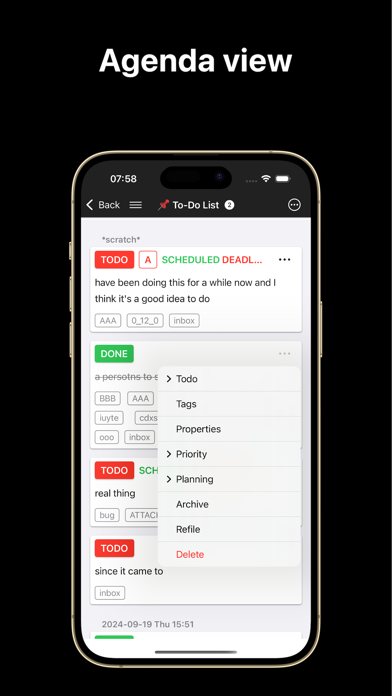
Metanote is a privacy-first offline editor that supports org mode. In Metanote, everything is text, everything is editable. Supports real-time editing and rendering of images, hyperlinks, tables, Latex mathematical formulas, source code blocks, attachments and other rich content with the text markup language 'org mode'. Literary creation, academic papers, literary programming, task management, knowledge wiki and other usage scenarios can be easily handled. *** Freedom & Private 100% work offline, no account required, no network required, no private document formats, no data collection, your data and privacy are completely under your control. *** Writing every where Whether on the go or in your bedroom, you can create, view and edit your documents anytime, anywhere, and with built-in synchronization, everything will be there when you return to your desk. *** A silky-smooth editing experience Pure native development, lightweight and smooth, rejecting any lag, even for large files! *** Thinking better Through the structured editing function, ideas come to life on screen. It is not only a beautiful outline, but also efficient thinking. *** Never miss a thing There is no more free task management system than this. Notes are to-dos, and to-dos are notes. Everything is plain-text and everything can be edited. Capture inspiration on the go with 'capture' and keep everything in sight with 'agenda view's. *** Org mode Metanote fully supports org mode 9.3.6 syntax, including features like Capture and Agenda View, allowing for a perfect and even enhanced org mode experience on smartphones. - An incredibly smooth editing experience. - Sync using WebDAV(Apache WebDAV Server, ownCloud, Yandex.disk, etc.), Dropbox, OneDrive, Git, iCloud. - Support for adding Obsidian and Logseq working directories, integrating and managing them in a unified manner - Supports full-text search. - Support images, tables and LaTeX. - Support hyperlinks and attachments. 1. Supports internal links and external links. 2. Click on the attachment link to preview and edit, the following types are supported: 1. iWork and Microsoft Office documents 2. Images 3. Live Photos 4. Text files 5. PDFs 6. Audio and video files - Supports multi-window editing. - Customizable startup page - Supports mini buffer. - Compatible with org mode version 9.3.6 - Todo notifications support - View agenda views by year, month, and day - Customizable workflows - Support for custom capture, custom agenda view, refile, log note, and other features. Terms of Use: https://www.apple.com/legal/internet-services/itunes/dev/stdeula/
Latest release
What’s New
Bug fix and performance improvement
Audience growth
Ratings growth
Baseline captured. Growth appears after the crawler observes a changed rating count.
Momentum comes from crawler snapshots for the tracked storefront. “Viral growth signal” means unusually fast recent rating gains; it is an indicator, not download data.
Price tracking
Price intelligence
First snapshot captured. The trend line starts after the next crawler price observation.
- First observed Aug 28, 2026 · 2:23 AM Free
Screenshots