About this app
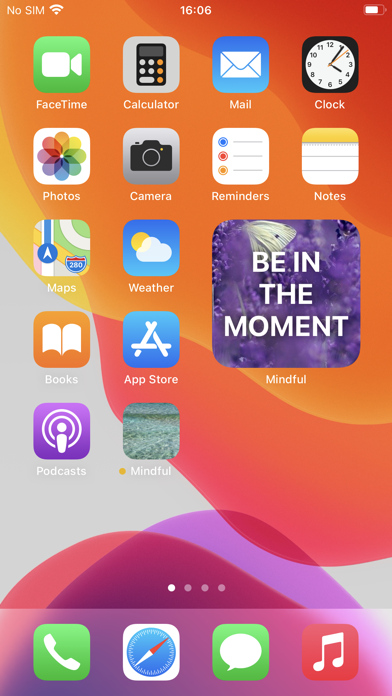
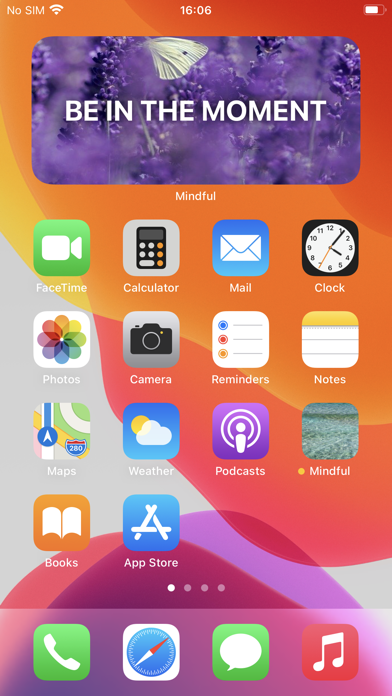
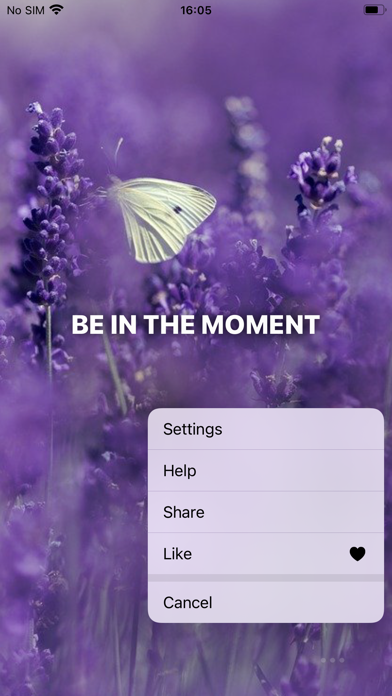
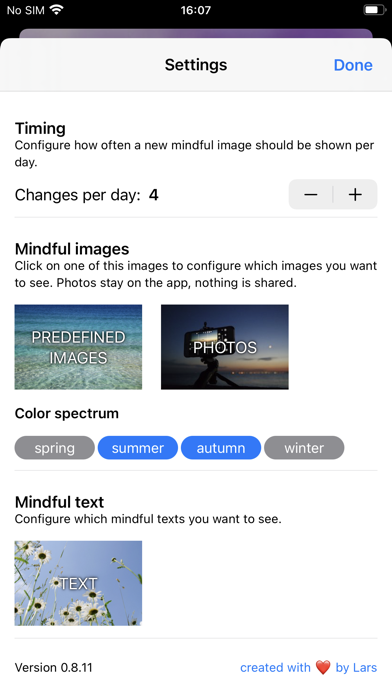
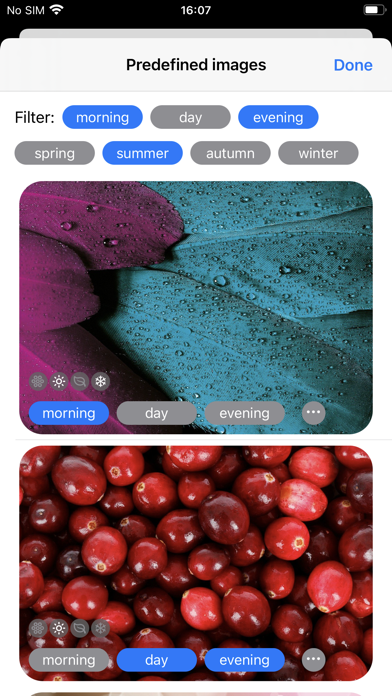
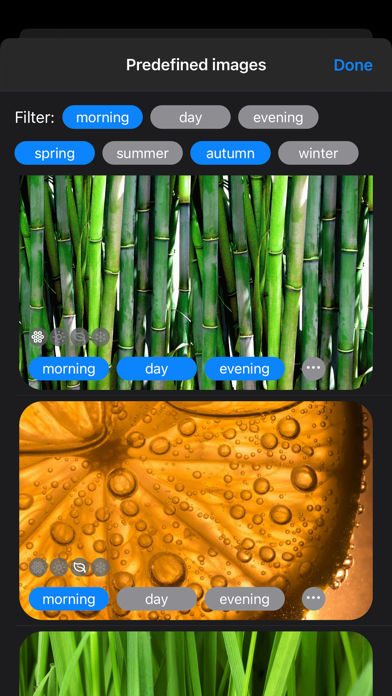
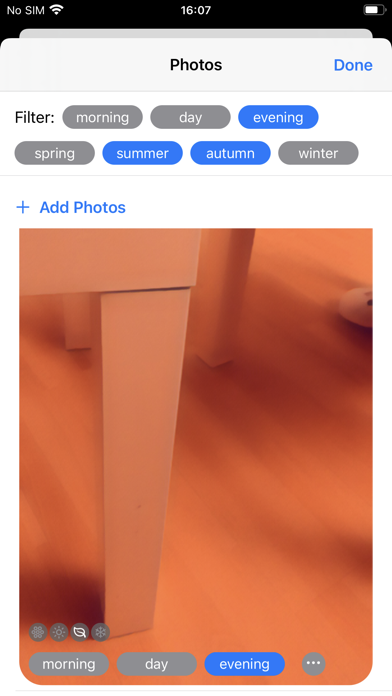
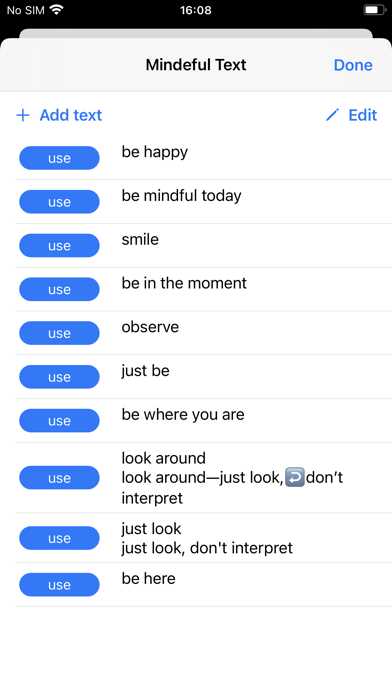
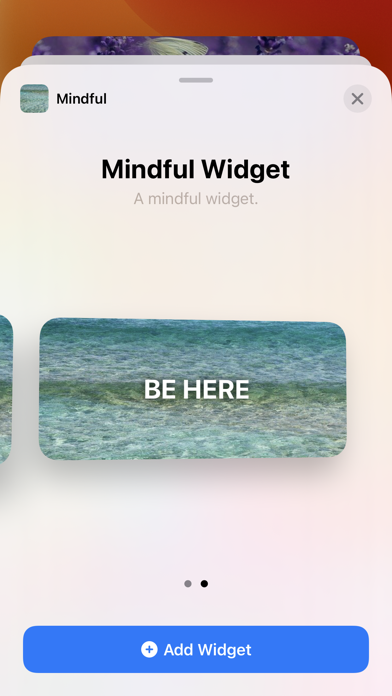
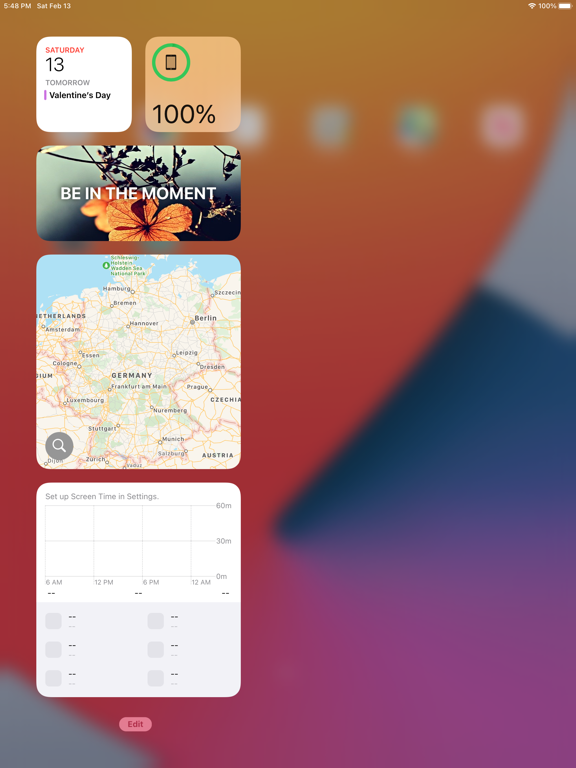
The Mindful Widget shows a beautiful picture with a mindful text in a widget on your home screen several times a day. Define how often the pictures and texts should change per day. Configure your own pictures, texts and choose your own photos. If you like, you can also have mindful reminders. This app is mindful by itself. There is no tracking and all your data, photos and texts stay on your phone. How to install the Mindful Widget? - Long press on the home screen. - Tap on the + icon on the top to see all widgets. - Select the Mindful widget. - Choose the size and tap on Add Widget. - Place the Mindful widget on your home screen. - Press Done or somewhere to finish.
Latest release
What’s New
Get notified with mindful reminders during the day. If you want, you can set how often you want to be reminded. You can also specify the notification texts in the settings.
Audience growth
Ratings growth
Baseline captured. Growth appears after the crawler observes a changed rating count.
Momentum comes from crawler snapshots for the tracked storefront. “Viral growth signal” means unusually fast recent rating gains; it is an indicator, not download data.
Price tracking
Price intelligence
First snapshot captured. The trend line starts after the next crawler price observation.
- First observed Sep 5, 2026 · 9:44 AM Free
Screenshots