About this app
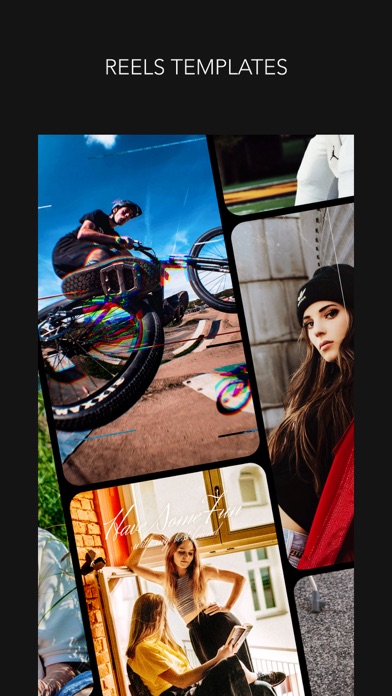
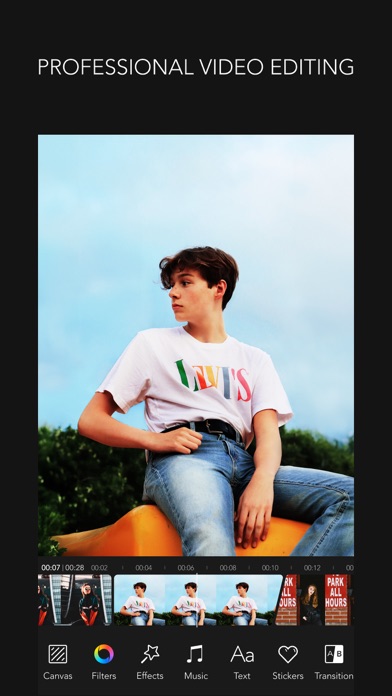
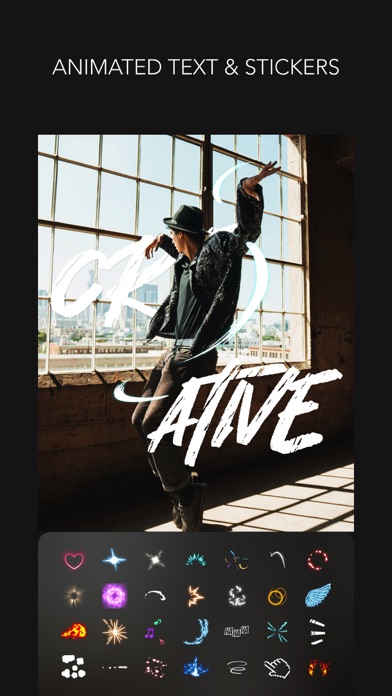
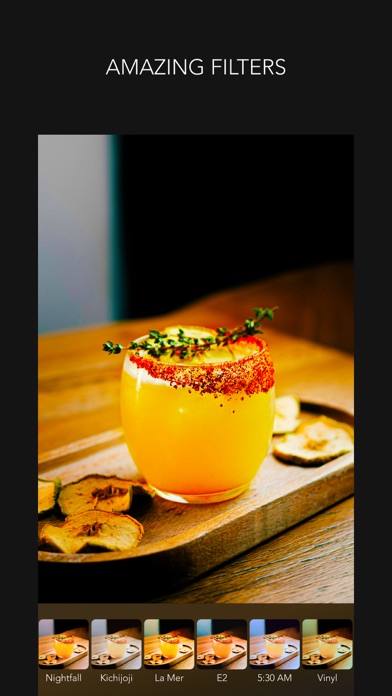
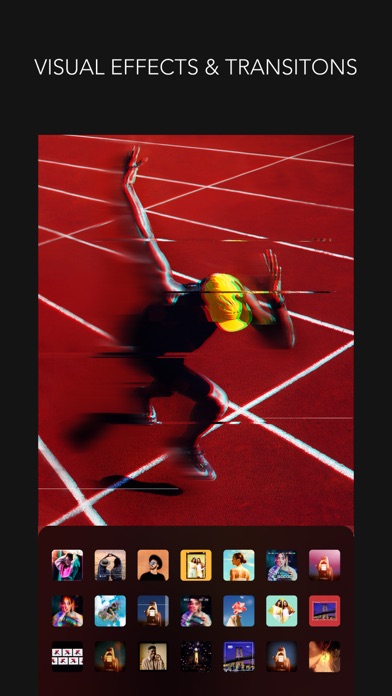
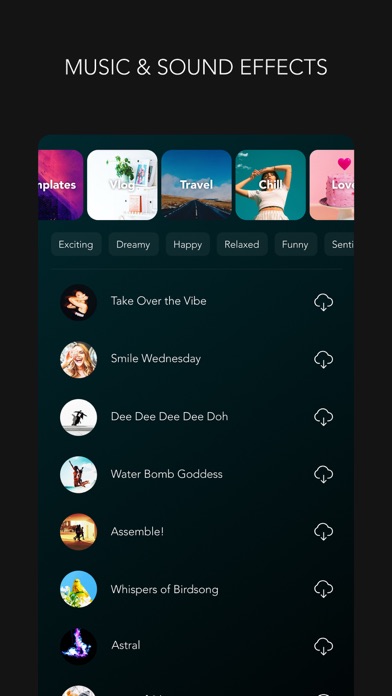
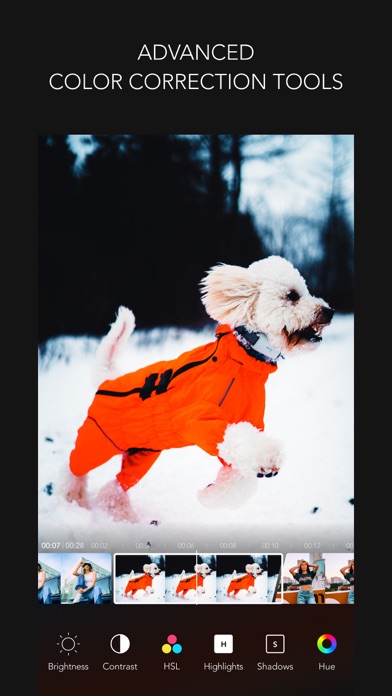
Easy Video Editing App, MOLDIV VideoLab! Create captivating Reels, Shorts, Vlogs and YouTube videos by adding trendy video effects. With MOLDIV VideoLab, anybody can easily edit videos by using subtitles, music, animated stickers, transitions, clip editing, video filters, slideshow, and so on. PROFESSIONAL EDITING + Texts and subtitles that are offered in hundreds of font style + Add multiple animated texts anywhere on the video + 500+ types of motion stickers + Animation feature to turn pictures and videos into slideshows + PIP: Picture in picture feature can be used to place a video on top of another. So, two or more videos can be played at the same time with one on the main screen and one on the inset screen. + Reverse Video + Clip editing tools - trim, cut, split + Color correction tools - brightness, hue, saturation, vibrance, white balance, vignetting, sharpen etc + Rotate, adjust playback speed + Export 4K, full HD video BACKGROUND REMOVAL + AI Background Remover automatically removes backgrounds + Freely combine and edit photos and videos + Chroma Key feature for removing specific colors and replacing them with your desired background BGM & SOUND EFFECTS + MOLDIV VideoLab original soundtrack list that will add the right mood to your videos + Add a soundtrack from your iTunes library + Audio extraction from videos available PREMIUM FILTERS + 260+ Filters in 15 themes + Professional effects that take selfies, daily moments, travel memories, food videos to the next level VISUAL EFFECTS & TRANSITIONS + Hundreds of FX and trending style preset effects popular on social media CANVAS + You can freely adjust the ratio, position, and angle of the video + Animated backgrounds & design backgrounds (colors, gradients, patterns, etc.) VIDEO TEMPLATES & QUICK EDITOR + More than 250 video templates to create trendy videos + 36 Categories of video templates including Vlog, Travel, Fashion & Beauty and more + Quick editor for customizing video templates + Copyright-free music for video templates + Various options to change template ratio including 4:5, 9:16, 16:9, 1:1 and more VIDEO CAMERA + Live filters + Take videos in multiple cuts + Various camera options STUDIO + Auto-save & store drafts in Studio We will continue to reflect your various feedback in our updates! Instagram: @MOLDIV_VideoLab YouTube: youtube.com/JellyBus MOLDIV VideoLab Premium Subscription - VideoLab Premium: You can subscribe for unlimited access to all features and content offered for purchase within MOLDIV VideoLab. - Subscriptions are billed monthly or annually at the rate selected depending on the subscription plan. Alternatively, a one-time payment plan is available (this is not a subscription). - Subscriptions auto-renew at the cost of the chosen package, unless canceled 24-hours in advance prior to the end of the current period. The subscription fee is charged to your iTunes account at confirmation of purchase. You may manage your subscription and turn off auto-renewal by going to your Account Settings after purchase. Per Apple policy, no cancellation of the current subscription is allowed during the active subscription period. Once purchased, refunds will not be provided for any unused portion of the term. Terms of Use: http://www.jellybus.com/policy/terms_videolab.html Privacy Policy: http://www.jellybus.com/policy/privacy_videolab.html
Latest release
What’s New
New Style of Editing We've prepared a new update to make your videos even more stylish and trendy. Try applying trendy effects and moods all at once with the newly added Style feature. With Style presets that beautifully combine various effects into one seamless look, anyone can effortlessly create polished, high-quality videos. Make your everyday moments truly special with MOLDIV VideoLab's signature style. • NEW STYLE EFFECTS - Create polished videos by applying multiple effects and atmospheric moods all at once - Style presets that make it effortlessly easy to express trendy moods and aesthetics - Stylish looks that seamlessly blend color, lighting, and detail into one cohesive finish - Create truly atmospheric videos with just a single touch • Minor bug fixes We will continue to reflect your various feedback in our updates! Instagram: @MOLDIV_VideoLab YouTube: youtube.com/JellyBus
Audience growth
Ratings growth
Baseline captured. Growth appears after the crawler observes a changed rating count.
Momentum comes from crawler snapshots for the tracked storefront. “Viral growth signal” means unusually fast recent rating gains; it is an indicator, not download data.
Price tracking
Price intelligence
First snapshot captured. The trend line starts after the next crawler price observation.
- First observed Aug 22, 2026 · 1:27 PM Free
Screenshots