About this app
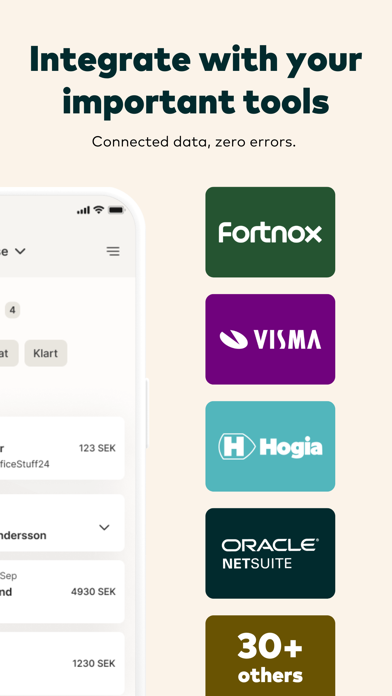
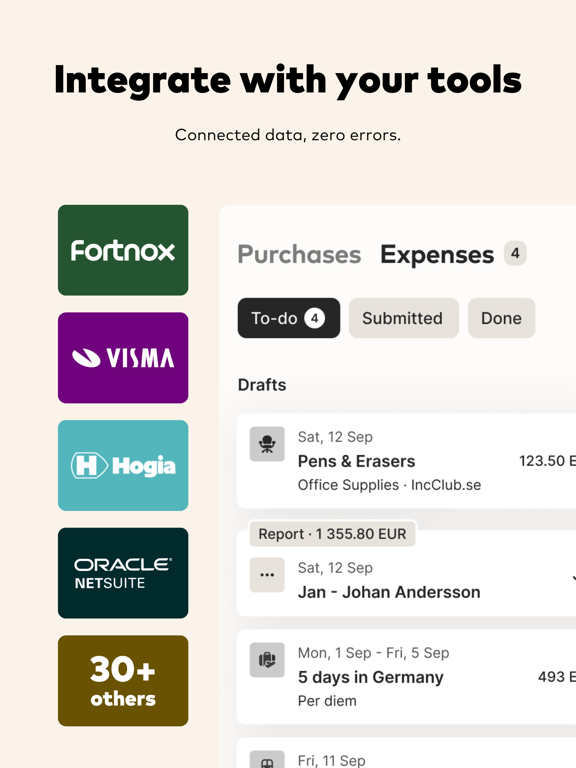
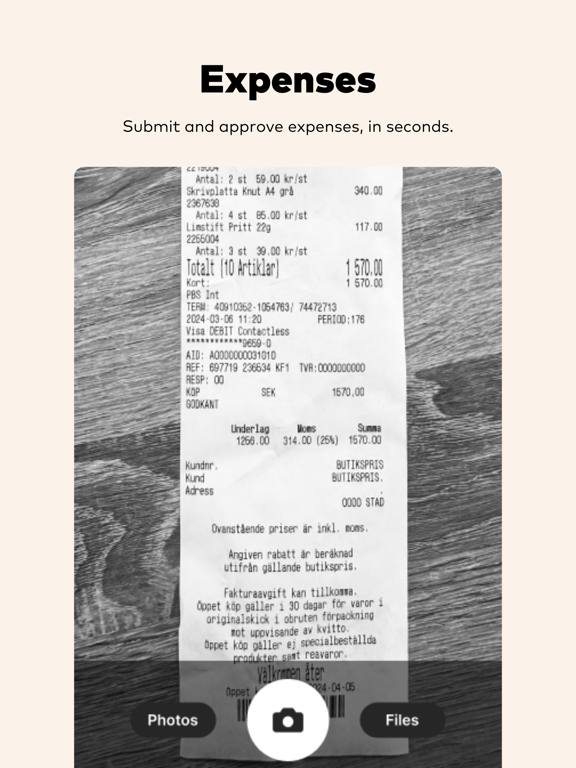
Simplify your company's expense management with Monitor Expense. With Monitor Expense, you can effortlessly manage expenses by establishing a direct connection between your company and your employees. Using our app, you can easily record expenses, per diems, and mileage reimbursements. All information is securely stored and accessible through both the web browser and the app itself. As an administrator, you have the ability to customize chart of accounts settings, establish direct integrations with your company's financial system, and personalize the app's appearance. You can also link your company or personal cards directly to the app, allowing all transactions to be automatically imported. You simply need to attach a receipt to each transaction, and you're done. Additionally, you can take pictures of receipts directly within the app. With Monitor Expense, you can: * Receive digital receipts directly from connected stores and chains, as well as submit receipts via email. * Automatically allocate expenses, including representation costs. * Establish a direct connection to corporate or personal cards for automatic transaction transfers. * Manage both domestic and international per diems. * Connect mileage reimbursement with electronic mileage logs. * Efficiently handle expense reports and approval processes. * Send expenses directly to Fortnox, Visma, and other financial systems.
Latest release
What’s New
Days are getting shorter and colder but the updated app is here to keep you warm! Enjoy! * Fixed issue where users needed to login in twice * Fixed issue where users were sometimes logged out after updating the app * Fixed issue where expenses were excluded from the report * Updated the counters in the app to show the correct numbers * Fixed issue where merging an expense would prevent saving the expense * A few other minor nuts and bolts tightened
Audience growth
Ratings growth
Baseline captured. Growth appears after the crawler observes a changed rating count.
Momentum comes from crawler snapshots for the tracked storefront. “Viral growth signal” means unusually fast recent rating gains; it is an indicator, not download data.
Price tracking
Price intelligence
First snapshot captured. The trend line starts after the next crawler price observation.
- First observed Sep 11, 2026 · 7:01 AM Free
Screenshots