About this app
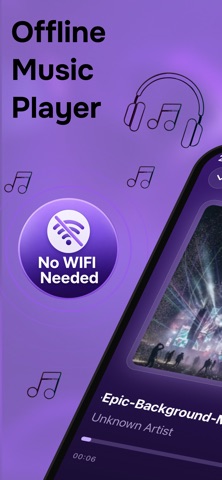
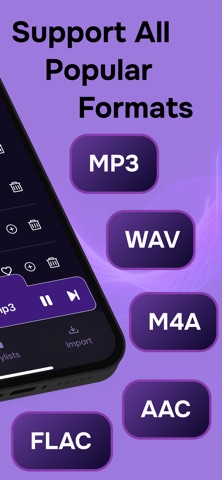
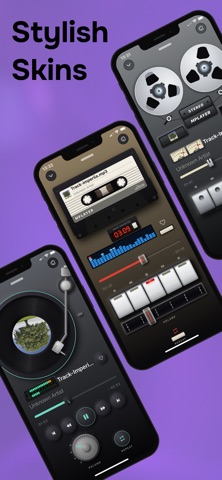
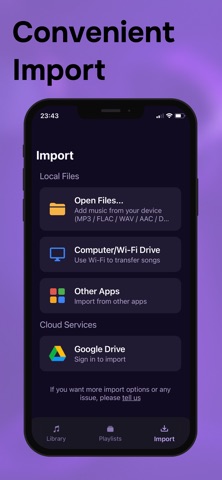
Offline Music Player – MPlayer Your music. Your library. Your way. MPlayer is a powerful offline music player designed for people who want to keep their music close and enjoy it without distractions. Import your favorite songs, organize them into playlists, and listen anytime — even when you're offline. Choose from beautifully crafted player experiences inspired by classic music hardware and enjoy simple, responsive controls built around your local music library. Your Music Library Bring your music together in one place. Import songs from your device, other apps, your computer, Wi-Fi, or Google Drive, then browse everything from your personal library. Easy Music Import Add your music using the method that works best for you: • Import files directly from your device • Transfer music from a computer over Wi-Fi • Import songs from other apps • Add music from Google Drive Create Your Playlists Organize your collection your way. Create playlists for different moods, activities, genres, or moments and quickly find the music you want to hear. Keep Your Favorites Close Save the songs you love to your Favorites and access them instantly whenever you want. Powerful Playback Controls Take control of your listening experience with: • Play and pause • Previous and next track • Shuffle • Repeat • Playback queue • Quick access to favorites • Volume control Classic Player Experiences Turn listening into an experience. Enjoy beautifully designed music players inspired by iconic audio equipment, including a classic turntable and reel-to-reel style player. Designed for Distraction-Free Listening MPlayer keeps the focus where it belongs — on your music. A clean, intuitive interface makes your library, playlists, and playback controls easy to access. No Internet Required Once your music is on your device, you can listen offline without streaming or using mobile data. MPlayer is made for music lovers who want a simple, personal, and beautifully designed offline music player — with full control over their own collection. Terms of Use: https://www.apple.com/legal/internet-services/itunes/dev/stdeula/ Privacy Policy: https://www.privacypolicies.com/live/13364451-fec0-487a-9b75-8ee3628a6699
Latest release
What’s New
In this update you'll find: - Stunning skins.
Audience growth
Ratings growth
Baseline captured. Growth appears after the crawler observes a changed rating count.
Momentum comes from crawler snapshots for the tracked storefront. “Viral growth signal” means unusually fast recent rating gains; it is an indicator, not download data.
Price tracking
Price intelligence
First snapshot captured. The trend line starts after the next crawler price observation.
- First observed Sep 11, 2026 · 4:55 AM Free
Screenshots