About this app
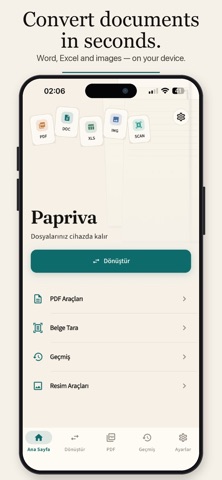
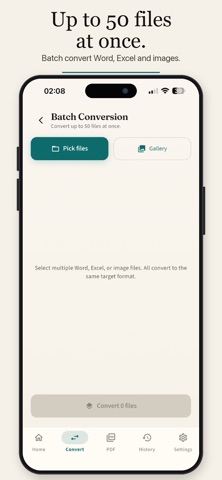
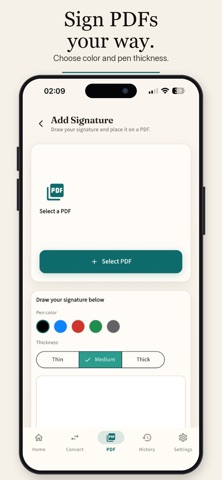
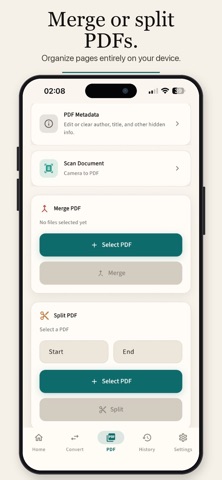
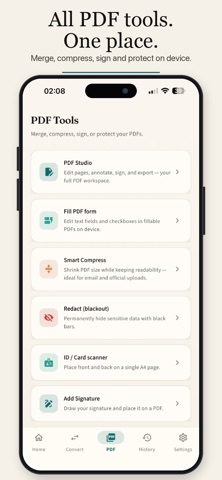
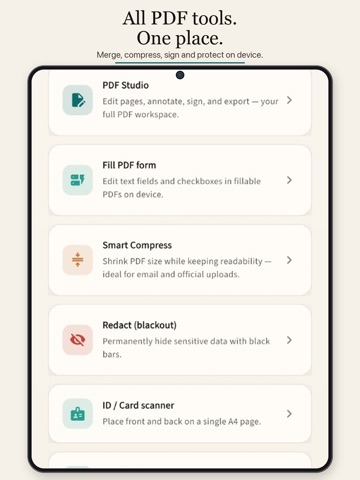
Papriva is a free PDF and document toolkit for iPhone. Convert files, scan papers, edit PDFs, and finish everyday document tasks without uploading your files to our servers — and without ads. No account. No ads. Your documents stay on your device. CONVERT & EXPORT Convert common Office formats (such as DOCX, XLSX, PPTX), images, and text to PDF. Export PDF pages to image-based DOCX or PPTX, or to JPG/PNG. Batch conversion helps when you have multiple files. Layout and editability can vary by file complexity — complex documents may lose formatting. SCAN DOCUMENTS Scan with your camera to create clean multi-page PDFs. Optional on-device OCR (Latin script) can make scans searchable. The ID/card tool places front and back on a single A4 page, with crop, rotate, brightness, contrast, and shadow enhancement. PDF STUDIO & TOOLS • Merge and split PDFs • Reorder, rotate, delete, or insert pages • Annotations: highlight, underline, ink, and sticky notes • Add text overlays • Draw and place a visual signature (not a qualified electronic signature) • Text and logo watermarks • Password protect or unlock PDFs • Compress for email and uploads (quality may decrease at higher compression) • Permanent redaction for sensitive areas • Fill basic PDF form fields (text and checkboxes) • Page numbers and metadata • Images ↔ PDF IMAGE TOOLS & HISTORY Convert and compress images, keep a local conversion history with favorites and folders, and share via the system share sheet — including password-protected ZIP when you choose. PRIVATE BY DESIGN Processing is designed to run on your device. Optional biometric app lock adds another layer of protection. When you share a file, the transfer is handled by iOS and the destination you select. Papriva is free and ad-free in this version.
Latest release
What’s New
better user experience
Audience growth
Ratings growth
Baseline captured. Growth appears after the crawler observes a changed rating count.
Momentum comes from crawler snapshots for the tracked storefront. “Viral growth signal” means unusually fast recent rating gains; it is an indicator, not download data.
Price tracking
Price intelligence
First snapshot captured. The trend line starts after the next crawler price observation.
- First observed Sep 2, 2026 · 5:26 AM Free
Screenshots