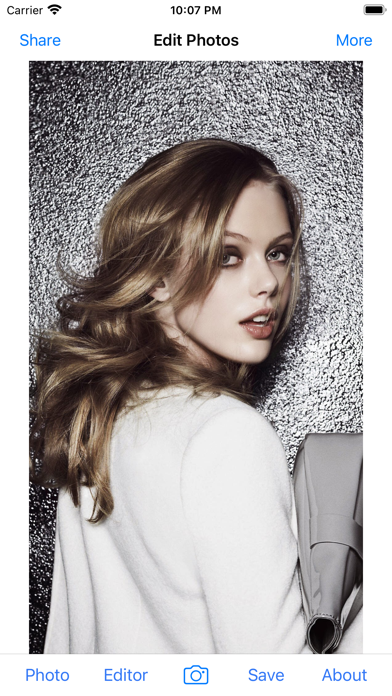
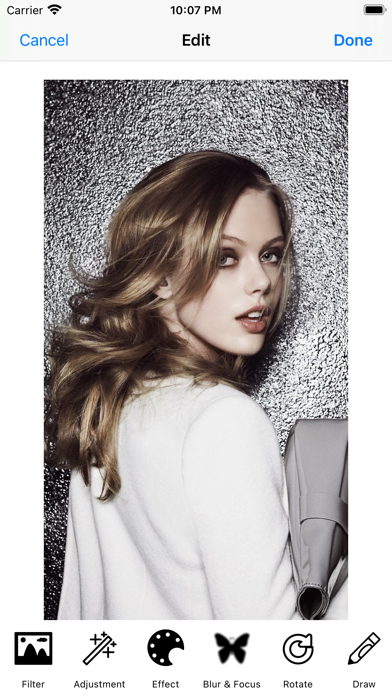
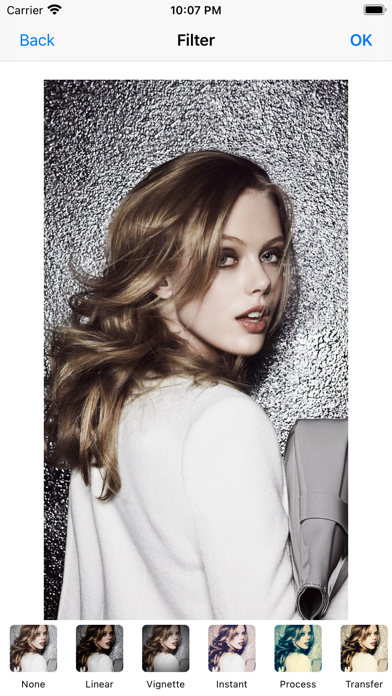
About this app
This app includes Effects,Focus,Frames,Stickers,Enhance,Orientation,Crop,Adjust,Splash,Draw,Text,Redeye,Whiten,Blemish,Meme... Many many tools and effects and they are all FREE! Main features such as: - Enhance with Hi-Def, Scenery, Food, Portrait, and Night - Adjust saturation, warmth, tint and fade - Crop, rotate, and straighten your photos - Draw, add text and create your own memes - Draw attention to the subject of your photo with Focus or Vignette - Stylize with over 100 free and purchasable filters - Get creative with stunning stickers, frames and overlays - Touch-up selfies with redeye and blemish removal - Boost smile wattage with teeth whitening - Selectively remove and replace color with Splash - Add drama with Sharpness - Modify brightness, contrast, highlights and shadows - Share photos to Instagram, Twitter or Facebook
Latest release
What’s New
-Adapt for iOS 16 -Fix bugs -Performance & stability improvements
Audience growth
Ratings growth
Baseline captured. Growth appears after the crawler observes a changed rating count.
Momentum comes from crawler snapshots for the tracked storefront. “Viral growth signal” means unusually fast recent rating gains; it is an indicator, not download data.
Price tracking
Price intelligence
First snapshot captured. The trend line starts after the next crawler price observation.
- First observed Sep 10, 2026 · 8:24 PM Free
Screenshots