About this app
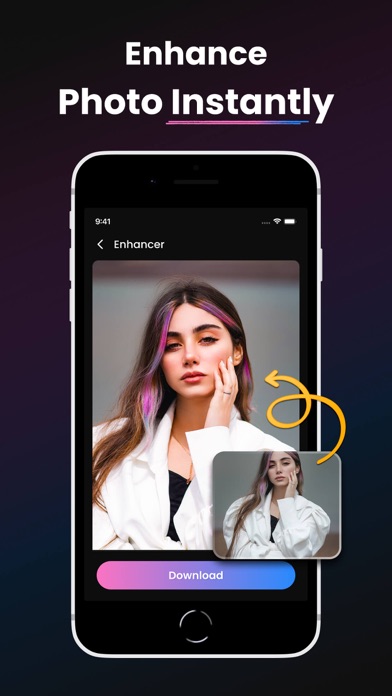
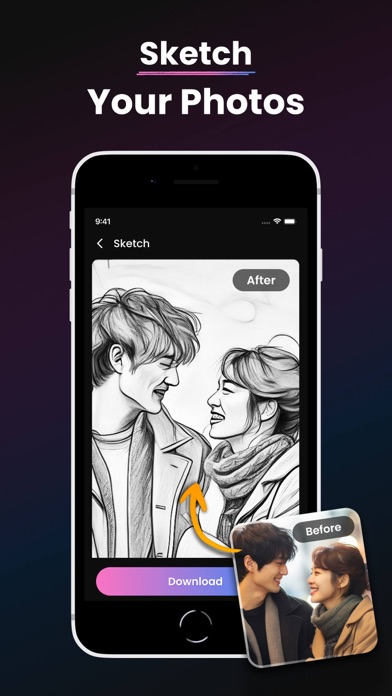
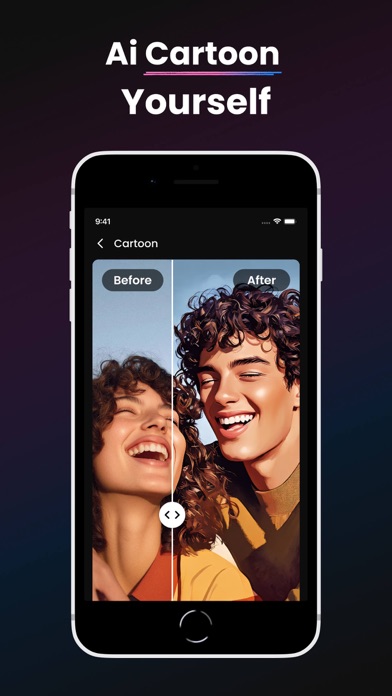
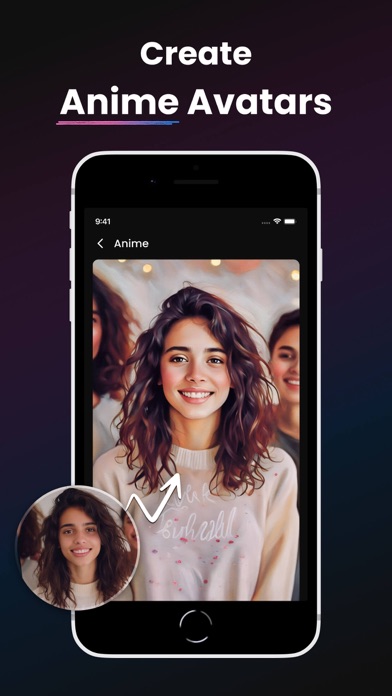
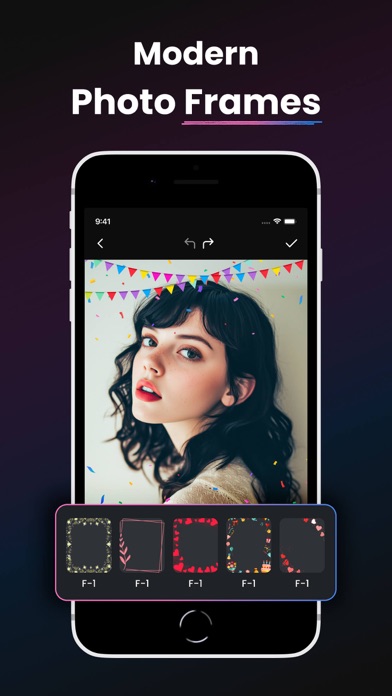
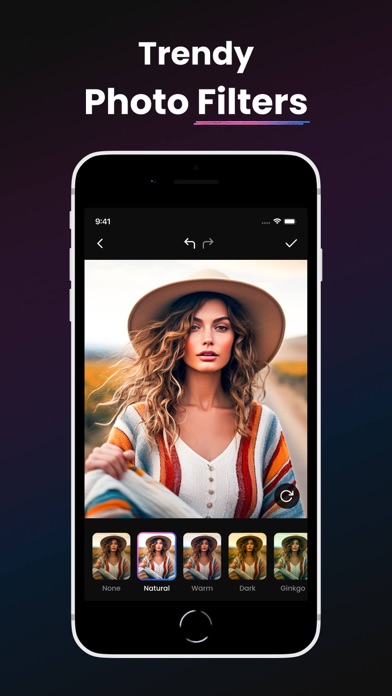
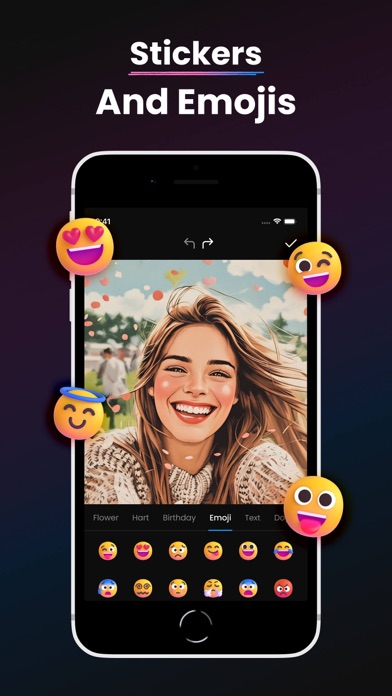
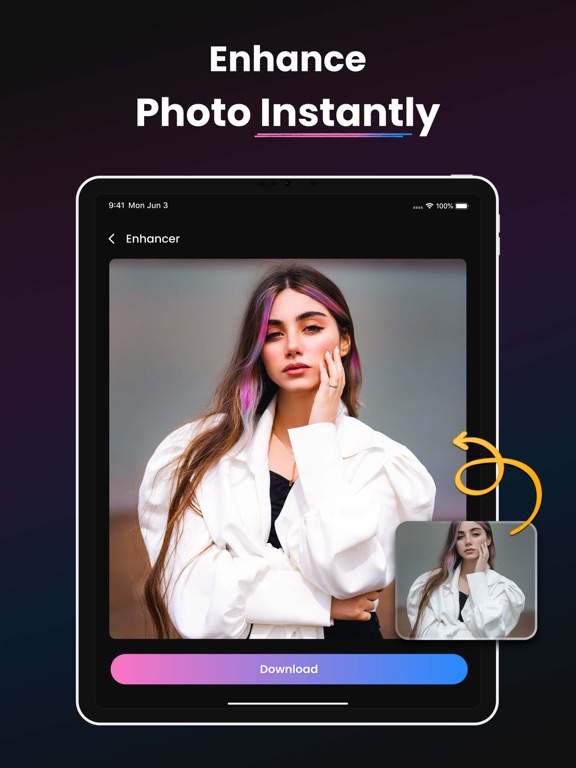
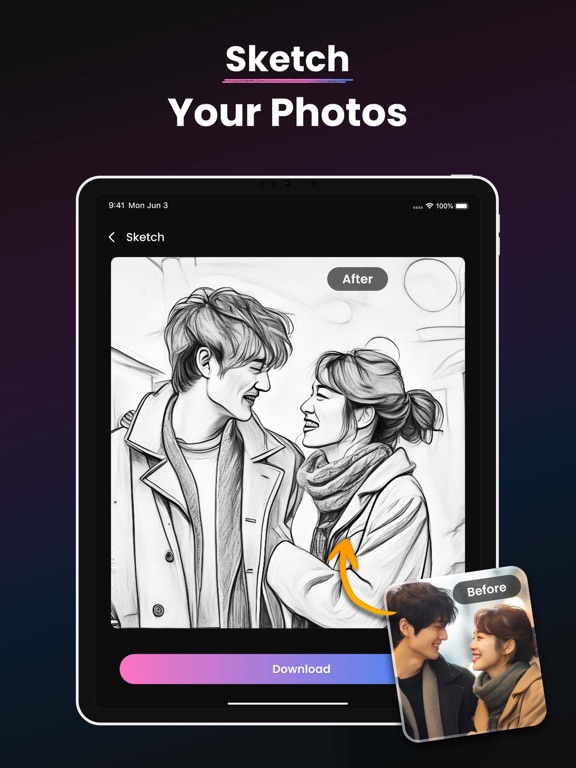
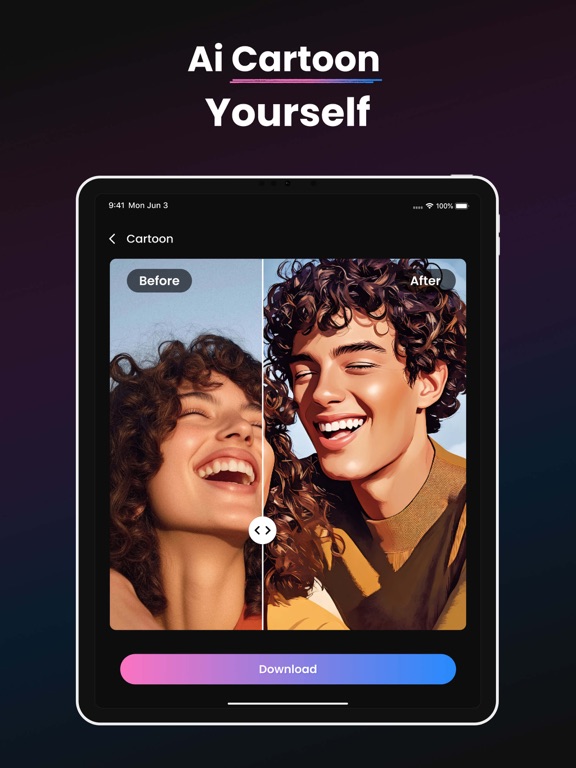
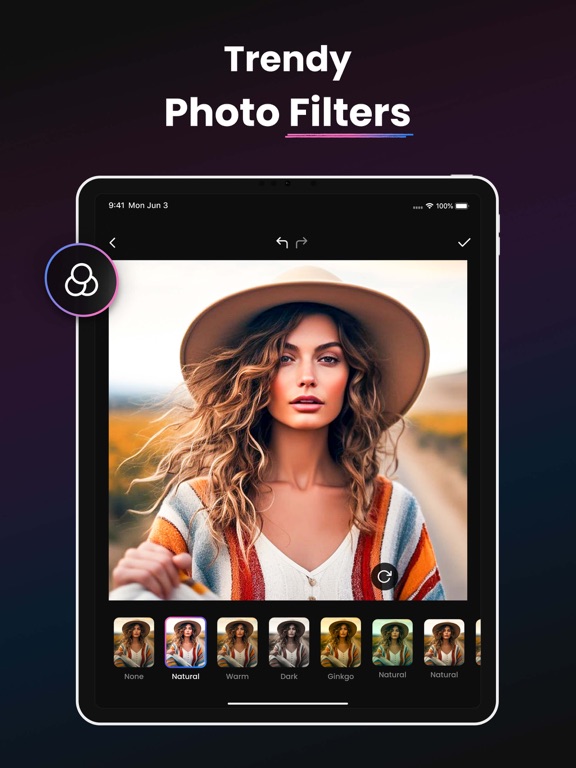
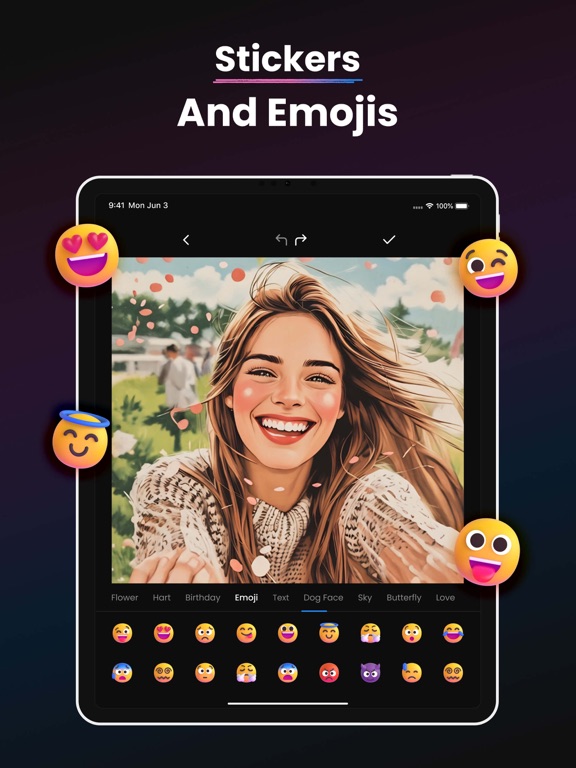
Unleash the full potential of your photos with AI Photo Enhancer & Photo Editor – the ultimate all-in-one photo enhancement tool! Whether you want to fix blurry photos, transform your image into a cartoon, convert your selfie into anime, or retouch your face like a beauty camera, this powerful HD Photo Enhancer and Photo Editor app does it all. Designed with cutting-edge AI technology, this Photo Enhancer makes your old, blurry, or low-quality photos look crisp, clean, and HD in seconds. It’s more than just a Photo Editor – it’s your smart AI assistant to bring photos to life! Top Features: AI Photo Enhancer (Main Feature): Transform low-resolution or blurry photos into high-definition masterpieces. This AI-powered Photo Enhancer improves clarity, sharpness, and detail with one tap. Perfect for restoring old images or enhancing your favorite memories. - Fix blurry photos instantly - Improve quality of selfies, portraits, or group shots - One-tap HD Photo Enhancement - Powered by advanced AI algorithms Photo to Sketch – Turn Photos into Pencil Art: Love sketches? Use our Photo to Sketch tool to convert your photo into realistic pencil drawings. - Pencil sketch effects - Multiple sketch styles - Great for profile pictures or artistic edits Photo to Cartoon – Create Fun Avatars: Get cartoonized in seconds! Turn your face into a cartoon with our fun and powerful Cartoon Photo Editor. - AI-powered cartoon effects - Create funny avatars and toon yourself - Cartoon camera for live effect previews Photo to Anime – Anime Yourself with One Tap: Anime lovers, rejoice! This tool turns your photo into a stylish anime version of yourself. - Kawaii anime filters - Anime face transformation - Anime camera effects Photo to Paprika – Unique Artistic Effects: Our exclusive Paprika filter gives your photos a unique and artistic flavor. A niche favorite! - Special “Paprika” anime-style filters - Artistic photo rendering Beauty Camera & Face Retouch Tools Get flawless selfies with our AI beauty tools. This app doubles as a Beauty Camera and Selfie Photo Editor for a natural glow-up. - Smooth skin, brighten eyes - Auto face retouch - Makeup filters and beautification Why Choose This App? - 10+ smart tools: Photo Enhancer, Cartoon Editor, Sketch Filter, and more - High-quality output with low file size - Fast AI engine with HD rendering - Regular updates and new AI tools - Easy UI for both beginners and pros All-in-One Photo Editor Toolkit Your favorite Photo Editor features are here in one place: Crop Photo – Easily crop to size or aspect ratio Filter Photo – Apply modern or vintage filters Adjust Photo – Control brightness, contrast, saturation Draw on Photo – Add artistic or free-hand sketches Sticker Photo – Add fun stickers and emojis Frame Photo – Stylish photo frames for memories Overlay Photo – Create double exposure magic Add Text to Photo – Creative fonts and text overlays Add Image to Photo – Blend multiple photos into one Keywords You’ll Love: - Photo Enhancer - HD Photo Enhancer - AI Photo Enhancer - Photo Editor - AI Photo Editor - Cartoon Photo Editor - Sketch Photo Editor - Beauty Camera Photo Editor - Anime Photo Editor - Selfie Retouch Photo Enhancer This app is the perfect Photo Enhancer and Photo Editor for anyone who wants stunning pictures without professional tools. With a powerful AI Photo Enhancer, smart Photo Editor, and creative modes like Photo to Cartoon, Photo to Sketch, and Photo to Anime, you’ll never need another app again. Who’s it for? - Social media users wanting better content - Creators making profile pics or avatars - People restoring old or blurry images - Anime lovers, cartoon fans, or artists - Anyone who loves a good Photo Enhancer or Photo Editor Start enhancing your memories today. Privacy Policy - https://sites.google.com/view/photoeditorprivacy-policy/home Terms of Use (EULA) - https://www.apple.com/legal/internet-services/itunes/dev/stdeula/
Latest release
What’s New
- In this version, we have focused on improving the user experience.
Audience growth
Ratings growth
Baseline captured. Growth appears after the crawler observes a changed rating count.
Momentum comes from crawler snapshots for the tracked storefront. “Viral growth signal” means unusually fast recent rating gains; it is an indicator, not download data.
Price tracking
Price intelligence
First snapshot captured. The trend line starts after the next crawler price observation.
- First observed Aug 25, 2026 · 7:42 PM Free
Screenshots