About this app
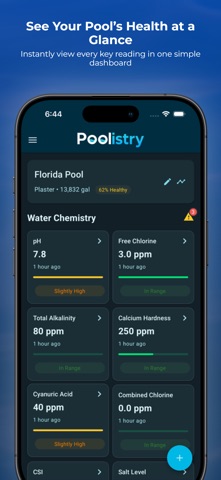
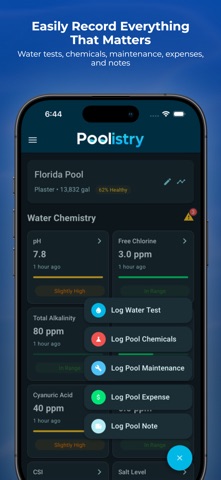
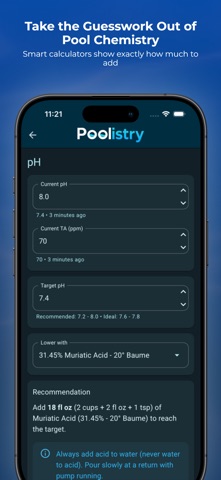
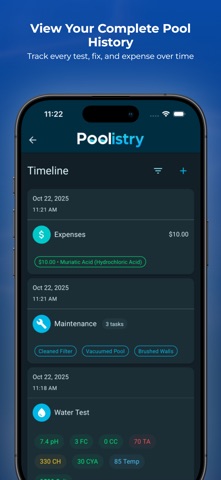
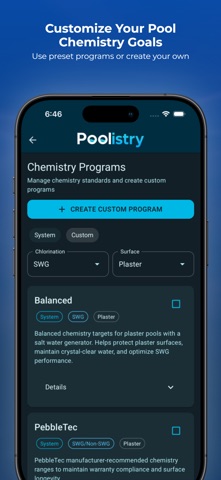
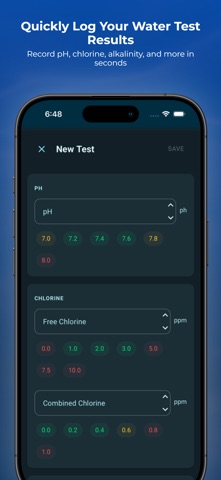
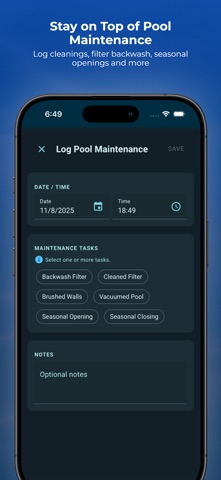
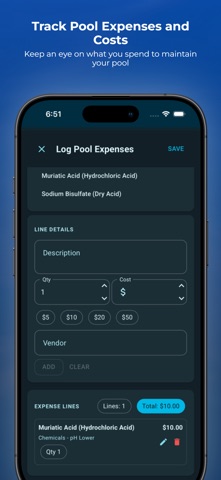
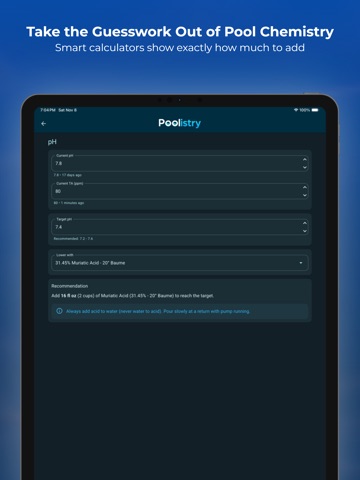
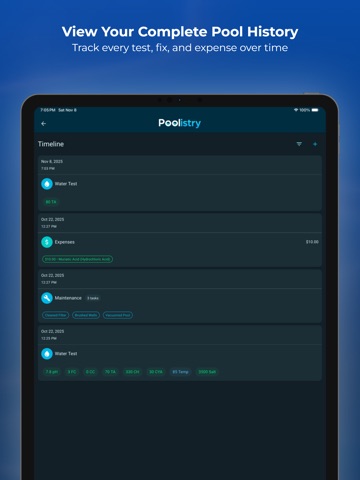
Take the guesswork out of pool care with Poolistry — your all-in-one pool calculator, chemistry tracker, and maintenance log. Whether you’re a new pool owner or an experienced pro, Poolistry helps you balance your water, track maintenance, and keep your pool crystal clear all year long. Simple tools, smart calculators, and clear guidance make pool care faster, easier, and more accurate. Smart Pool Calculators Quickly calculate exact chemical adjustments for every major parameter: - pH - Free & Combined Chlorine - Total Alkalinity - Calcium Hardness - Cyanuric Acid (CYA) - Salt - Borates - Calcite Saturation Index (CSI) Each calculator tells you exactly how much of each chemical to add to reach your target range — no more guesswork or wasted product. Track and Log Everything Keep a complete record of your pool care routine: - Water tests and readings - Chemical additions - Maintenance tasks - Expenses and notes See your entire pool history in one clear timeline and watch your readings improve over time. Cloud Backup & Sync - Securely back up your pools, logs, and settings to the cloud - Keep pools, logs, and settings in sync across multiple devices - Restore your data anytime by signing in - Optional feature designed to keep your data safe and accessible Maintenance Tools That Work Add notes, set reminders, and view summaries of past maintenance. Keep your equipment running efficiently and your water perfectly balanced. Built for Every Pool Owner From backyard pools to professional service routes, Poolistry adapts to your needs. It’s simple enough for homeowners — yet powerful enough for pool professionals. Spend less time testing and more time swimming. Download Poolistry today and see why smart pool owners trust it to keep their water perfect. Privacy Policy: https://poolistry.com/privacy-policy/ Terms of Use (EULA): https://www.apple.com/legal/internet-services/itunes/dev/stdeula/
Latest release
What’s New
CSI values now appear in timeline entries, including balanced, scaling, or corrosive status.
Audience growth
Ratings growth
Baseline captured. Growth appears after the crawler observes a changed rating count.
Momentum comes from crawler snapshots for the tracked storefront. “Viral growth signal” means unusually fast recent rating gains; it is an indicator, not download data.
Price tracking
Price intelligence
First snapshot captured. The trend line starts after the next crawler price observation.
- First observed Aug 28, 2026 · 10:26 PM Free
Screenshots