About this app
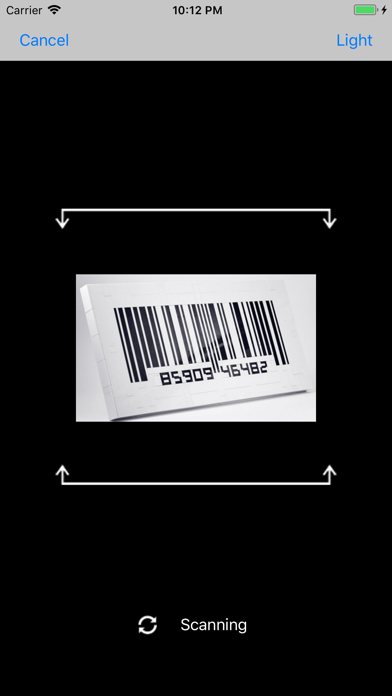
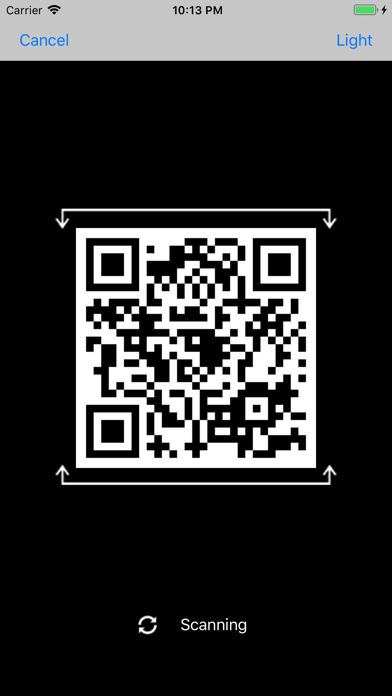
Power Scanner is the best companion for your barcode scanning and shopping needs! It can not only scan barcodes, but also QR Codes which encode URLs, contact details, calendar events, emails, any kind of data! Features: - Auto-detect scanning mod, Simply hold and point. - Scan all types of commercial barcodes: UPC, EAN, ISBN etc. - Search prices and product details from almost every major retailer like Amazon, etc. - Scan QR Codes which encode texts, URLs, contact details, calendar events, emails, messages and map locations. - Perform all the actions related to the QR scanned data without quitting the app. - Read other buyers’ reviews of your desired product - Light option while scanning - Beep to let you know scan succeed - Share product links by email Please Note: Continued use of the flash may dramatically decrease battery life. Thank you for all of your feedback! Keep it coming!
Latest release
What’s New
- Compatibility with iPhone X - Bug fixed and performance improvement
Audience growth
Ratings growth
Baseline captured. Growth appears after the crawler observes a changed rating count.
Momentum comes from crawler snapshots for the tracked storefront. “Viral growth signal” means unusually fast recent rating gains; it is an indicator, not download data.
Price tracking
Price intelligence
First snapshot captured. The trend line starts after the next crawler price observation.
- First observed Sep 11, 2026 · 9:00 PM Free
Screenshots