About this app
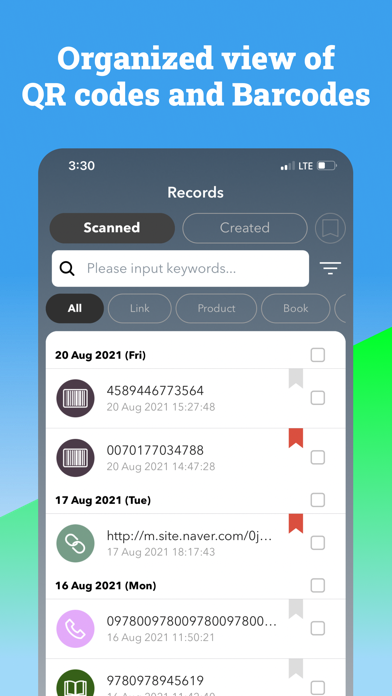
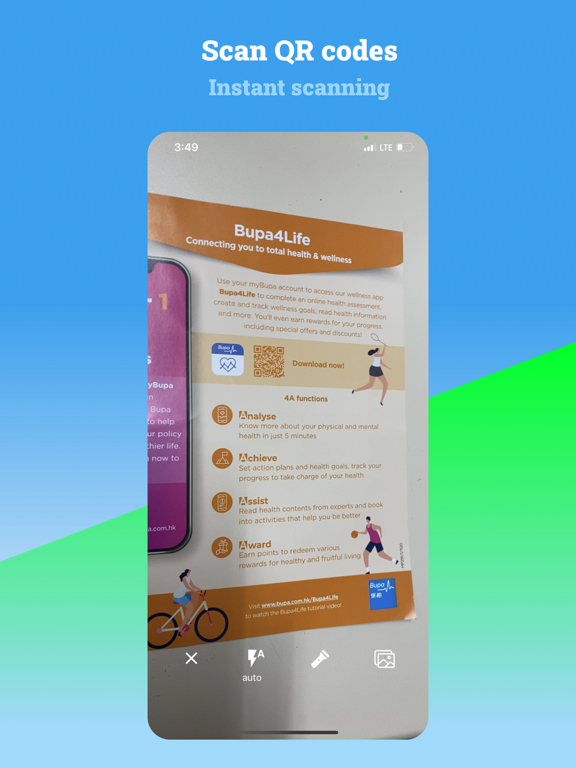
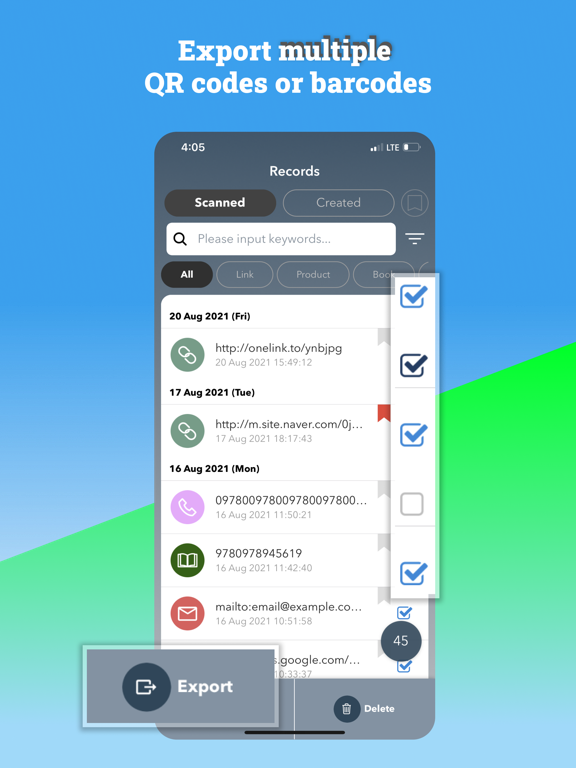
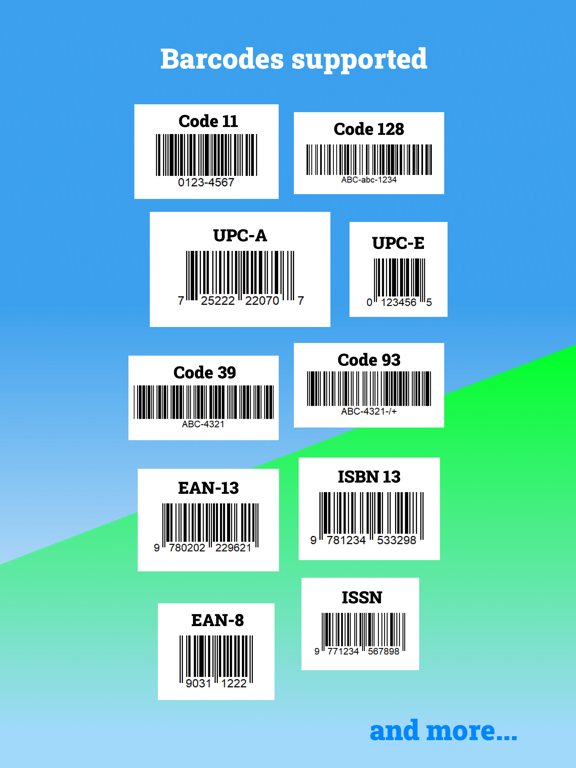
100% free for all features. No upgrade cost. No Subscription Scanwise scans and reads QR codes and barcodes, supporting: QR codes: - Webpage / Facebook / Twitter / YouTube links / URLs - SMS - Location on Google Map - WiFi Hotspots - Phone Number - Email Address - Text Message Barcodes: - Code-128 - EAN-8 - EAN-13 - UPC-A - UPC-E - ISBN - and more! Simply point and hold Automatic detection of code type. Supports scan from photo If you have a photo of a QR code you may pick the photo for scanning. (Access permission is required for this) Safe browsing You have the option to open a link after reading the scanned link, avoid phishing or malware sites. Supports flashlight and torch You may quickly toggle on the flashlight or torch within the app for scanning in the dark. Auto search for product After scanning product barcodes, you may open and read the product details in browser. Attach useful photo You may want to add photos about a link or a product to make the scans more informative. For example, you just scanned a coffee coupon and you may want to add a photo of the menu or a photo of the shop. Add your own comment on product You may write comments in the app for the products that you find them worth-buying. Amazon search for ISBN barcodes (books) For ISBN barcodes, Scanwise can auto search for books in Amazon. Add to Bookmark Simply click the “Bookmark” icon, you can add your scanned codes such as links, books, albums, etc. to your Bookmark List. Create your own QR codes - Webpage / Facebook / Twitter / YouTube links / URLs - SMS - Location on Google Map - WiFi Hotspots - Phone Number - Email Address - Text Message Export your scans by CSV file Share and export your scan history as CSV file. It is especially suitable for extensive use of scanning QR codes and barcodes. Supports unlimited scan history You may manage unlimited history of all your scans and new QR Codes. If you have comment, feel free to contact us: hklocalscom@gmail.com
Latest release
What’s New
We’ve added powerful new features to help you get more from your scans! Food details: Scan food barcodes to instantly view ingredients, allergens, preservatives and nutrition info from OpenFoodFacts. Book details: Scan ISBN barcodes to see book titles, authors and descriptions using Google Books. Quick search buttons: Easily search scanned products or books on Google, Amazon and more with just one tap. Hong Kong users: For food items, you can now see local price information from the Hong Kong Consumer Council. Thank you for using QR Code Reader by Scanwise!
Audience growth
Ratings growth
Baseline captured. Growth appears after the crawler observes a changed rating count.
Momentum comes from crawler snapshots for the tracked storefront. “Viral growth signal” means unusually fast recent rating gains; it is an indicator, not download data.
Price tracking
Price intelligence
First snapshot captured. The trend line starts after the next crawler price observation.
- First observed Sep 2, 2026 · 10:04 PM Free
Screenshots