About this app
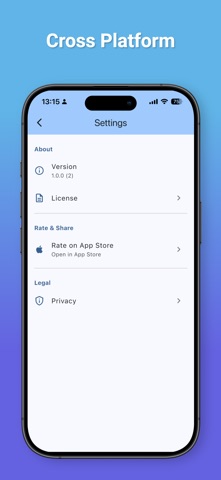
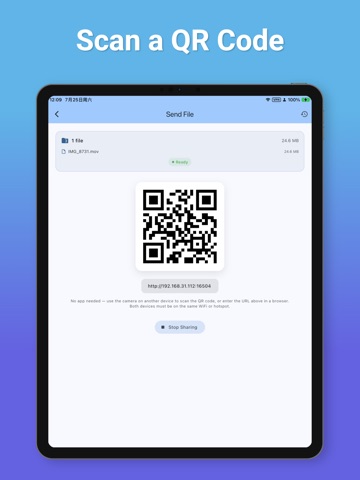
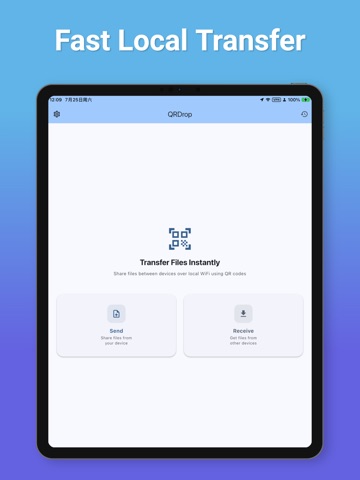
Transfer files without installing another app. QRDrop turns your iPhone, iPad, TV, or computer into a secure local file transfer portal. Simply open QRDrop on one device, scan the QR code from another device, and start transferring files directly through your web browser—no installation required on the receiving device. Whether you're sending photos to your TV, copying videos to your device, or sharing files with friends, QRDrop makes the process simple, fast, and private. Features • No app required on the second device • Scan a QR code to connect instantly • Fast local network (Wi-Fi/LAN) transfer • Upload and download files through any modern web browser • Support for photos, videos, documents, music, APKs, ZIP files, and more • Multiple file transfer • Large file support • Cross-platform compatibility • Clean and intuitive interface • No cloud upload • No account required Why QRDrop? Unlike traditional file transfer apps that require installation on every device, QRDrop only needs to be installed on one device. Simply: Open QRDrop Scan the QR code Transfer files instantly No registration. No cables. No cloud. No hassle. Perfect For • TV file transfer • iPhone ↔ TV • iPhone ↔ iPad • iPhone ↔ Computer • Family sharing • Office file sharing • Classroom presentations • Local network transfer Privacy First Your files never pass through our servers. All transfers happen directly between devices on your local network whenever possible, giving you better privacy and faster speeds.
Latest release
What’s New
Bug fixes and performance improvements
Audience growth
Ratings growth
Baseline captured. Growth appears after the crawler observes a changed rating count.
Momentum comes from crawler snapshots for the tracked storefront. “Viral growth signal” means unusually fast recent rating gains; it is an indicator, not download data.
Price tracking
Price intelligence
First snapshot captured. The trend line starts after the next crawler price observation.
- First observed Aug 21, 2026 · 2:44 AM Free
Screenshots