About this app
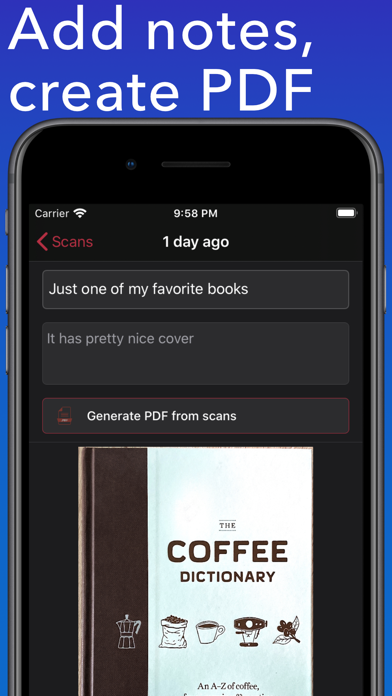
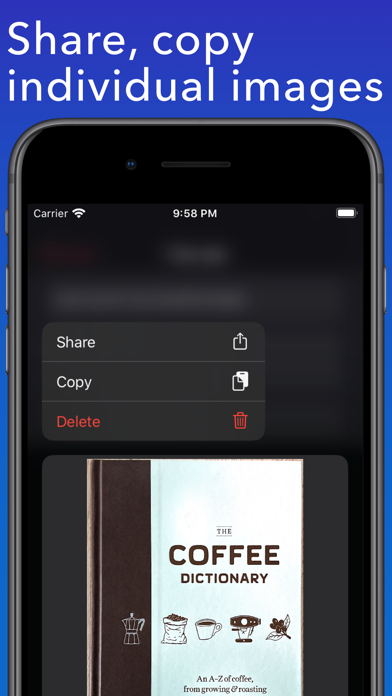
Easy to use scanner. Convert scans into PDF for easy sharing. *Free version offers 5 scans every month. Upgrade to Pro to remove the limit* The app can export scanned documents as PDF and also does text recognition (OCR). You can easily access all text content or perhaps just the website address or phone number. You scanned documents are automatically saved to iCloud Drive and available on all your Apple devices. iPad version supports drag and drop so you can quickly drag scanned documents to other apps. | Scan Scan one or multiple pages and adjust the edges if needed before saving the final scan. The app automatically detects the edges of the document for better experience. You can rotate the scanned document or apply Grayscale, Black & White or Photo filters. Just make sure to do these edits before confirming the scan. | Export Easily share scanned documents as individual images or create PDF from all the pages in one scan. | iCloud All scanned documents are automatically uploaded to your iCloud Drive for easy access and backup. Just look for the "Scan it" folder. You can also customize this to export single PDF from multiple scans. | Text Recognition Scan it features OCR which means that scanned text will get recognized and you can quickly make use of it. For example if you scan business card you will get tappable links in results allowing you to make a call, send an email, open Safari or maps depending on the contents. This recognized text can also be easily shared. Examples where app can help: * Scan business cards to quickly save contact information like an email or phone number * Scan receipts to keep track of expenses * Scan interesting book pages or other articles for later * Scan and archive invoices and other important documents * Paper notes, mindmaps and other important texts so you never lose it
Latest release
What’s New
Minor design tweaks, bug fixes
Audience growth
Ratings growth
Baseline captured. Growth appears after the crawler observes a changed rating count.
Momentum comes from crawler snapshots for the tracked storefront. “Viral growth signal” means unusually fast recent rating gains; it is an indicator, not download data.
Price tracking
Price intelligence
First snapshot captured. The trend line starts after the next crawler price observation.
- First observed Aug 22, 2026 · 1:53 AM Free
Screenshots