About this app
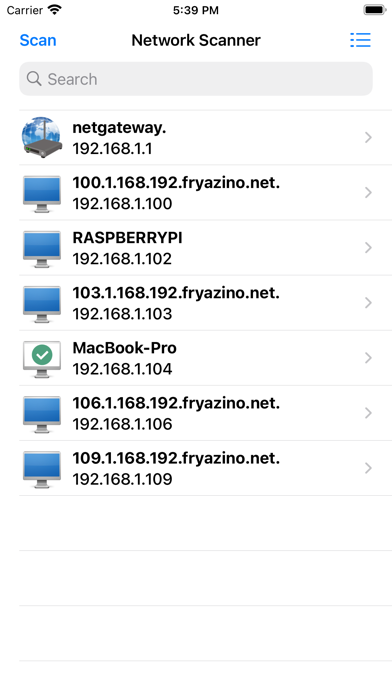
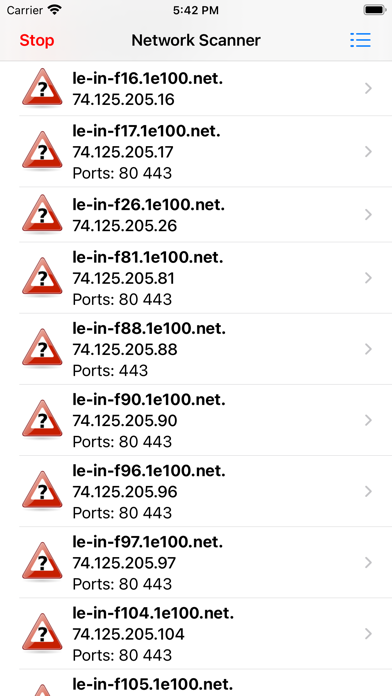
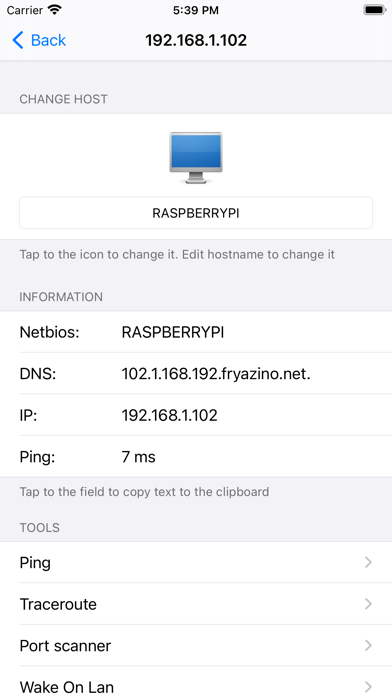
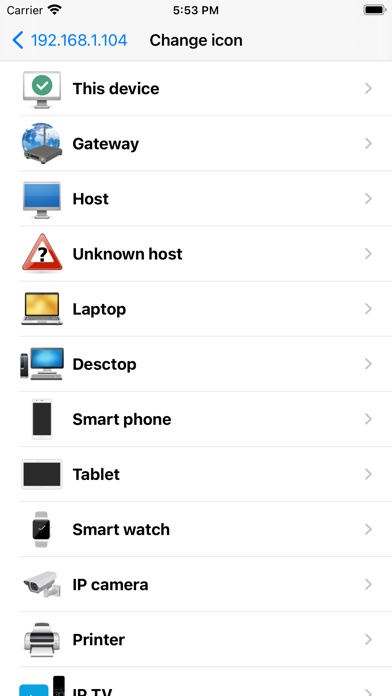
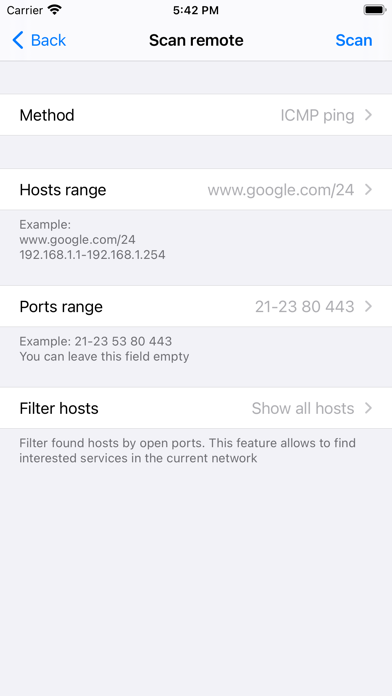
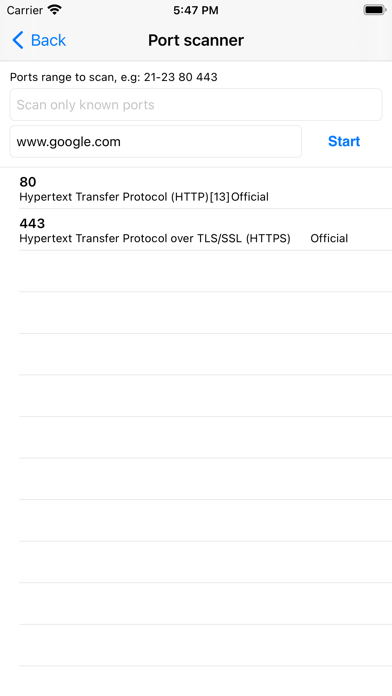
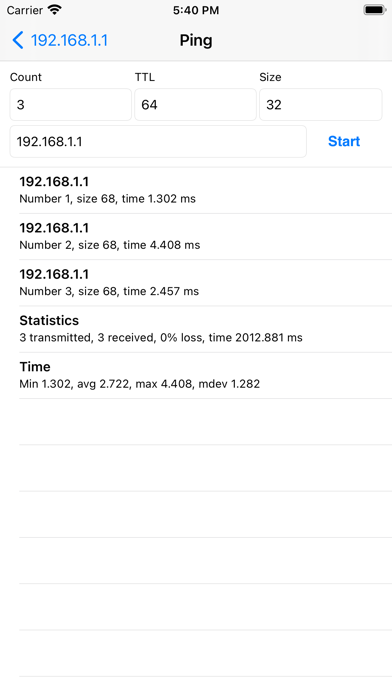
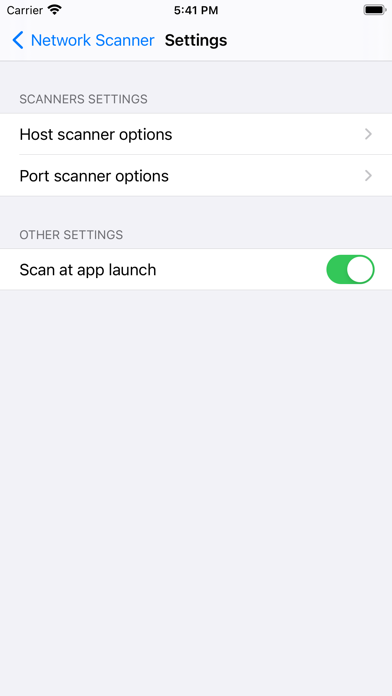
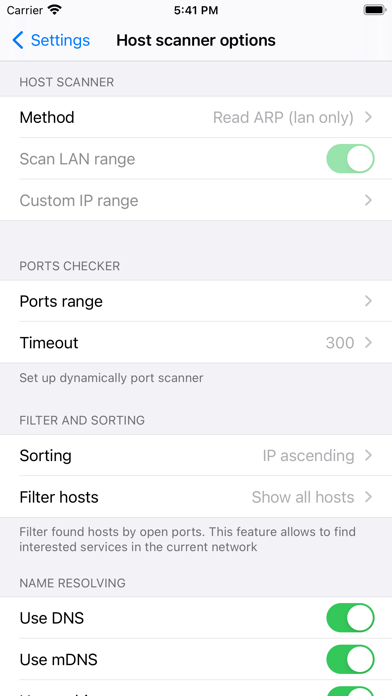
App will find all hosts in your home network or in selected IP range. It can be used not only to know who are using your WiFi and learn more about every device, but also for solving professional tasks. By installing ScanNet - Network Scanner on your device, you get a handy and easy-to-use network scanner that does not require special knowledge when working in the default mode. Following functions and capabilities of the application will be useful for administrators and IT specialists: 1) The ability to check ports right during the search for hosts. Filtering by open ports allows you to quickly find the server you need on your network. 2) IP scanner supports 4 scan modes - arp read, icmp ping, udp ping, dns request. The ability to manually set a DNS server significantly expands the functionality of scanning private networks. 3) A wide range of settings allows you to manually set both the scanning mode and the used methods of name resolution - currently supported by DNS, mDNS, netbios. 4) Advanced search in the list of found hosts - you can search both by all available information, and by address, name, open ports. 5) Personalization - the ability to change the picture and the hostname displayed in the interface. This function requires binding to the WiFi network name for the best performance. In order for the application to get the network name, access to the location will be requested. 6) The function of saving a list of found devices and opening it for study later. 7) The program includes network utilities familiar to every administrator - ping, tracerout, port scanner. Premium access allows you to access them directly from the device information screen. In the free version, all utilities are available for calling from the application menu.
Latest release
What’s New
-Bugfixes
Audience growth
Ratings growth
Baseline captured. Growth appears after the crawler observes a changed rating count.
Momentum comes from crawler snapshots for the tracked storefront. “Viral growth signal” means unusually fast recent rating gains; it is an indicator, not download data.
Price tracking
Price intelligence
First snapshot captured. The trend line starts after the next crawler price observation.
- First observed Aug 22, 2026 · 10:24 PM Free
Screenshots