About this app
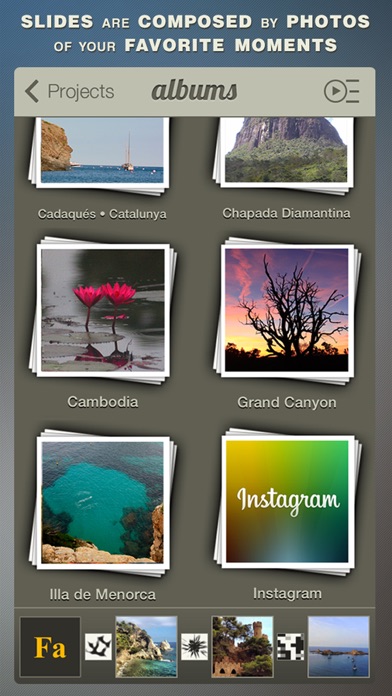
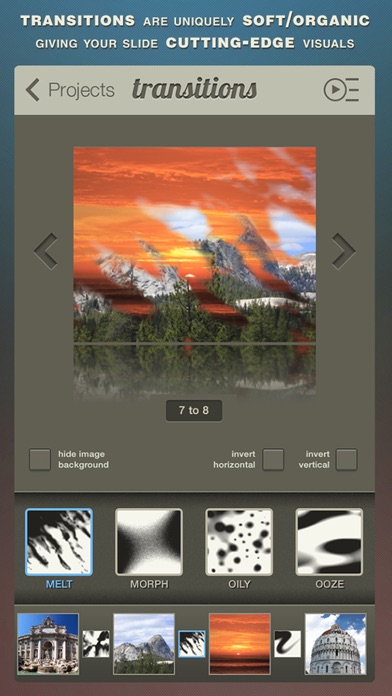
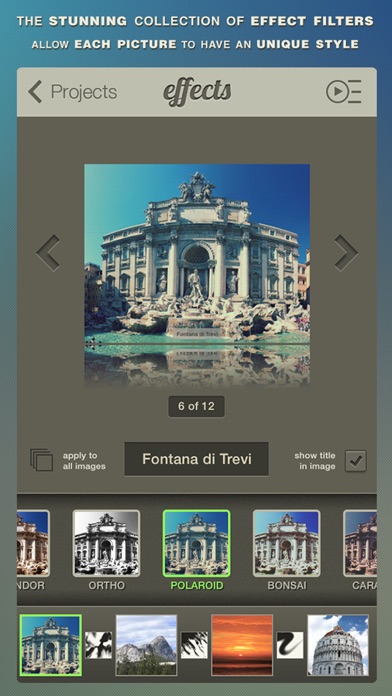
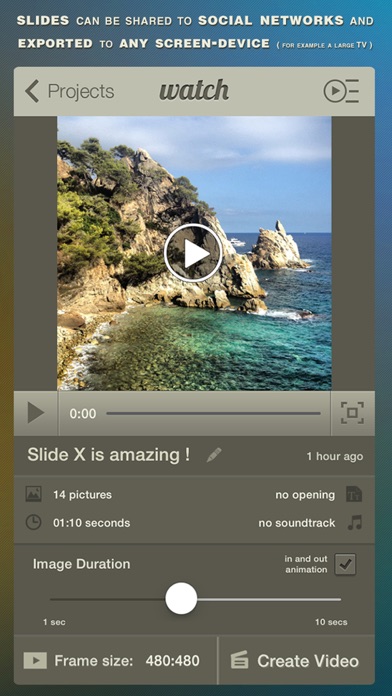
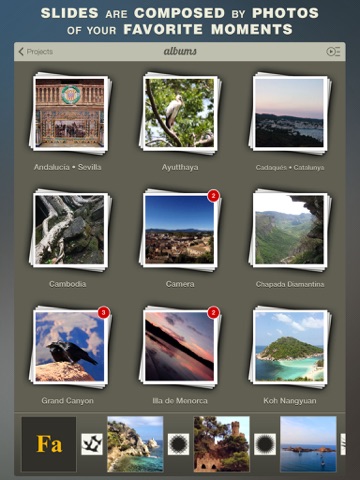
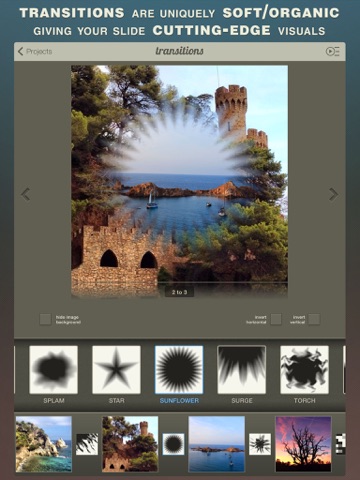
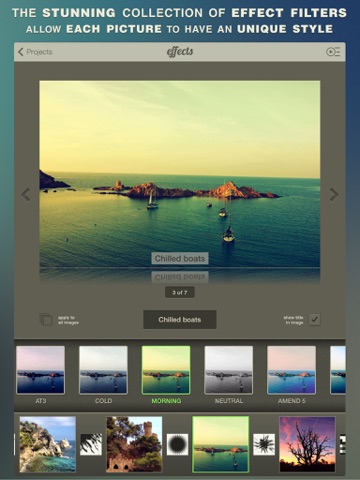
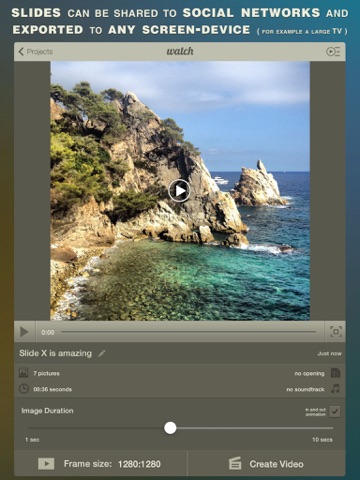
Bring the images of your favorite moments to life transforming them into gorgeous slideshow videos. Slide X is a simple yet powerful way to create truly unique video-stories from your favorite pictures, it has beautiful organic transitions, stunning filter effects, soundtracks and much more. In case you want to have a better idea of how the app works before downloading it, you can watch our promotional video on YouTube at http://y2u.be/lqE5Nqo-5Go WHY IT IS UNIQUE ? • Transitions are uniquely soft/organic based on bursts, climatics, plasmas, erosions, strokes, vapors, etc. These are ideal to stylize your slideshow with cutting-edge visuals. • Stunning collection of visual effects that will give an unique style to your photos. • Slides can be exported to be watched in any display device, think of your large living room TV for example. • Preview your creation instantly as you perfect changes. • Compose using pictures from social networks such as Instagram. • Instant sharing to Facebook, YouTube, Vimeo, Instagram and more. • Interact with friends through giving & receiving likes and comments. • Customisable visual formats to choose including landscape, square and portrait modes. • Include any song from your library as the soundtrack of your slides. • Well designed user interface for both aesthetics and usability. • Incredible creative flexibility and visual elegance for what you create. • The only slideshow app you will ever need. • And much much more ... WHAT IS A SLIDESHOW ? A slideshow is a presentation of a series of still images on a projection screen or electronic display device, typically in a prearranged sequence. Each image is usually displayed for at least a few seconds before it is replaced by the next image using a visual effect as a transition. SUPPORT • Have a question? Remember: we can't respond to App Store reviews, so email us at support@slide-x.net. WHAT’S NEXT: • Follow @slidexapp on Twitter and Instagram for the latest! • Like Slide X app on facebook.com/slidexapp
Latest release
What’s New
Slide X brings the best new features of iOS9, focusing on Moments, to offer faster, smarter ways to tell stories through your photos. • Moments album where you can find your pictures grouped by location, events and dates. • You can now choose multiple different soundtracks to compose your slideshow. • The preview and the rendered video timing were reworked to make sure it is now matching. • Support for the new iPhone 6 and iPhone 6 Plus. • Tweaks to make it even faster. • More will be coming soon, stay tuned. If you like Slide X, we kindly ask you to take the time to (re)write a nice review: it really helps. Thank you !
Audience growth
Ratings growth
Baseline captured. Growth appears after the crawler observes a changed rating count.
Momentum comes from crawler snapshots for the tracked storefront. “Viral growth signal” means unusually fast recent rating gains; it is an indicator, not download data.
Price tracking
Price intelligence
- First observed Sep 2, 2026 · 11:44 PM Free
Screenshots