About this app
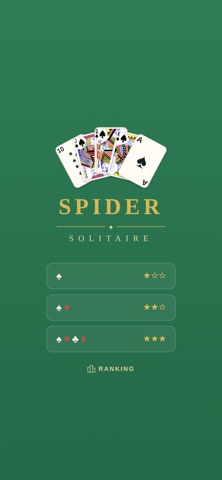
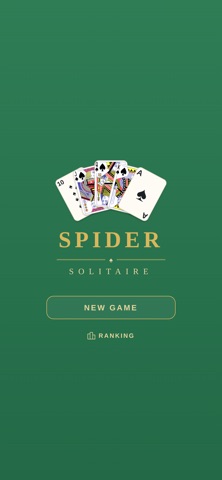
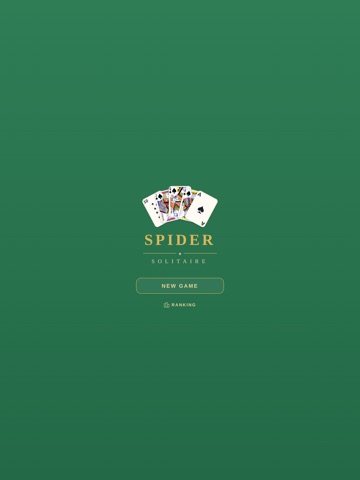
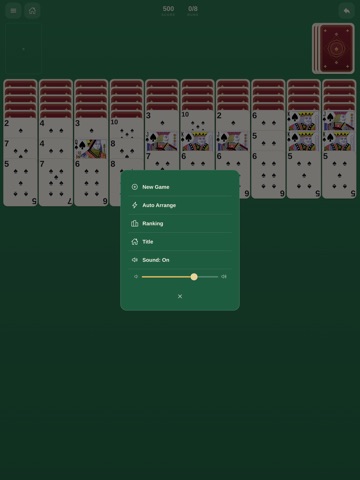
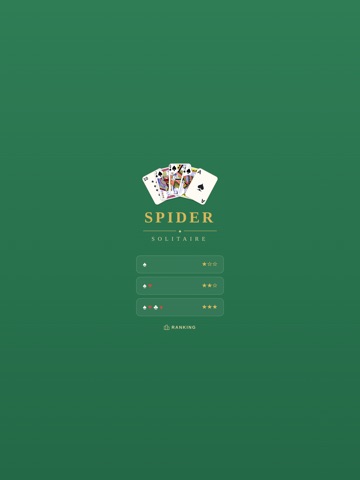
Spider Solitaire the way it should be: a clean green felt table, cards that really deal and flip, and nothing standing between you and the next run. Two decks, 104 cards, eight sequences to build from King down to Ace. Clear them all and the board is yours. FEATURES - Three difficulties. One suit to warm up, two suits for a real game, four suits when you want a fight. - Drag a card where you want it, or just tap it and let it find its own spot. - Undo any move. Auto Arrange tidies up same-suit sequences for you in one step. - Scoring that keeps you sharp: you start at 500, lose 1 point per move, and earn 100 for every completed King-to-Ace run. A timer runs alongside. - A local top 10 for each difficulty, plus Game Center leaderboards you can browse right inside the app, switching between Global and Friends to see how you stack up against everyone else. - Challenge a friend on Game Center to beat your score, straight from the ranking screen or the moment you win. - Resume anytime. The game auto-saves, so you can close the app in the middle of a hand and pick up exactly where you left off. - Realistic dealing and flipping animations, refined typography, and sound effects with a volume control you actually get to set. - Portrait or landscape, on iPhone and iPad. - No ads. No account. No internet connection required. Whether you have five minutes in line or a long quiet evening, the table is already set. Just cards, felt, and one more deal.
Latest release
What’s New
- Game Center leaderboards, with a separate board for each difficulty: one suit, two suits and four suits. - The ranking screen now shows the Game Center leaderboard inside the app. Switch between This Device and Game Center, with Global and Friends views, and your own row highlighted. - Send a Game Center challenge to a friend to beat your score, from the ranking screen or right after you win. - Full localization, so the whole game now speaks your language: 36 languages in all. - More reliable card dragging, including landscape and on iPad, and correct behavior when a run completes mid-drag. - Fixed a duplicate entry on the leaderboards, and Auto Arrange now finds same-suit merges it used to miss. - Correct layout in landscape and at large system text sizes.
Audience growth
Ratings growth
Baseline captured. Growth appears after the crawler observes a changed rating count.
Momentum comes from crawler snapshots for the tracked storefront. “Viral growth signal” means unusually fast recent rating gains; it is an indicator, not download data.
Price tracking
Price intelligence
First snapshot captured. The trend line starts after the next crawler price observation.
- First observed Sep 7, 2026 · 9:14 PM Free
Screenshots