About this app
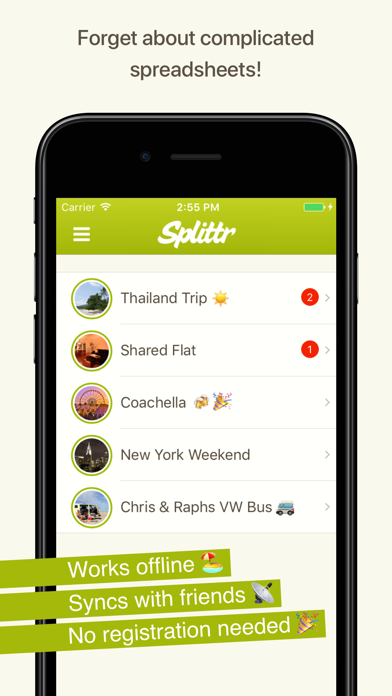
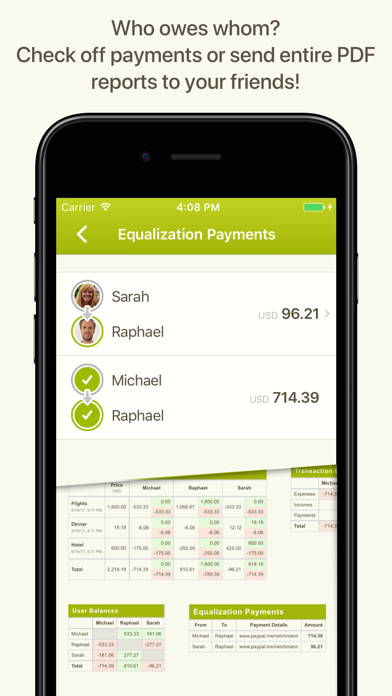
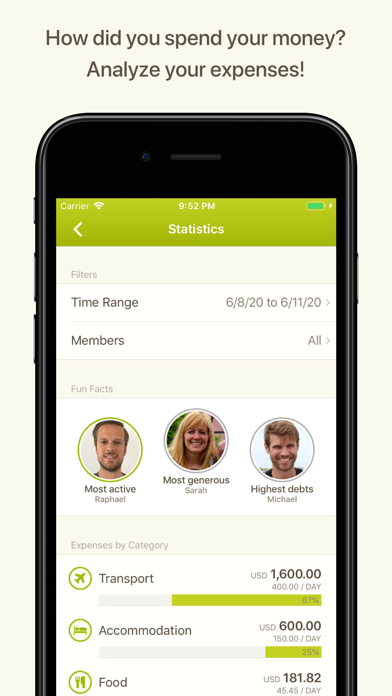
Splittr helps you to split group expenses on vacations, with your roommates or any other group activity. Simply add expenses as you go and Splittr will tell you who owes whom how much. Invite your friends and everybody can enter expenses with their own devices. - Works offline - Syncs with friends - No registration needed - All currencies supported - Categorize your expenses (custom categories available) - PDF and CSV export - Statistics and fun facts about your group - A super fast, easy-to-use interface - Smart settle-up that minimizes the number of payments - You can split expenses unevenly if purchasers paid different amounts or if certain participants benefited more or less from the expense - Automatic backups Use case: Imagine you are on a trip with two friends: Emma and Daniel. You pay $100 for gas for the trip. Anyone with a calculator can divide that price three ways, but even then, you’d normally have to keep a record of the expense in order to divvy it up later. With Splittr, this expense is entered in a couple of seconds and divided equally with little time or effort. Imagine that later, you, Emma and Daniel go to a restaurant. You’re not hungry, so you only order juice. Daniel orders a steak and a cheesecake. Emma gets a spinach salad. The bill is $80. Daniel forgot his wallet in the hotel room and doesn’t pay, but you chip in $60 and Emma pays $20. You need a math degree to calculate who owes what, right? Not with Splittr! Simply enter who paid how much and Splittr will do the rest. It’s that simple!
Latest release
What’s New
Small under-the-hood improvements to keep Splittr running smoothly.
Audience growth
Ratings growth
Baseline captured. Growth appears after the crawler observes a changed rating count.
Momentum comes from crawler snapshots for the tracked storefront. “Viral growth signal” means unusually fast recent rating gains; it is an indicator, not download data.
Price tracking
Price intelligence
First snapshot captured. The trend line starts after the next crawler price observation.
- First observed Aug 23, 2026 · 8:29 PM Free
Screenshots