About this app
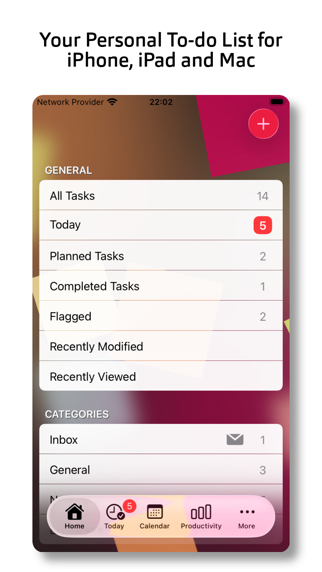
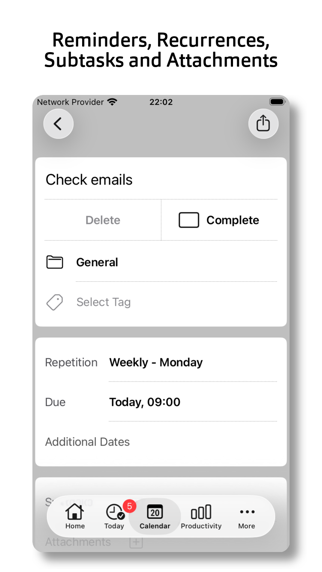
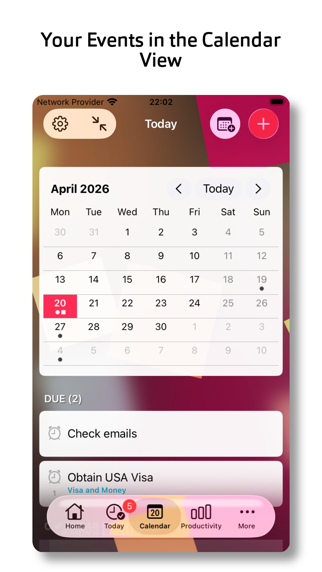
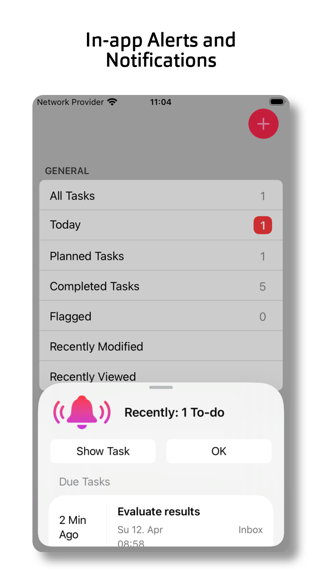
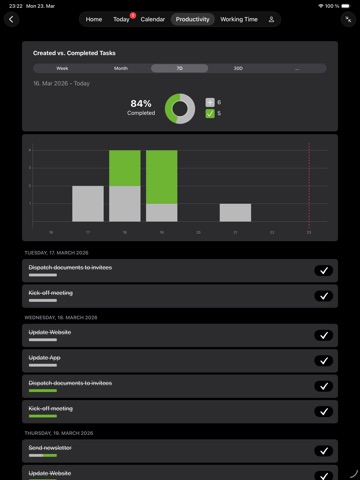
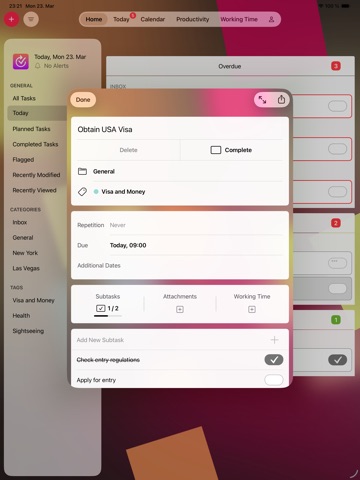
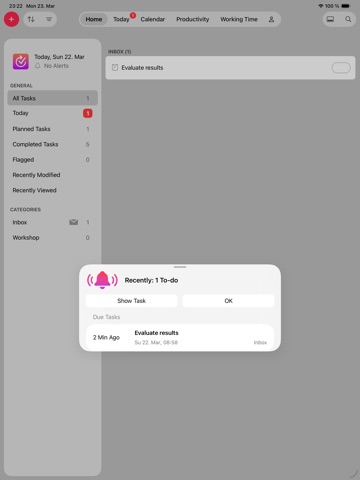
Tempodo 2 is a personal task manager that assists you in getting tasks done. Also available on macOS. - List based management of onetime and repeating tasks - Tasks can be assigned to categories and marked with tags - Subtasks and attachments supported - Time tracking on task and subtask level - Calendar view with system calendar integration - Today view for tasks and calendar events - In-app alerts - Productivity reports - Customizable task collection backgrounds - Homescreen & Lockscreen Widgets, Notifications, Dark Mode - File provider support to sync files across iOS and macOS devices (iCloud Drive and third party) - Task import / export via CSV file - Task cleanup / archiving - Single app for iPhone/iPad and Mac - Basic (Free) version and PRO features via In-App Purchase available - All PRO features are available via subscription or single PRO features can purchased as onetime purchases - No additional registration/account needed - Supported languages: English, German, French, Italian, Dutch, Spanish, Portuguese PRO Features: - System notifications, additional reminder date and start date for tasks, custom rules for repeating tasks - 3 column layout and multi window support on iPadOS and macOS - Additional background images for personalisation: including own images - Additional Homescreen widgets - Additional productivity reports - System calendar integration - Working time CSV file export For more information please visit the website. Please send feedback to make Tempodo even better. Tempodo 2 is also available for macOS. Note: The free version is limited to a maximum of 4 categories, 2 tags, 10 tasks per category and 2 sub tasks per task. The limit can be removed by purchasing the "Unlimited Items" PRO feature. Terms of Use: https://www.apple.com/legal/internet-services/itunes/dev/stdeula
Latest release
What’s New
- Tab bar icons for iPhone updated for iOS 26 - Sort order can be changed - Add task button added to Today view (iPad) - Bug fixes and stability improvements
Audience growth
Ratings growth
Baseline captured. Growth appears after the crawler observes a changed rating count.
Momentum comes from crawler snapshots for the tracked storefront. “Viral growth signal” means unusually fast recent rating gains; it is an indicator, not download data.
Price tracking
Price intelligence
First snapshot captured. The trend line starts after the next crawler price observation.
- First observed Sep 17, 2026 · 6:51 PM Free
Screenshots