About this app
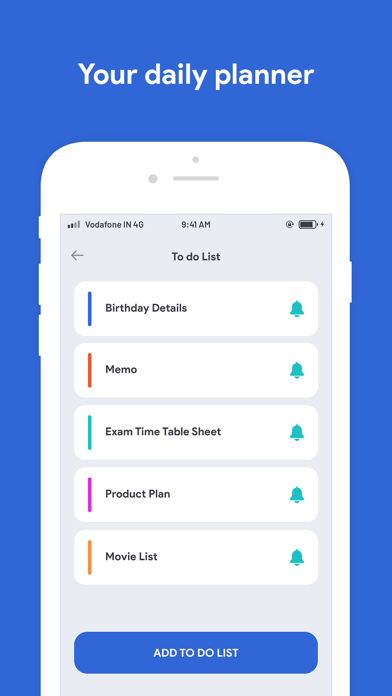
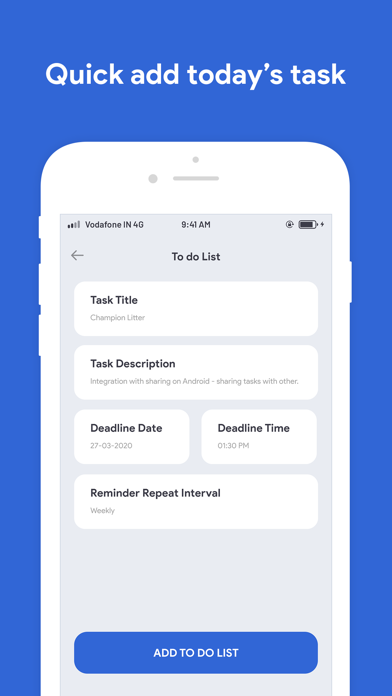
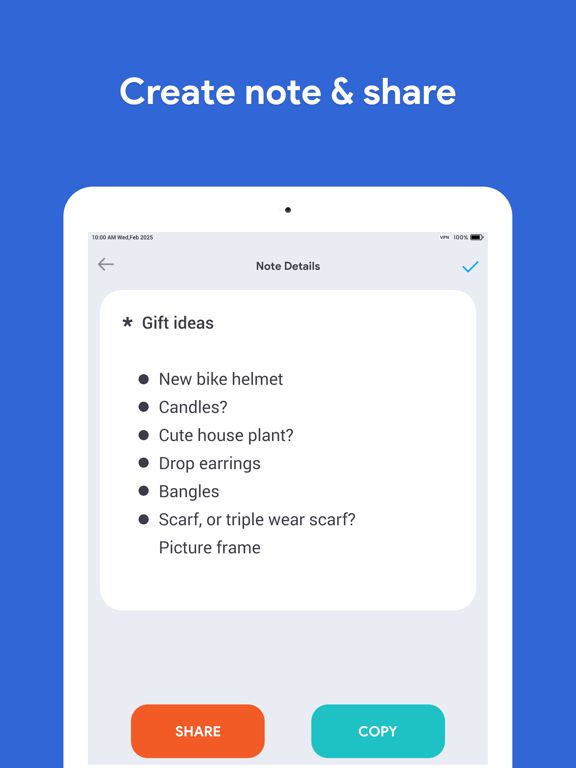
You can use the app to manage your routines, plan your schedule and organize your daily tasks in a clear and easy way. The app helps in increasing your productivity and keeping track of your to be done tasks. A must-have Reminder app Embrace the power of the Reminder and start getting your things done on time. • Deadlines are no longer a problem with Reminder; simply create a reminder for each deadline and let the app do the work for you. • Meetings – work schedules can get busy and the last thing you want to do, when such a thing happens, is miss one of your meetings. Create a weekly reminder for each meeting and be sure you will never miss one. • Homework and Assignments – we are all familiar with them, and know that to get all of them done on time a good planning is required. Using Reminder you can solve this problem and make your life easier. • Birthdays – sometimes it can be difficult to remember all the birthdays of your close friends and relatives, and you most definitely don’t want to make any of them upset. But don’t worry, Reminder can help you with this, too; just create a yearly reminder for each birthday and let the app do the rest. • Anniversaries – never forget about the important anniversaries. Create a recurring reminder for each special date. • Paying Bills – no more extra charges for the late fees! Use it to remind you about the next payment day. • Important Calls – stay in touch with the people you care about. • Taking Medication – never forget to take the right medication at a right time; create a daily reminder to help you do just that. • Use it as an event planner. Plan your events in advance with Reminder. Create the informative reminders easily, and be assured you will never miss a thing. • Use daily reminders to remind yourself about the important daily routines. • Use the task synchronization to keep yourself notified across all of your devices. • Stay organized.Accomplish what's meaningful and important to you each day with My Day and Suggestions, your personalized daily planner tools. Intelligent suggestions recommend tasks from across your lists that may be relevant for the day. From grocery lists to housecleaning routines, daily tasks are simple with To Do. When you're quickly switching between contexts and tasks, it's important to have tools that help you achieve what matters. Microsoft To Do helps you quickly capture and retrieve your lists and tasks across devices and between multiple accounts. Daily planner • A daily planner personalized with suggested tasks: My Day • To do lists are accessible anywhere, on any device • Task management features break your tasks into manageable steps • Take notes to add to any task • Group lists together by topic or project Task manager • Add reminders, tasks and lists with the To Do widget • Daily organizer personalized with bold and colorful backgrounds • Reminders with one-time or recurring due dates • Make task lists and switch between school, work, and personal lists • Attach up to 25 MB of files to any task To Do lists for any purpose • Bill planner • Shopping list • Reminders • Task management • Take notes • And more SUBSCRIPTION INFORMATION : - Subscribe for unlimited access to all the Premium features. - - Subscription is automatically renewed unless canceled 24 hours before the renewal - Payment will be charged to iTunes Account at confirmation of purchase - Account will be charged for renewal within 24-hours prior to the end of the current period, at the same price - Subscriptions may be managed by the user and auto-renewal may be turned off by going to the user’s Account Settings after purchase - Any unused portion of a free trial period, if offered, will be forfeited when the user purchases a subscription to that publication, where applicable Privacy Policy : https://thummarhetal.wordpress.com/privacy-policy/ & Terms of Service: https://thummarhetal.wordpress.com/terms-and-condition/
Latest release
What’s New
Solve Minor Bug Fix.
Audience growth
Ratings growth
Baseline captured. Growth appears after the crawler observes a changed rating count.
Momentum comes from crawler snapshots for the tracked storefront. “Viral growth signal” means unusually fast recent rating gains; it is an indicator, not download data.
Price tracking
Price intelligence
First snapshot captured. The trend line starts after the next crawler price observation.
- First observed Aug 25, 2026 · 11:23 PM Free
Screenshots