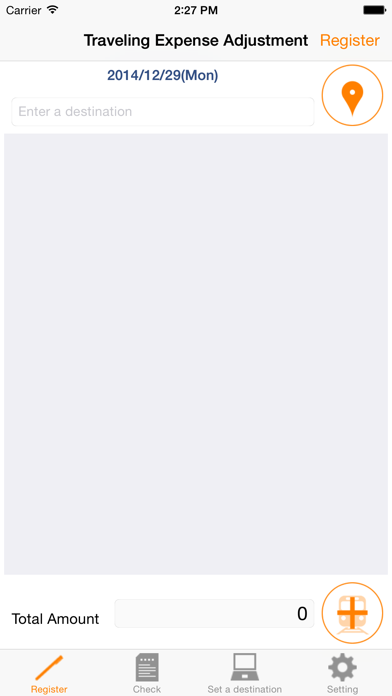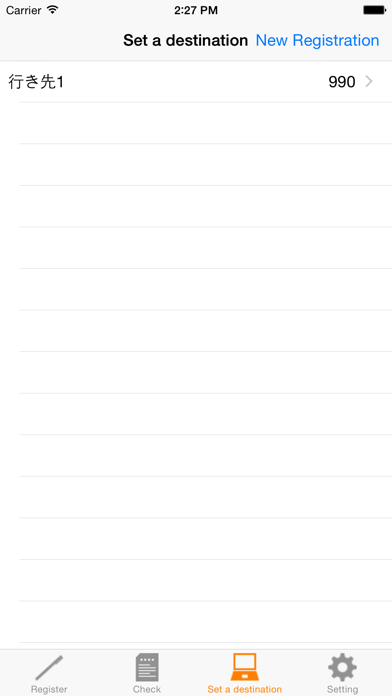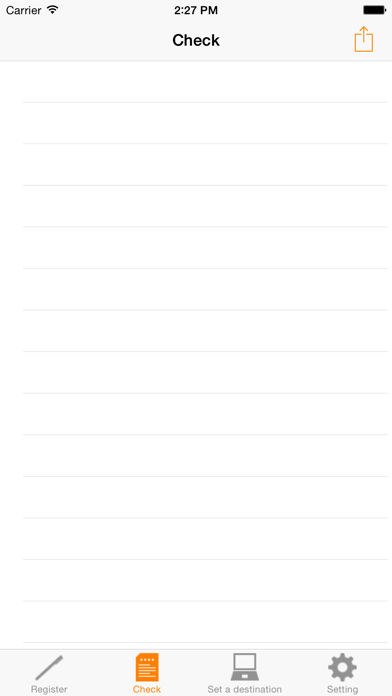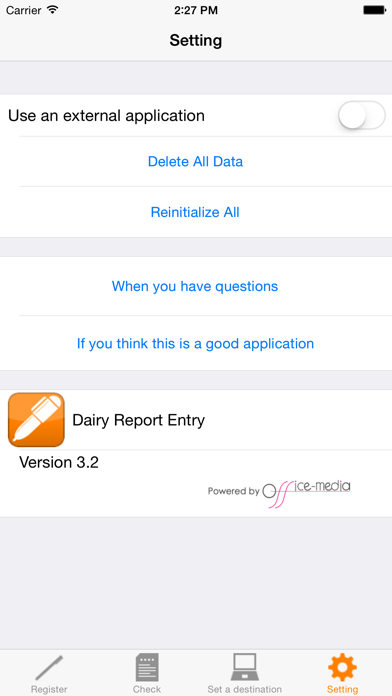
About this app
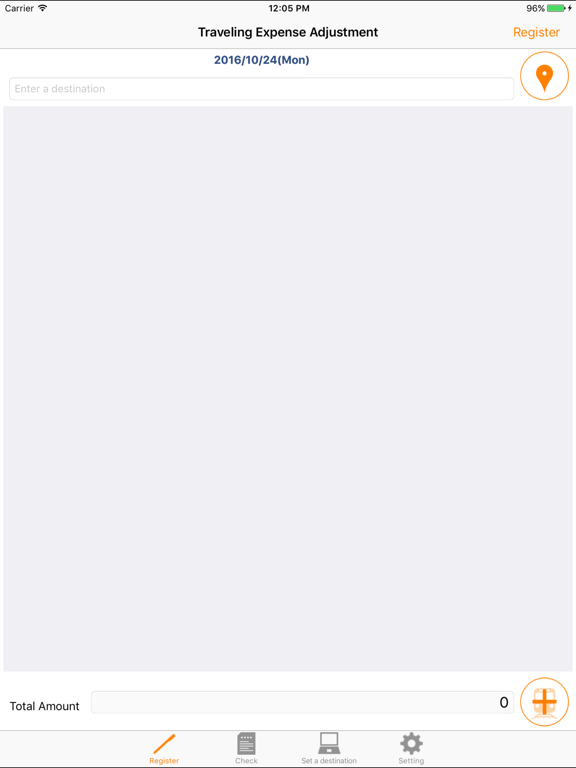
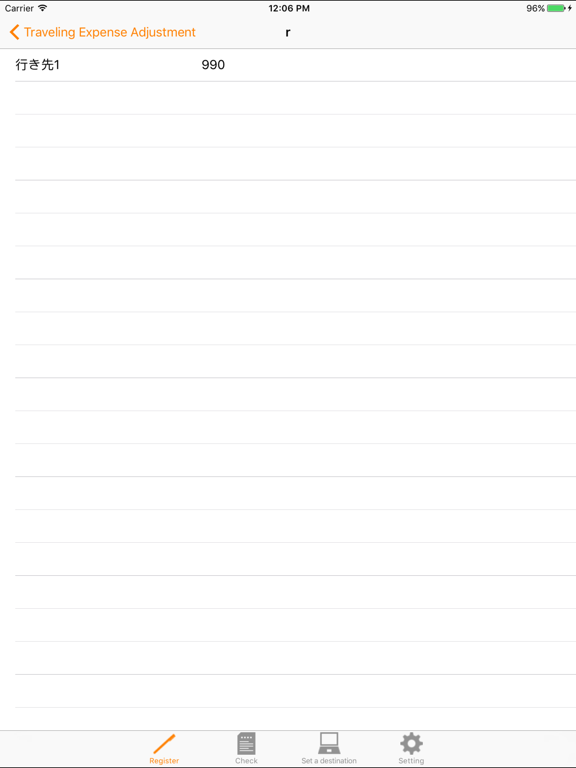
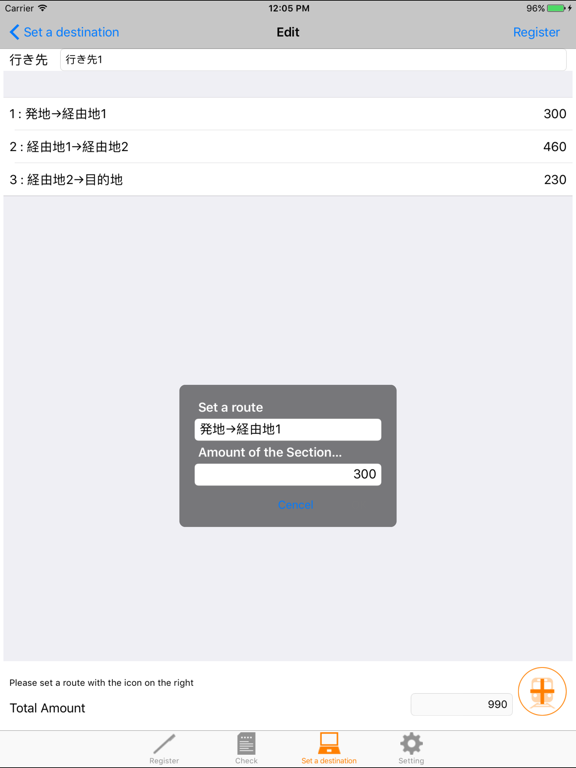
"Traveling Expense Adjustment" is an application for those who claim for reimbursement of travelling expenses at the time of working outside the company or business trips. Traveling expense is automatically displayed by selecting "Destination", and you just touch "Enter" button to adjust the expense. Also, you can see the list of travel expenses for each "Destination" on Check Screen. (How to Use) - Register "Destination" you frequently visit as initial setting. - The information that needs to be entered is "Route" and "Travel Expense". - You can register a maximum of four routes. e.g.: St. A > St. B / St. B > St. C / St. C > St. B / St. B > St. A - Travel expense is automatically set when you select "Destination". - You can change "Travel Expense", "Destination", and "Comment" when you enter information. - You can delete accumulated travel expense data by touching "Clear Travel Expense" button. (Features) - Simple format with only "Date", "Destination", "Route", and "Amount". - You can enter information easily because "Destination", "Route", and "Amount" are registered as master information. - You can send recorded travel expense data to the Cloud such as EverNote and DropBox or e-mail addresses in CSV format. (Support) Please contact us if you have any questions, problems, and requests on this application. http://www.ios-appli.jp/
Latest release
What’s New
Supported OS has been changed to iOS 14.7 or later.
Audience growth
Ratings growth
Baseline captured. Growth appears after the crawler observes a changed rating count.
Momentum comes from crawler snapshots for the tracked storefront. “Viral growth signal” means unusually fast recent rating gains; it is an indicator, not download data.
Price tracking
Price intelligence
First snapshot captured. The trend line starts after the next crawler price observation.
- First observed Sep 4, 2026 · 4:46 AM $1.99
Screenshots