About this app
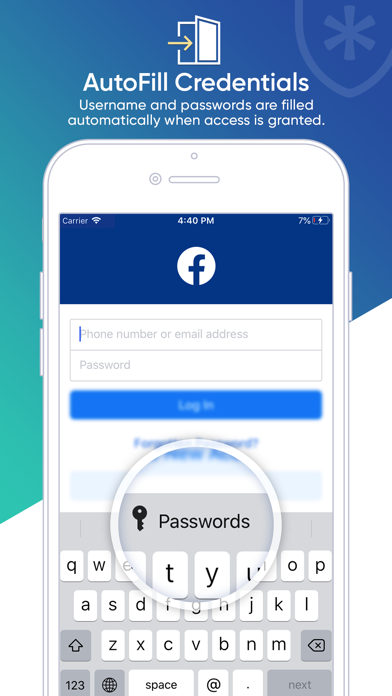
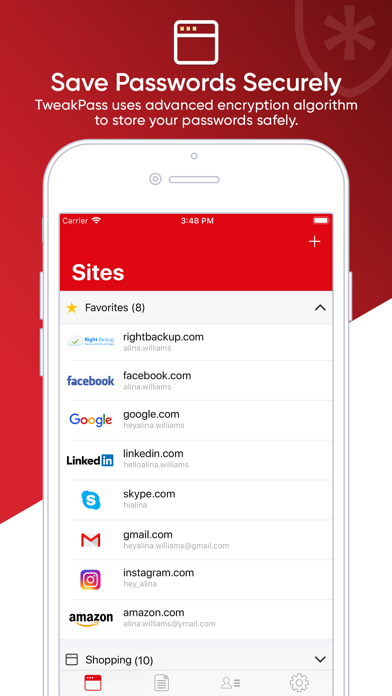
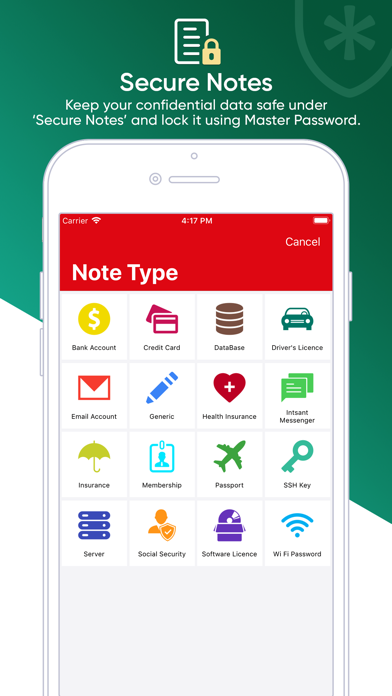
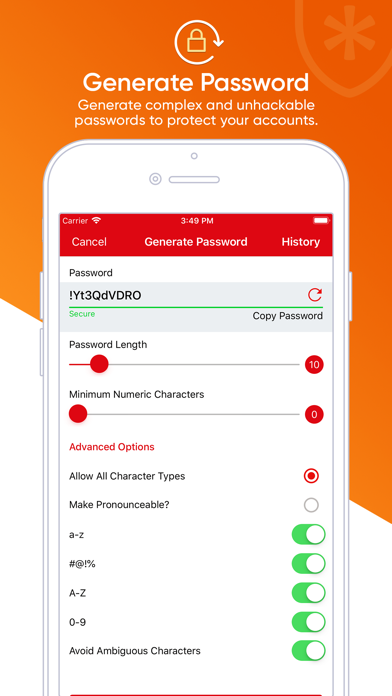
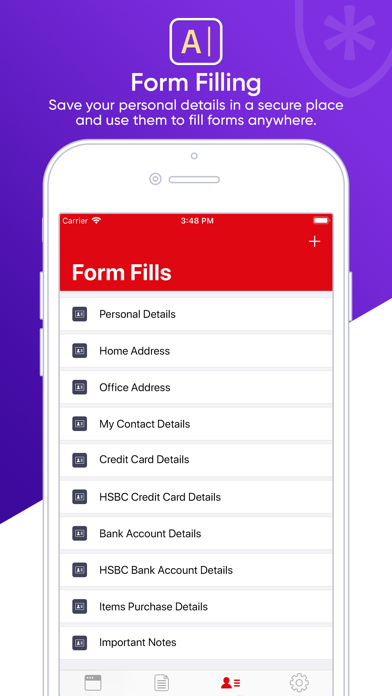
Just one Master Password and all other passwords are secured in a single location. TweakPass is an ultimate password security app that keeps your sensitive data securely and lets you access it anytime, anywhere. Remembering many passwords of multiple accounts is a cumbersome job and one might need to use sticky notes or other files to save them all. It is best to free yourself from hassles and keep TweakPass in iOS devices which encrypt all the passwords, notes, forms, etc. with a single Master Password. TweakPass Features: • Add Any Number Of Sites Once the app is installed, choose ‘+’ to add sites like Facebook, Gmail, Netflix, etc. where the credentials can be filled in and saved. • Website Access Any website address that has been added to the site list can be accessed right from the application itself. Hassle free website access Any added website can be accessed in one click from the application, no need to fill password details again, as it will be autofilled by application. • Secure Notes Notes like bank account details, credit card, driver’s license, health insurance, email account, passport, Wi-Fi password, etc. can be saved in the TweakPass vault. • Add Form Add generic form for yourself and access it anytime you wish. You can include Social Security Number, credit card details, etc. inside the form. • Autofill Password Settings All your passwords do not need to be entered when the website is visited. Just go to phone Settings > Passwords & Accounts > AutoFill Passwords > toggle the switch on and check TweakPass. • Applicable to Other Apps TweakPass is not only applied to sites you have added but also their applications. For example, if you have added credentials for Facebook website, these same credentials will work on Facebook app as well. • Touch ID or Face ID Keep your data safe once again by enabling Touch ID or FaceID via the Settings menu in TweakPass app. Logging into Tweakpass is fast,easy and secure, Keep your data more secure by enabling Touch ID or FaceID via the Settings menu in TweakPass app. • Generate Strong Password Facing difficulty in coming up with strong passwords by yourself? Go to app Settings and Generate Password. You will be able to find a variety of password suggestions that can be used later as Master Password or other website’s credentials. Or you can use it for any website’s credentials. “A difficult password can save you from hacking” • SSL Security TweakPass applies an enhanced security model with HMac and PBKDF2 SHA-256 encryption for strong protection against cyber threats. Keep all your accounts and private details secured with the trust of TweakPass!
Audience growth
Ratings growth
Baseline captured. Growth appears after the crawler observes a changed rating count.
Momentum comes from crawler snapshots for the tracked storefront. “Viral growth signal” means unusually fast recent rating gains; it is an indicator, not download data.
Price tracking
Price intelligence
First snapshot captured. The trend line starts after the next crawler price observation.
- First observed Sep 18, 2026 · 4:40 AM Free
Screenshots