About this app
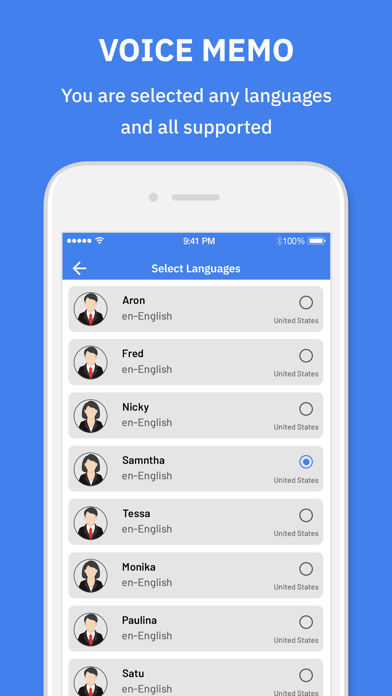
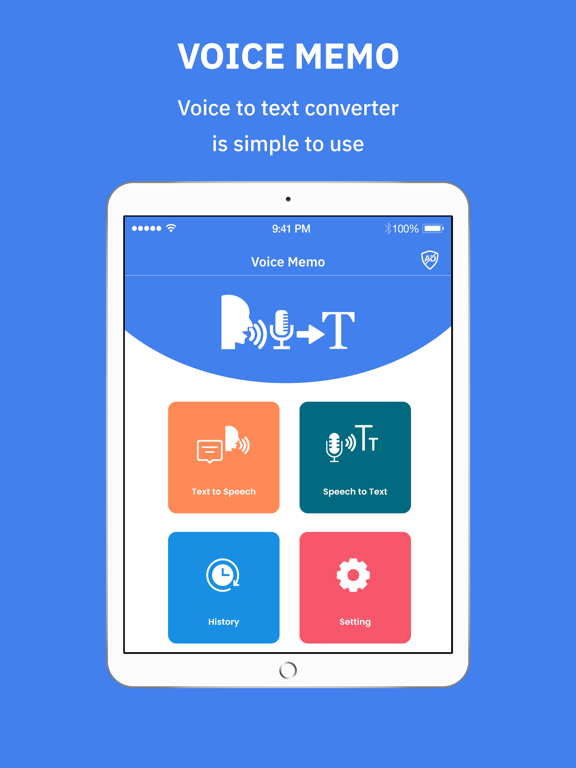
You just speak and your speech is instantly converted into text. You won’t have to type anything anymore. Used highly accurate , state of the art latest Speech Recognition API . Dictate your text easily! This Dictation app accurately transcribes your speech to text in real time. You can add paragraphs, punctuation marks, and even smileys using voice commands This fantastic Voice Memo app will allow you to do more with your iPhone/Ipad : • Voice recognition support for 29 languages and accents. • Share your text on social networks • Copy your text to other apps. • Send your text as an email or text message Features In speech to text-voice notes Voice Typing app we have included about all languages audio to text support. You speak in any selected language of given; it will detect and convert your voice into the text or the notes form. So by using this app, you can convert your voice message into the any language of the world. Speech to text is the main feature of this application. You just speak your word or sentence, it will convert your voice into the text form. This app can be helpful for professionals to use it. It will convert all your audio dictation into the text form and you can use it wherever you want. Text to speech is another major feature of this application. This application offers you to convert all your texts or notes into the audio form. In addition to that, you can paste your dictated text and it will convert into the voice form. Speech to text: Voice Typing can be very helpful for the people who are in the extensive use of mobile phone chatting. If you are doing so, you need not to worry. Just download this app and save your precious time. App have user friendly interface and easy to use for any age person... Technology: New iOS 11 Speech framework having state of the art accuracy, Faster ,Automatically adapts to the user Super easy: Simply click the microphone and start dictating. No need to login or register You can add new paragraphs, punctuation marks, smileys and other special characters using simple voice commands. So, in a nutshell, you can do the following: - Convert your voice into text. - Send your text as an SMS message or email. - Convert your text into voice. - Send your voice on sicoal media or email. - The clean elegant design, along with the non-stop voice recognition and other features means you can relax and focus on your thoughts and content Makes life easy - no more struggling to write down short or long texts. Unlike other voice-typing apps, Speechnotes does not stop listening when you take a break to breath or think. Also give us feedback of this app. you will be highly appreciated.
Latest release
What’s New
Solve Minor Bug Fix.
Audience growth
Ratings growth
Baseline captured. Growth appears after the crawler observes a changed rating count.
Momentum comes from crawler snapshots for the tracked storefront. “Viral growth signal” means unusually fast recent rating gains; it is an indicator, not download data.
Price tracking
Price intelligence
First snapshot captured. The trend line starts after the next crawler price observation.
- First observed Aug 26, 2026 · 8:02 AM Free
Screenshots